Get all your news in one place.
100's of premium titles.
One app.
Start reading
TechRadar
TechRadar
James Davidson

New TV not looking as good as you hoped? Here are 3 settings I always change to get better picture quality

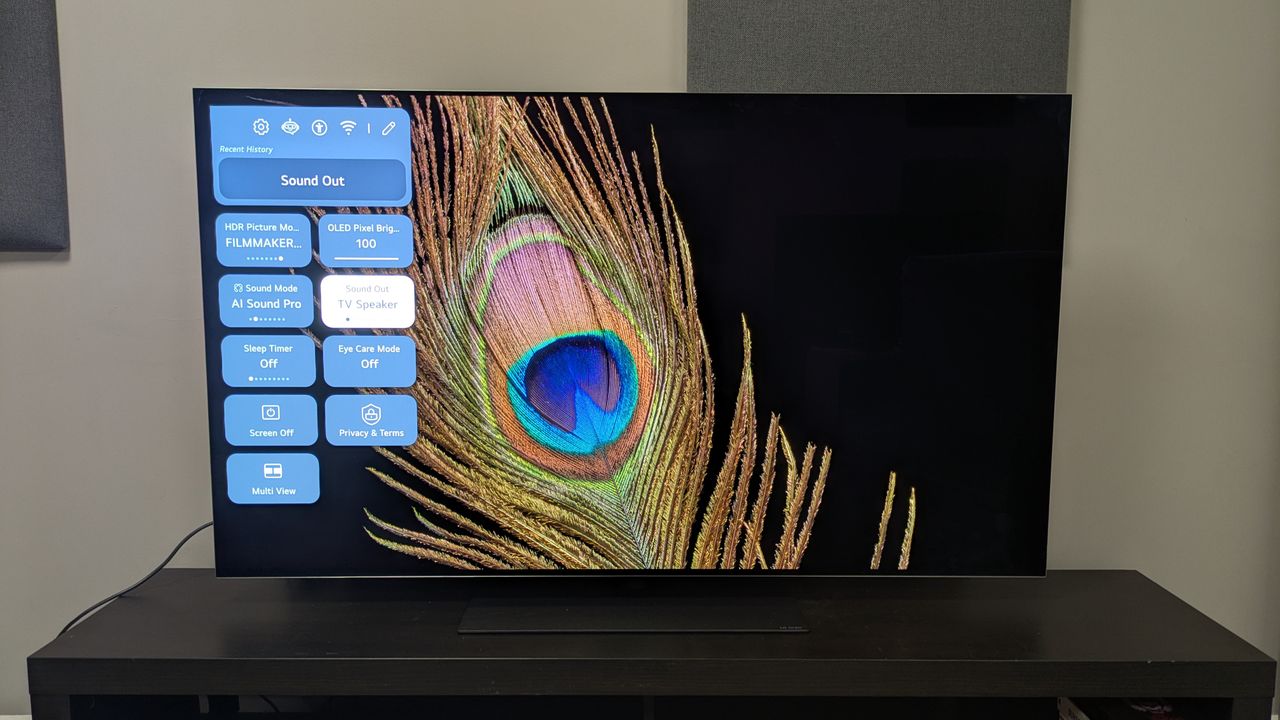
LG G5 OLED TV with quick menu on display over image of peacock feather .

You’ve got yourself a new TV in the sales: congrats! But maybe you’ve either set it up and thought ‘something doesn’t look right here’ or you just think you can get even more out of it. Well, I’m here to help.

As TechRadar’s TV reviewer, I always make a trip to a TV’s settings before I get testing. Even the best TVs on the market have settings that need changing. Out of the box, a TV can look ‘wrong’ for several reasons: too dim, too sharp, too bright, inaccurate colors, unnatural motion – the list goes on.

Sign up to read this article
Read news from 100's of titles, curated specifically for you.
Already a member? Sign in here
Related Stories
Top stories on inkl right now
One subscription that gives you access to news from hundreds of sites
Already a member? Sign in here
Our Picks
Fourteen days free
Download the app
One app. One membership.
100+ trusted global sources.