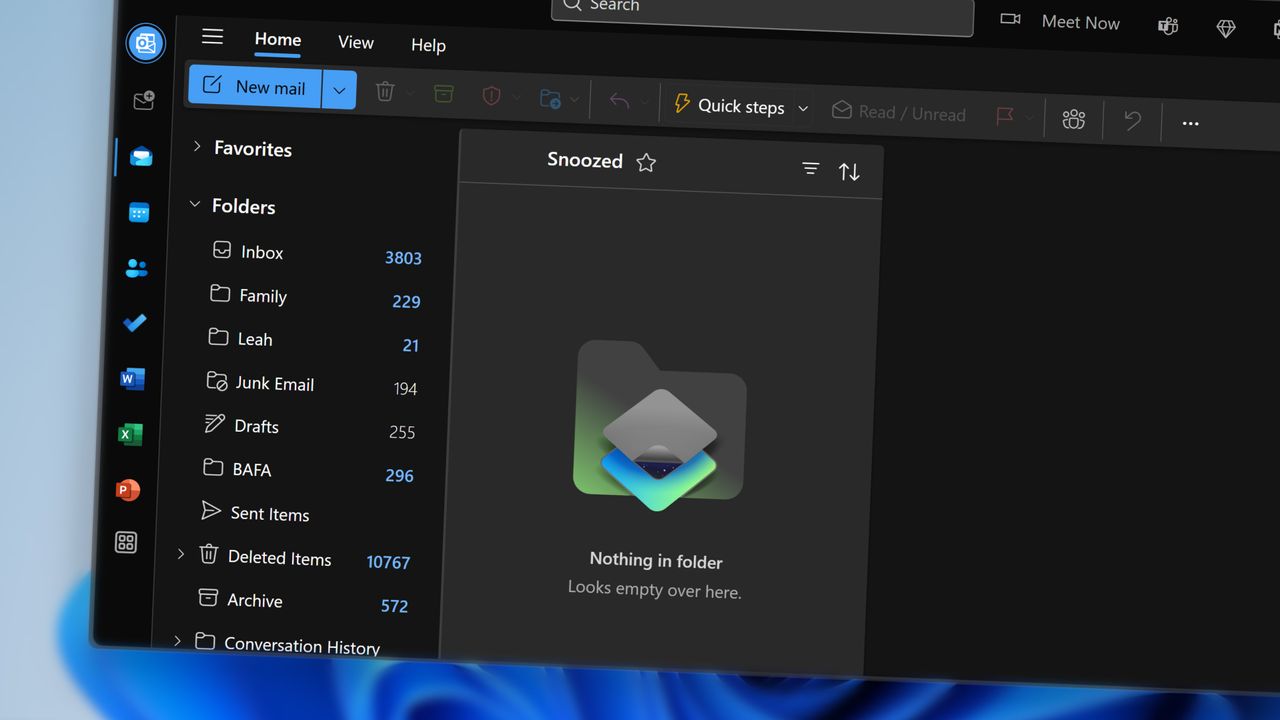
Microsoft is going to remove Contact Masking, a feature that allowed users to hide suggested recipients from appearing when composing emails or adding people to the Cc field.
When you typed a name or email address, Outlook would suggest contacts based on your previous interactions. If you clicked the X next to a suggested name, Outlook would “mask” that contact, preventing it from appearing as a suggestion again
Admittedly, this is a feature I did not even know existed. That is probably because I quietly left Microsoft Outlook behind, partly due to frustrations I know many others share, and moved over to Thunderbird instead. For the most part, it has been a far more enjoyable experience.
Still, as tempting as it is to throw shade, I will hold back, just a little bit anyway. Instead, let’s take a closer look at the feature Microsoft is removing, what it actually did, why it is going away, and a few other Outlook annoyances worth mentioning.
Why Microsoft is removing contact masking

On the surface, it sounds harmless enough. The problem is that the change did not just affect Outlook. Masking a contact also removed it from suggestions across other Microsoft 365 services, including Teams and Microsoft 365 Search, which is where much of the confusion began.
While users could undo hiding a contact, the option only appeared briefly after masking it. According to Microsoft, that short window added to the confusion, and there are currently no plans to replace the feature or add anything similar.
Outlook has had its fair share of missteps lately. Just last month, it became “completely unusable” for some users, and the month before that, it somehow let spam overrun Sean’s inbox, our own news writer here at Windows Central.
Contact Masking is set to be removed on March 31, 2026, for all Outlook users across desktop, mobile, and the web (via Neowin).
Did you ever use Contact Masking in Outlook?
What do you think? Was Contact Masking a useful feature, or did it cause more problems than it solved? Let us know in the comments, and be sure to take part in the poll below:

Join us on Reddit at r/WindowsCentral to share your insights and discuss our latest news, reviews, and more.