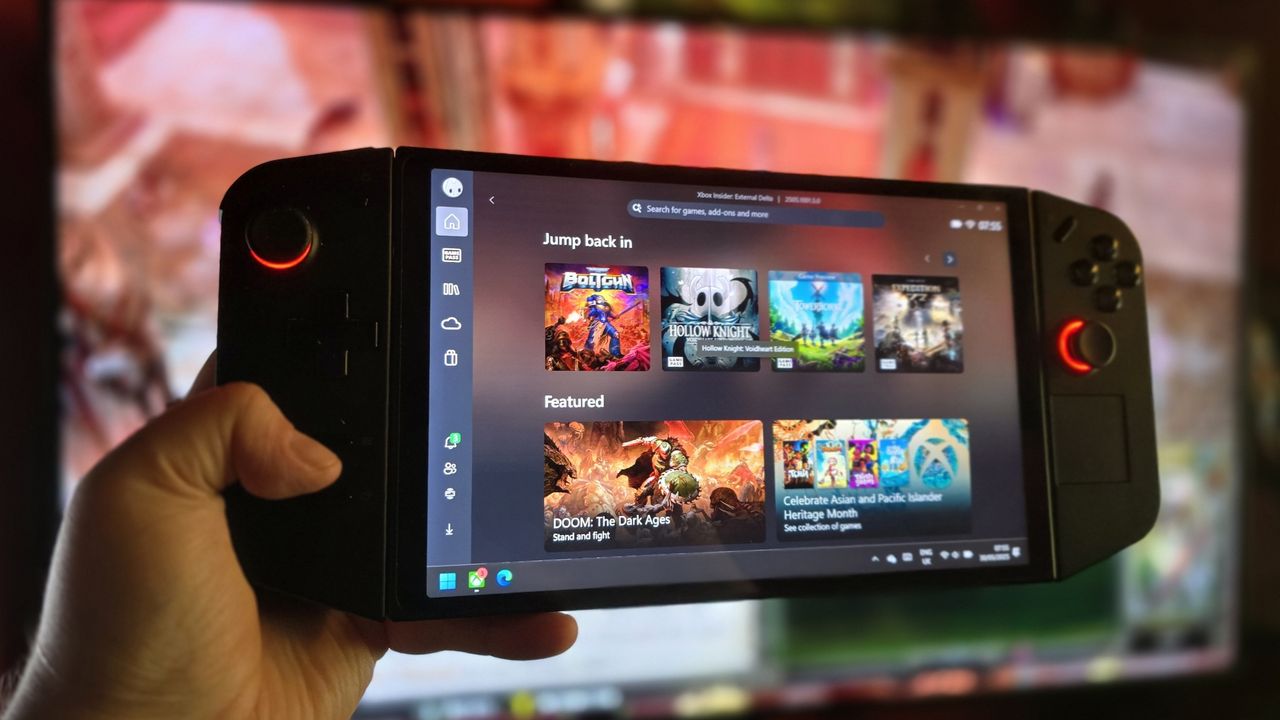
Only a few months ago, Lenovo's Legion Go handheld gaming PC lineup received an update that improved support for the Xbox Full Screen Experience (FSE), introducing optimizations to help the handheld run the efficiency-centric gaming interface even more smoothly when manually enabled.Now, it looks like Lenovo is taking another step towards broader implementations. Lenovo's community manager shared on X that users can now register for early access to Xbox FSE on the Legion Go (via VideoCardz).Of course, you might already have the Xbox Full Screen Experience running on your Lenovo Legion Go since we've been able to enable FSE on any handheld, or even a standard Windows PC, using tools like AnyFSE. It isn't limited to the official Xbox app either, and it can launch straight into Steam Big Picture mode if you prefer (or any other app).
Xbox Full Screen Experience is essentially an answer to what Valve offers in SteamOS, giving Windows handhelds a more console-like experience by booting directly into the Xbox app (in full screen, naturally) and reducing background Windows tasks while gaming.
Xbox FSE is finally coming to Legion Go Devices!Legion Gaming Community members can sign up to test the update ahead of full launch as a special thanks 👍Register: https://t.co/qX3SWGVGViMarch 5, 2026
Lenovo's Legion Go handheld lives on despite recent reports suggesting the device would no longer receive future Z1 Extreme graphics driver updates. That confusion began with AMD ending its plans to provide Z1E graphics updates, but soon after, Lenovo clarified that it would still support the Legion Go (via Reddit).And now, it's receiving another update so Legion Go users can sign up to test the Xbox Full Screen Experience in a more official capacity, with slightly fewer manual tweaks!
🗨️ Do you already use Xbox FSE?
Xbox Full Screen Experience has already been available on devices like the Xbox Ally, as well as some MSI handhelds, for a while now. Support continues to expand as more devices begin testing the interface.With that in mind, I would love to know if you actually like the experience, or if you have even used it yet.Let us know in the comments, and take part in my poll!

Join us on Reddit at r/WindowsCentral to share your insights and discuss our latest news, reviews, and more.