- ISPs often use "Deep Packet Inspection" (DPI) to identify and intentionally slow down high-bandwidth activities like streaming or gaming
- You can detect throttling by comparing a standard speed test against a streaming-specific test like Netflix's Fast.com
- The best VPN encrypt your traffic so your ISP cannot see, and therefore cannot throttle, what you are watching
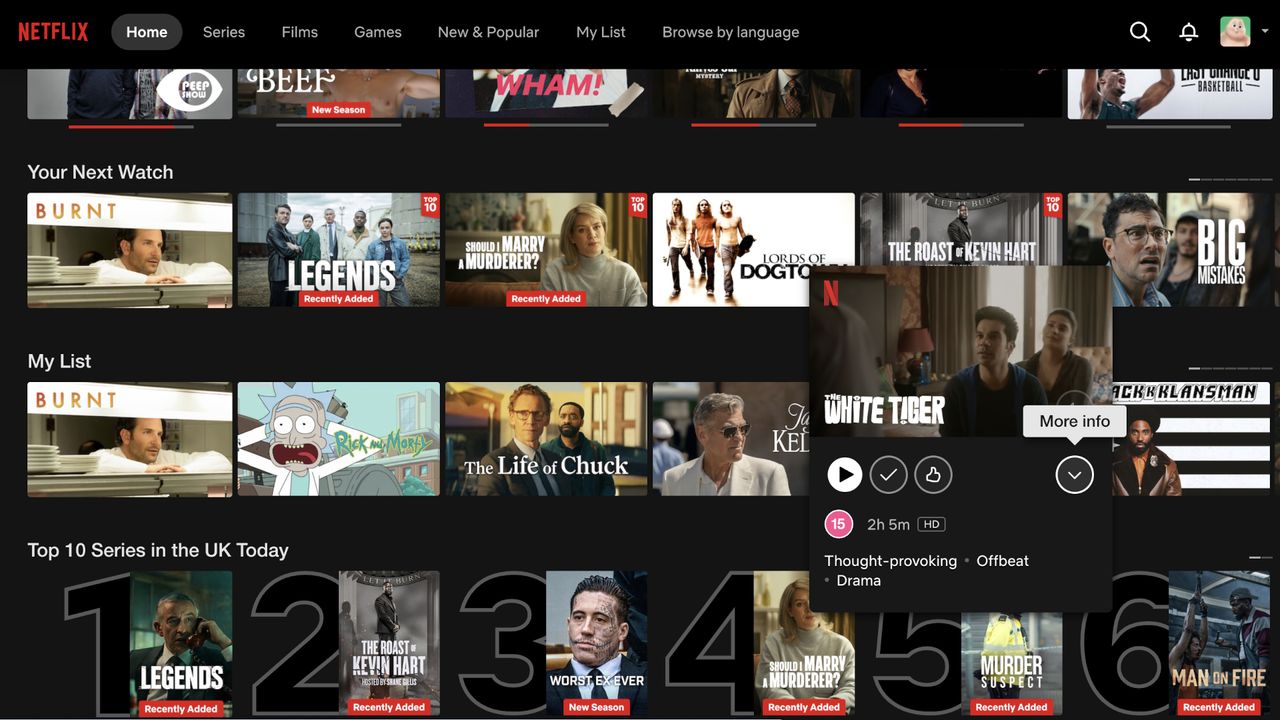
There is nothing quite as frustrating as paying for a premium 500Mbps fiber connection only to have your 4K Netflix stream stutter, buffer, or drop down to grainy 720p. You’ve checked your router, you’ve restarted your TV, and yet the performance remains underwhelming.