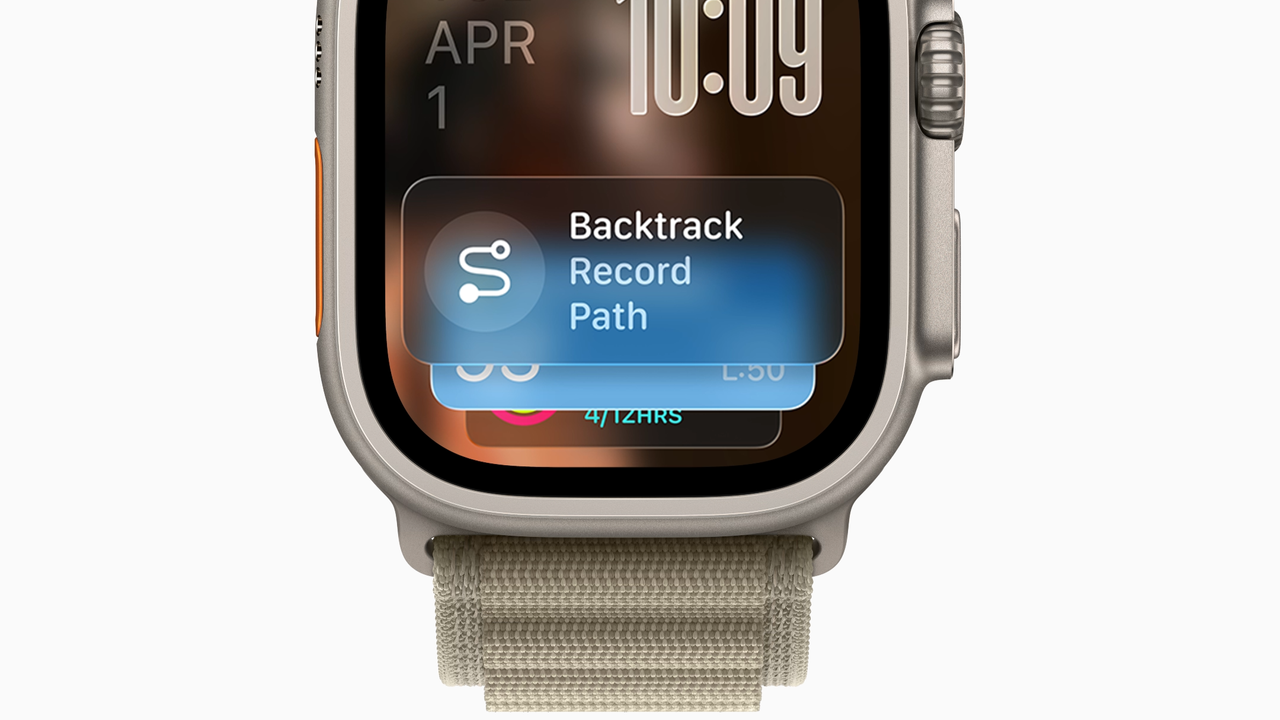
The Apple Watch is all about quick, glanceable information – your split time on your morning jog, message alerts when your friends get in touch, the latest updates from the weekend’s big games. With just a swift glance at your wrist, you’ve got all the info you need.
Live Activities make that even easier. This feature allows apps running on your iPhone to display pertinent data on your Watch face. But there’s a problem: Live Activities take over your entire Watch screen. If you want to use a different app or just want to tell the time, you’ve got to dismiss the Live Activities first. They get in the way and slow you down.