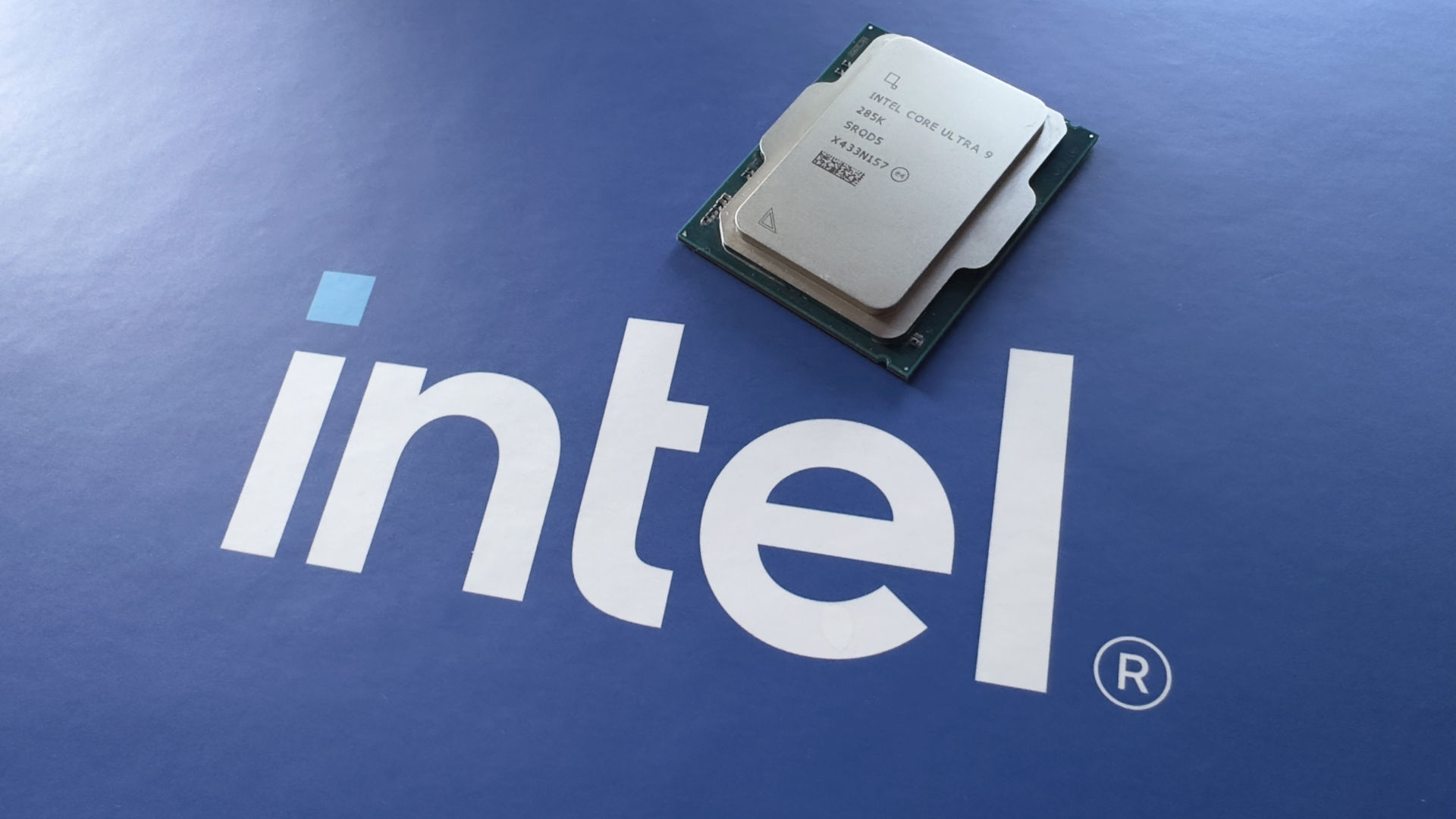
Yesterday, we reported on Intel's new BIOS feature for Core Ultra 200S motherboards, called 200S Boost, whereby the simple click of a BIOS option will overclock certain parts of the Arrow Lake processor. It's mostly just lifts the die-to-die (D2D) and uncore (NGU) clocks from their default 2.1 GHz values to a hefty 3.2 GHz apiece.
But having now tested 200S Boost in a handful of games, I suspect that there's a little more going on behind the scenes, or at the very least, there is in the MSI motherboard that I used. To be honest, it doesn't really matter what's being altered, as the results I garnered make one thing very clear: You should be using the 200S Boost mode. Period.