Get all your news in one place.
100's of premium titles.
One app.
Start reading
TechRadar
TechRadar
Rowan Davies

I’ve taken my Spotify playlists to the next level with these 3 new tricks – here’s why you should too

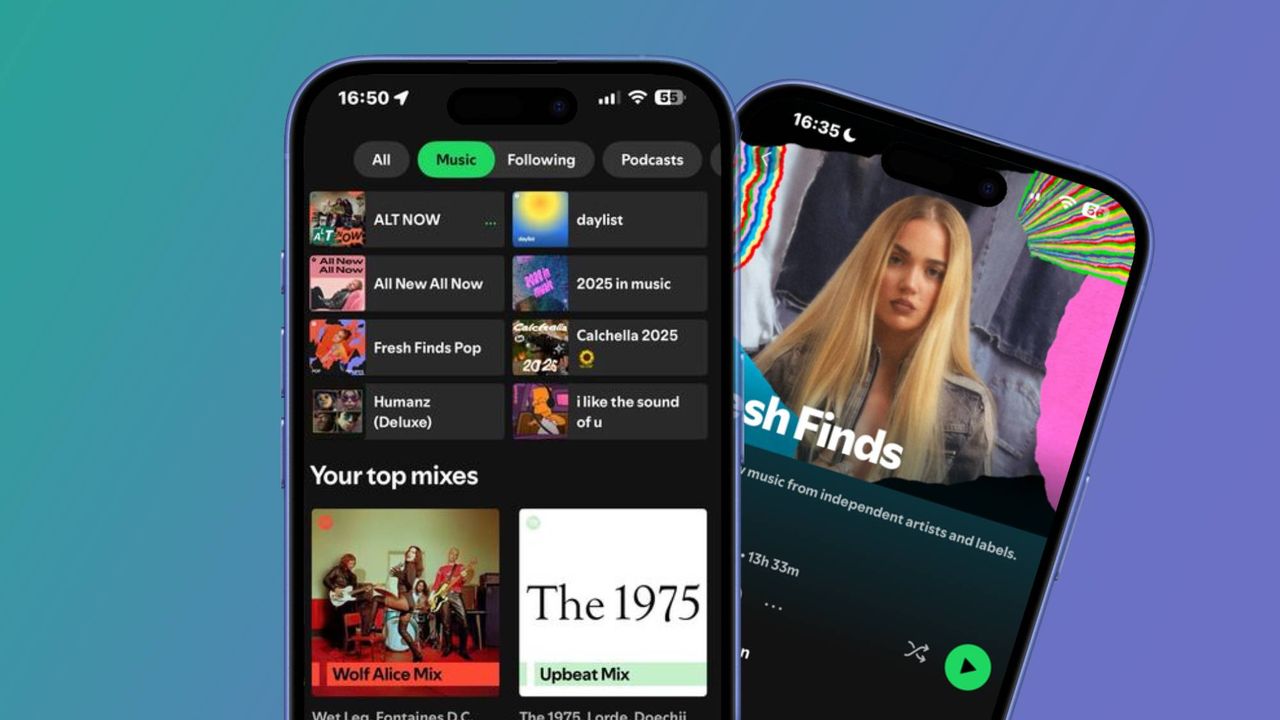
Image of the Spotify Home page next to a Fresh Finds playlist .

For a while, I’ve been using the same Spotify tricks to help boost my playlists and taste profile, including browsing its New Music Friday playlist to consulting my Daylist. But recently I've adopted new practices, and I've seen a big improvement.

Though I’m still toying with the idea of making the switch to Apple Music, I’m still enjoying exploring Spotify’s hidden gems, and I'm not done just yet. If you're a playlist obsessive like me, these are the three new Spotify tricks I use that have helped me keep my playlists fresh and updated, as well as find new music.

1. Scour Spotify’s editorial playlists

Sign up to read this article
Read news from 100's of titles, curated specifically for you.
Already a member? Sign in here
Related Stories
Top stories on inkl right now
One subscription that gives you access to news from hundreds of sites
Already a member? Sign in here
Our Picks
Fourteen days free
Download the app
One app. One membership.
100+ trusted global sources.