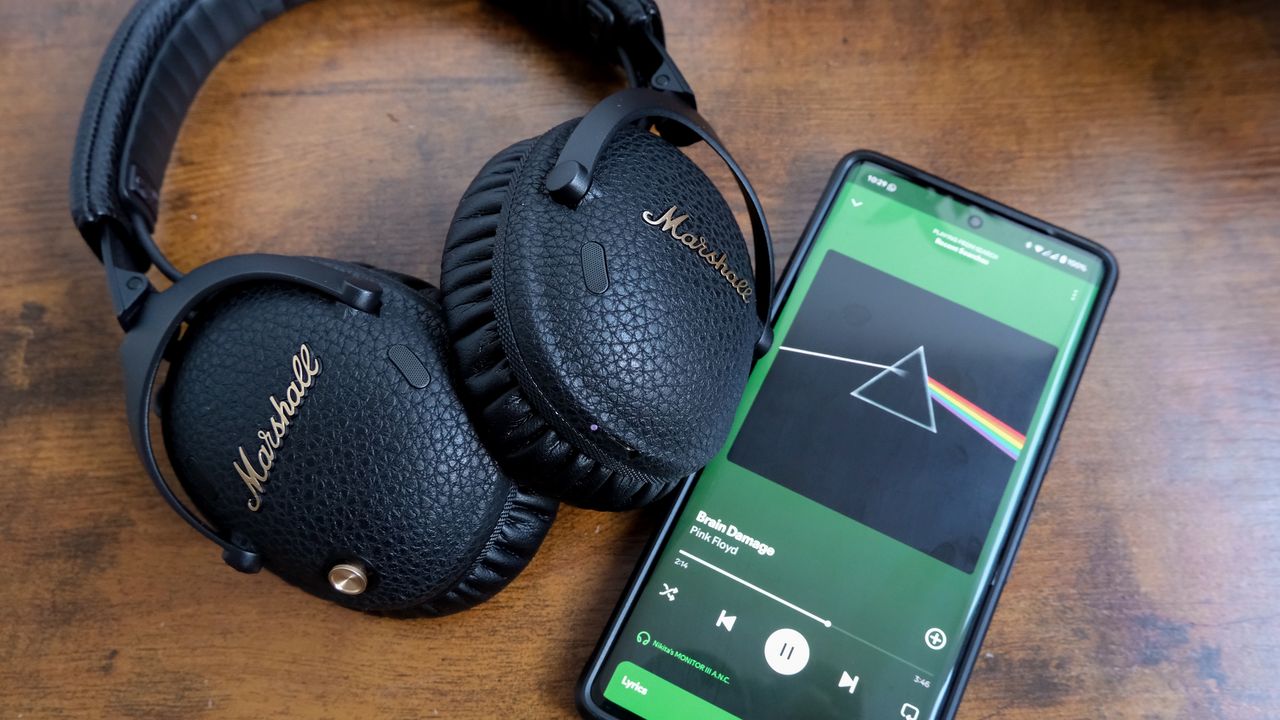
Now that I finally have access to Spotify Lossless, I have been using it to stream all of my favorite songs and listen to new releases in great detail.
There is no denying that the sound quality of Lossless is far superior to the Very High quality. The difference between Lossless and Very High quality is especially evident when listening with the best headphones like the AKG N9 Hybrids, or the best Bluetooth speakers like the Klipsch The One Plus. But after using the Lossless streaming option for a week, one thing is glaringly obvious: it devours cell data.

How much data does it really use?

Information about sound quality settings in the Spotify app states that Lossless can use up to 1GB per hour. That’s a lot of data. But I found it to be even more than that.
In comparison, the Very High streaming quality setting uses around 144MB of data per hour, according to the eSIM company, Saily. That’s quite the jump to get crystal clear sound.
Of course, if you have a generous enough data plan, you should feel free to stream your favorite songs at the highest possible quality. But if not, then there are changes you can make in your settings to make sure you can keep the Very High quality when streaming over data, and Lossless over Wi-Fi.
Turning off Lossless on cellular data

By heading to the Media quality tab in the settings menu of the Spotify app, you can customize your streaming over Wi-Fi, cellular and download.
I would recommend turning Lossless on for streaming over Wi-Fi. This means I can enjoy my playlists at the highest quality through all the speakers in my home. You can select the audio streaming quality you want over cellular separately. But the second you switch to Wi-Fi, Lossless kicks in.
Tracks are downloadable

You can also download tracks so you’re not streaming when away from Wi-Fi, but this is going to take up a bigger chunk of storage on your phone than lower-fidelity audio files.
It’s also worth noting that Spotify automatically caches some songs in Lossless so they don’t stream over cellular. I could really tell the difference with these tracks, which is what prompted me to check what was going on.
If you decide that you want to stream Lossless over cellular, I would still recommend downloading the tracks instead. If your network is patchy, you’re going to notice the playback buffering, so downloading is the best way to get around this.
But I love the Lossless setting from Spotify. It’s been a long time coming, and I’m glad I can finally customize my listening experience to its full potential.
Follow Tom's Guide on Google News and add us as a preferred source to get our up-to-date news, analysis, and reviews in your feeds. Make sure to click the Follow button!