I have an embarrassing number of photos on my phone. Between breakfast and the time my kids leave for school, I must take about 25 pictures on average of them doing something silly, cute, or memorable enough that I want to document the moment. I don’t deny that I’m a photo hoarder. But sometimes the photos don’t always come out as expected. Sometimes, a laundry basket takes center stage, a neighbor kid pops up in the background, or a spaghetti stain is too obvious on my toddler’s pants. That’s where Meta AI photo editing comes into play.
Meta has introduced advanced AI-driven tools designed to enhance and personalize photos and selfies across its platforms, including Facebook, Instagram, Messenger, and WhatsApp. These features, such as the "Imagine Me" tool and AI-powered photo editing capabilities, offer users innovative ways to transform their images with ease.
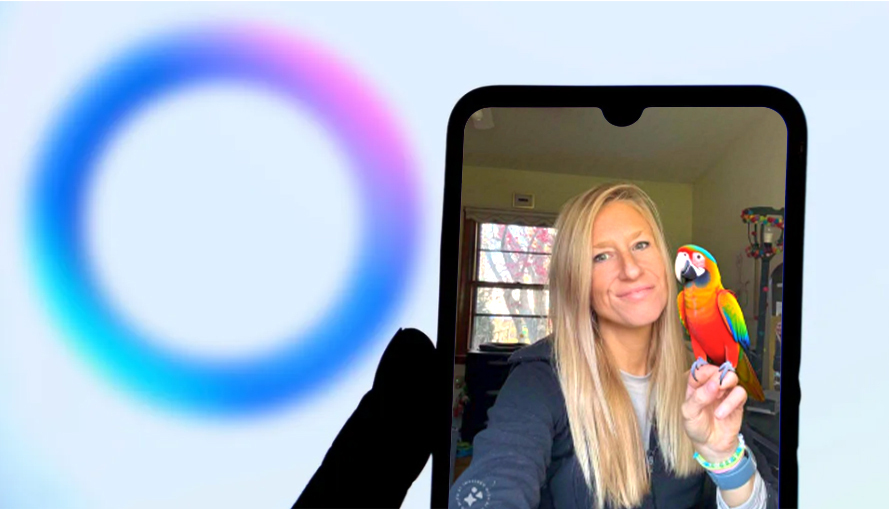
This time, I’m pushing my habit of taking photos of other people aside and using Meta AI to enhance my own selfies. With so many images to choose from and a world of creative possibilities, I couldn’t wait to dive in and see what Meta AI could do.