Get all your news in one place.
100's of premium titles.
One app.
Start reading
Tom’s Guide
Tom’s Guide
Technology
Elton Jones

I used Google AI Mode to create new YouTube Music playlists instantly — and these 7 prompts helped me find new music faster than ever

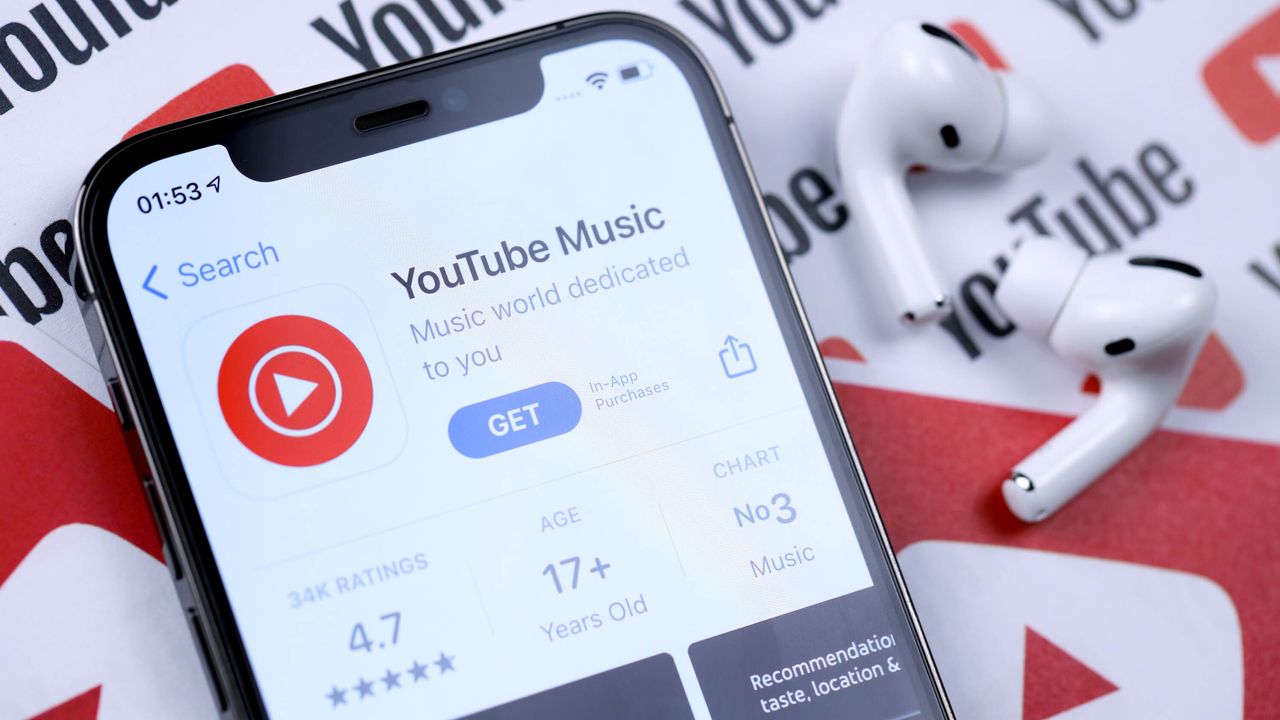
Youtube music.

“I should use Google AI Mode more” crossed my mind the other day. That thought compelled me to put it into action after I found out about the integration of 1st- and 3rd-party “Connected Apps” into that AI-powered Google Search feature.

You have Connected Apps from Google itself, like Gmail and Google Photos. But there’s also a bunch of familiar apps that you can access directly from AI Mode, such as Canva and Instacart. It’s pretty cool being able to come up with design concepts for a party flyer by asking Canva inside AI Mode, plus that neat trick applies to being able to ask Instacart to help you come up with a shopping list for a kid’s birthday party.

Since I’m such a big music head and am always on the lookout for new tunes worth keeping in my rotation, the latest addition of YouTube Music to Google AI Mode’s Connected Apps library got me pretty excited. Since you can directly prompt it to generate playlists that you can automatically add to your account, I wanted to try that feature out for myself to see if it could expose me to rising and emerging artists.

It turns out this latest Google AI Mode app integration works better than expected and will most likely become my most reliable YouTube Music playlist builder.

Using Google AI Mode to find new music much faster

(Image credit: Future)

Here’s how you can get access to this new feature:

Open up Google on your desktop, click on AI Mode, make up a prompt that asks for a playlist, and be sure to tell AI Mode to save it to your YouTube Music. If your account isn’t connected, AI Mode will give you a link to activate it, and then you can continue with YouTube Music to generate the playlist you asked for. You’ll be given the option to “Add to library” at the bottom of your newly created playlist, and you’ll see it at the bottom left of your YouTube Music home page where the rest of your playlists are.

To kick off my latest foray into AI-generated playlists, I used this prompt: “Create a 25-track discovery station showcasing new, emerging, and underground artists from the past 12-18 months and save it to my YouTube Music. Make sure the songs come from the genres of rap/hip-hop, R&B, house music, rock, metal, K-Pop, and J-Pop.”

YouTube Music dug deep into its archives and came back with this list of the following tracks that I enjoyed way more than I figured I would (here’s the link to it, too):

  • 4 Raws - EsDeeKid
  • LV Sandals - EsDeeKid, Fakemink & Rico Ace
  • Bunna Summa - Bunna B
  • Dice Roll - Lelo
  • Topanga - Che Noir & 7xvethegenius
  • Gas Station Love - EJ Jones
  • worst behaviour - kwn feat. Kehlani
  • Something Real - Jaymin
  • Change your mind - Casper Sage
  • Does She Know - Sekou
  • Right Now - House Twelve
  • Caricoa Dub - Poolhaus
  • Gator Boots - James Poole & GUDFELLA
  • Command Your Soul - Balanka
  • 2AM - Boogie Vice feat. LUUKHANYO
  • Checkmate - Blue Medusa
  • Strigoi (Bringer of Death) - Iron Bones
  • Your name, it’s walking - Truck Violence
  • Alone Together - Show Me The Body
  • Anomaly - GZHV & Dark Side
  • REDRED - CORTIS
  • 404 (New Era) - KiiiKiii
  • RUDE! - Hearts2Hearts
  • WALLRUNNER - STARKIDS
  • HAPPY GROOVY - muque

6 other prompts that produce playlists full of rising and emerging artists

(Image credit: Future)

I didn’t want to stop my music discovery journey with just that single prompt, so I asked Google AI Mode to come up with even more. These are the additional requests it sent my way, which resulted in me being gifted with hundreds of songs I heard for the very first time:

  • Give me a mix of brand-new, underground rap/hip-hop tracks from rising artists who are just starting to blow up on the East Coast and save them to my YouTube Music
  • Find fresh, under-the-radar house music and electronic tracks released this year by unsigned or independent artists and save them to my YouTube Music.
  • Build a discovery playlist of fast-paced, new-wave rock and heavy metal songs from emerging bands with under 100k streams and save it to my YouTube Music.
  • Cross-pollinate a mix of emerging artists across all genres and subgenres of R&B and save it to my YouTube Music.
  • Build a high-energy dancehall playlist featuring hard-hitting digital riddims, fast patois deejay vocals, and modern-club-ready production from new and emerging reggae artists. Save it to my YouTube Music.
  • Create a fast-paced Afrobeats playlist featuring heavy electronic drum patterns, high-energy dance rhythms, and driving club tempos from rising artists in the genre. Save it to my YouTube Music.

The takeaway

I’m sure Google AI Mode will get more Connected Apps over time.

At the moment, YouTube Music’s integration stands out as the one that appeals to me the most. It’s so easy to prompt it to create all sorts of playlists that incorporate a vast selection of genres, subgenres, artists, albums, languages, etc. I might just venture into the world of country music and see if I find anything I’d actually listen to outside the comfort of my home.

I spent hours just coming up with my own music discovery stations that I can’t wait to share with my friends who just happen to be professional DJs (they’ll probably judge my mixes pretty harshly).

Use those same prompts that worked for me, swap in the genres that most matter to you, and bask in the awesome custom mixes YouTube Music builds for you.

More from Tom’s Guide

Sign up to read this article
Read news from 100's of titles, curated specifically for you.
Already a member? Sign in here
Related Stories
Top stories on inkl right now
One subscription that gives you access to news from hundreds of sites
Already a member? Sign in here
Our Picks
Fourteen days free
Download the app
One app. One membership.
100+ trusted global sources.