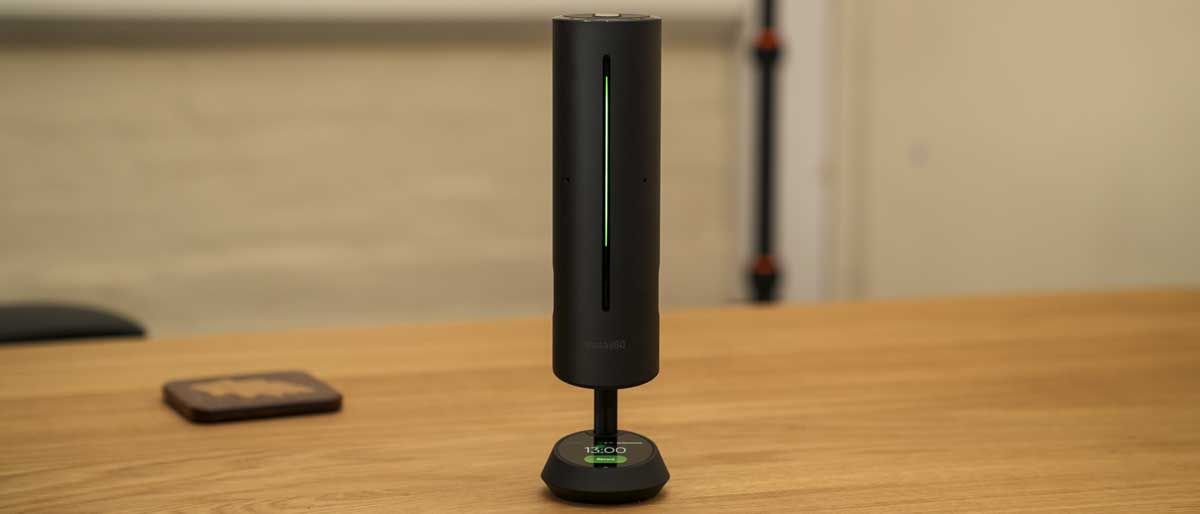
Insta360 Wave: 30-second review
Getting started with the Insta360 Wave isn’t as straightforward as simply plugging it in and getting started, as options on the device need to be selected. In the instructions, it says to plug the USB cable into your laptop or PC, and it should appear on the desktop with the relevant software ready to be installed. To make it appear, however, you need to activate USB mode on the device by navigating the touchscreen menu to settings, then to USB mode, and tapping file transfer. Once this is done, the unit will appear as a drive, and you can install the software; it’s just initially not that clear. Alternatively, you can download the software directly from the Insta360 website, which circumvents the issue.