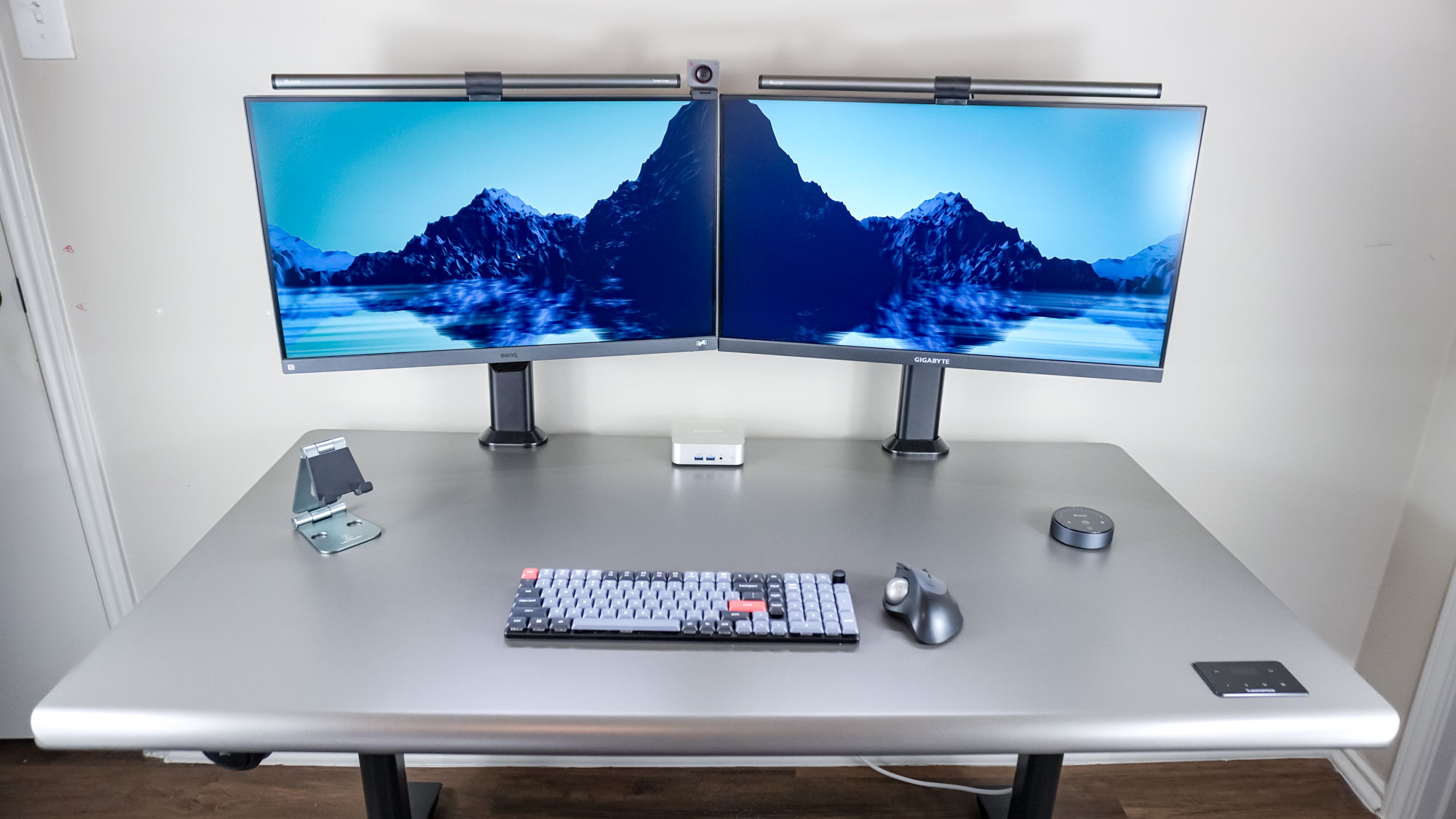
Using one of the best laptops as your daily driver gives you the freedom and portability to work from anywhere. But with a desktop computer, you have almost endless options when it comes to how you want to configure your desk setup.
Maybe all you really need in that situation is a single, high-resolution monitor or one with a lower resolution but a higher frame rate. Or perhaps, like me, you can’t imagine working without a multi-monitor setup. Fortunately, it’s easy enough to add another monitor to your desk setup. Similarly, you can switch from a stacked monitor setup to a side-by-side arrangement relatively easily.