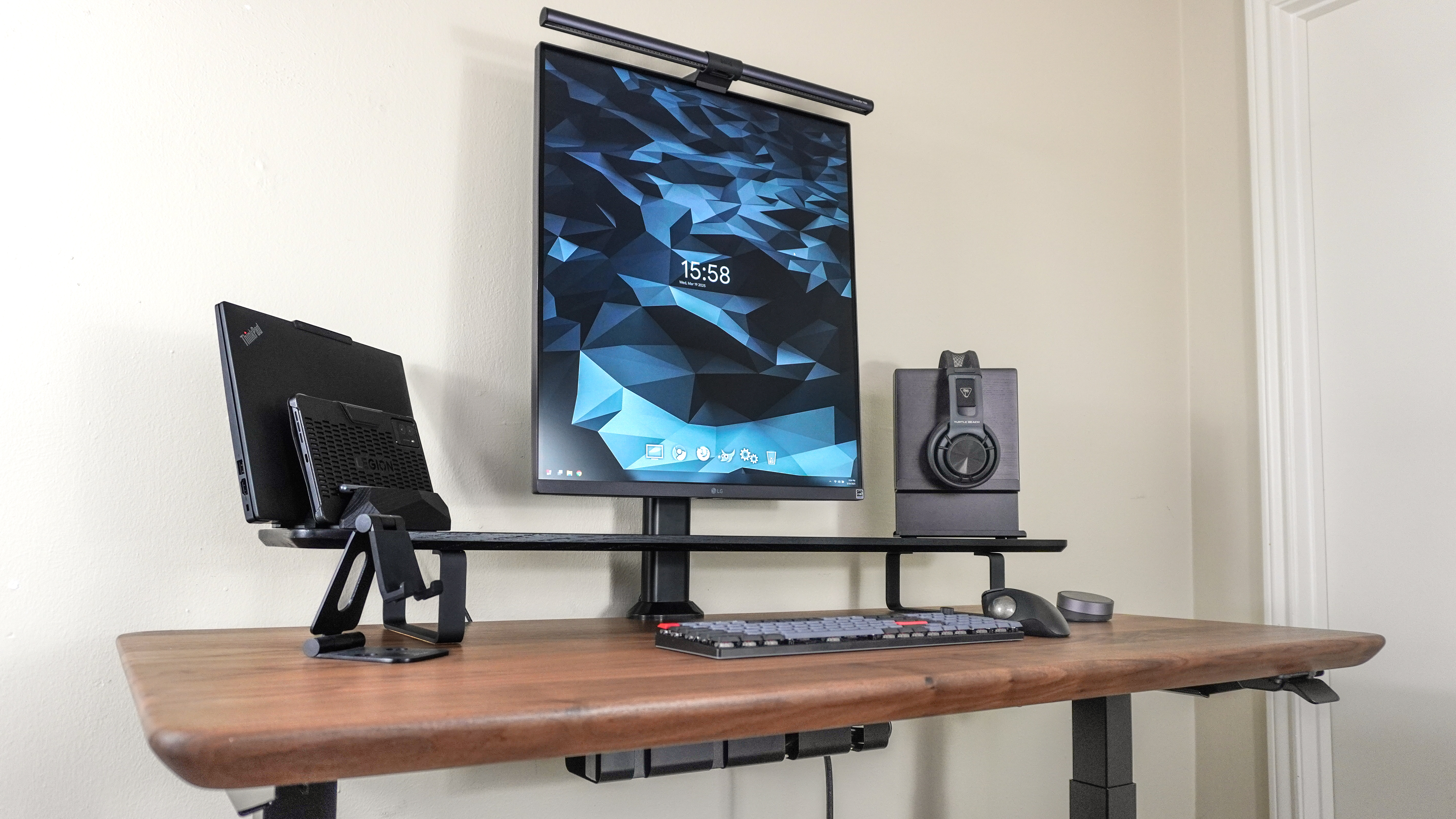
Little changes can go a long way to helping you create the perfect desk setup for your needs and workflow. However, sometimes you need to start from scratch if you want to take your desk setup in a completely different direction and that’s exactly what I did here.
I’ve put together a lot of different desk setups over the years as it’s something I really enjoy doing. Likewise, it’s also an excellent way to showcase all of the work I put into reviewing the best standing desks. I also enjoy trying out other home office accessories like desk mats, monitor stands, mechanical keyboards, headphone stands, docking stations, monitor light bars and more.