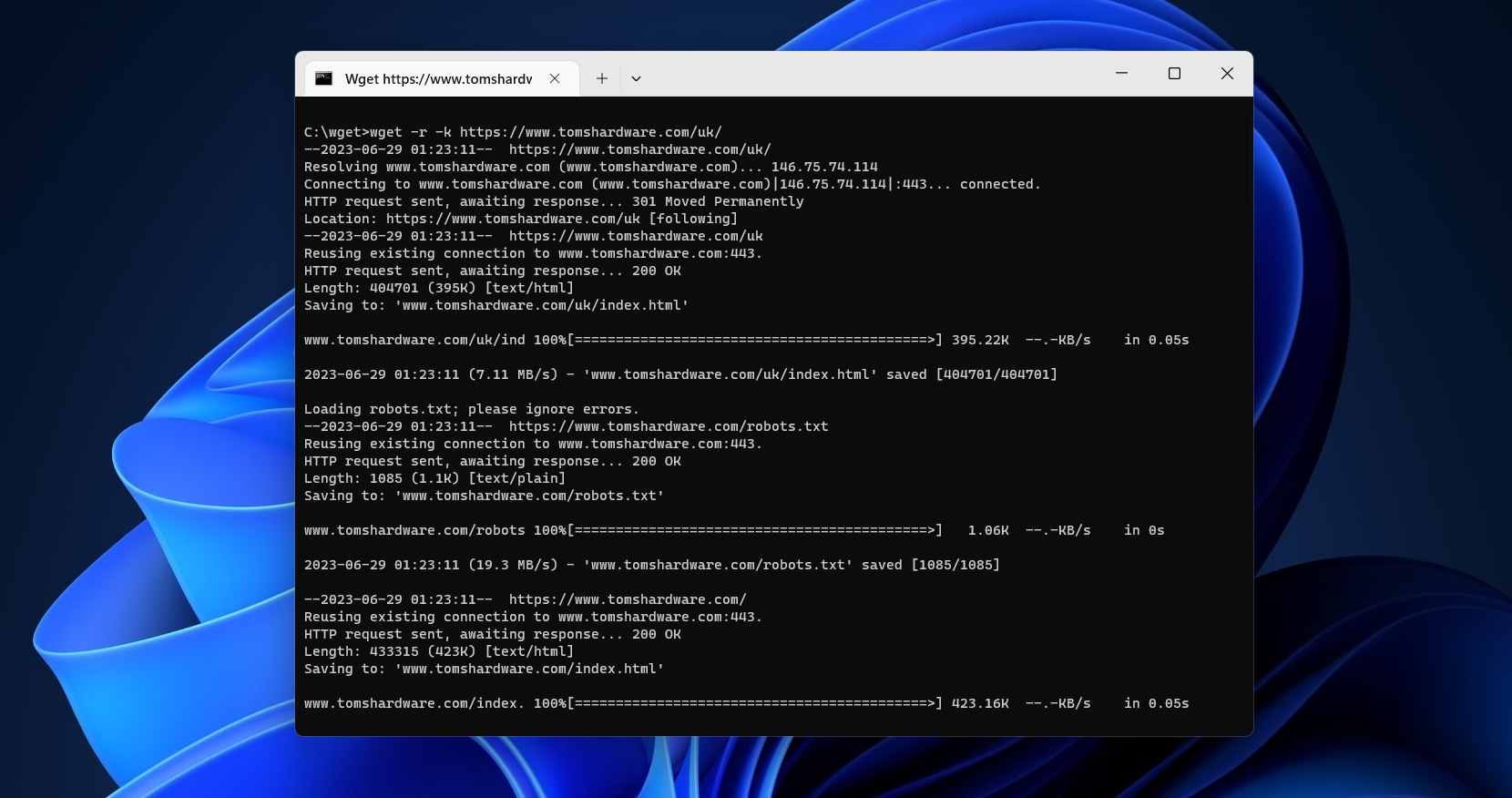
Most users will download files onto their PC using their web browser. There’s a problem with this method, however—it’s not particularly efficient. If you need to pause your download, or if you’ve lost your connection, you’ll probably need to start your download again from scratch. You may also be working with Python or other code at the command line and want to download directly from the command prompt.
That’s where tools like Wget come in. This command line tool has a number of useful features, with support for recursive downloads and download resumption that allows you to download single files (or entire websites) in one go.