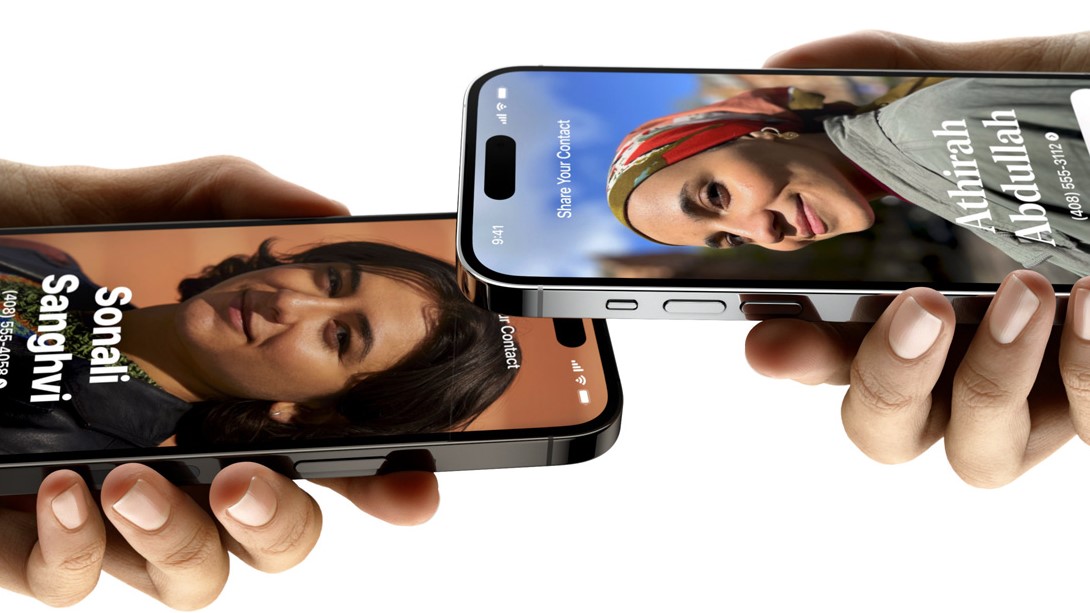
Apple’s modus operandi has always included convenience and the new NameDrop feature is a great example of that. Just by getting your iPhone, equipped with iOS 17 of course, to someone else’s, you’ll be able to initiate a contact exchange. No more creating a contact from scratch or giving someone your number for them to text you to save it.
Keeping with the spirit of the feature, using it is very simple, requiring just a few steps. Just be aware that both parties need an iPhone equipped with iOS 17 to use the feature. You also need to make sure that WiFi, Bluetooth, and NameDrop are on, as well as making sure that both phones are unlocked.