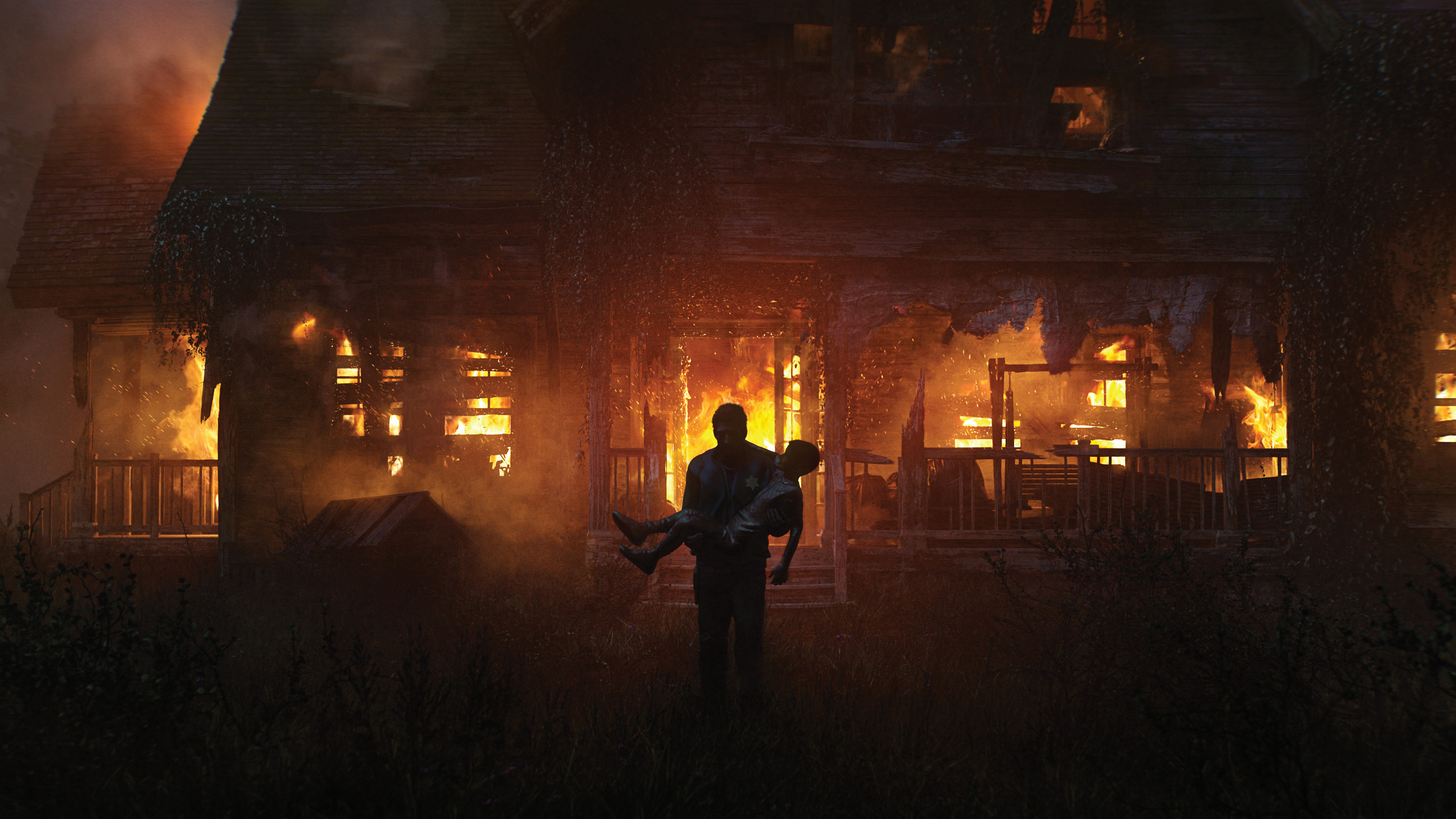
The shot I’m going to show you in this Blender tutorial is part of a series from my personal concept art project Niko. It’s from the final scene, where we finish the story of an alien child who has been rescued by the local sheriff.
With this image, it was vital to convey the end of the story and all the emotional charge that had built up. I thought nothing would be better than to go with all hell breaking loose in the finale, so I chose to have fire as the main motif in the last scene. To make the fire as believable as possible, I considered all the layers and the layering of the scene through the depth of space, and the damage it would cause to the building and its surroundings.