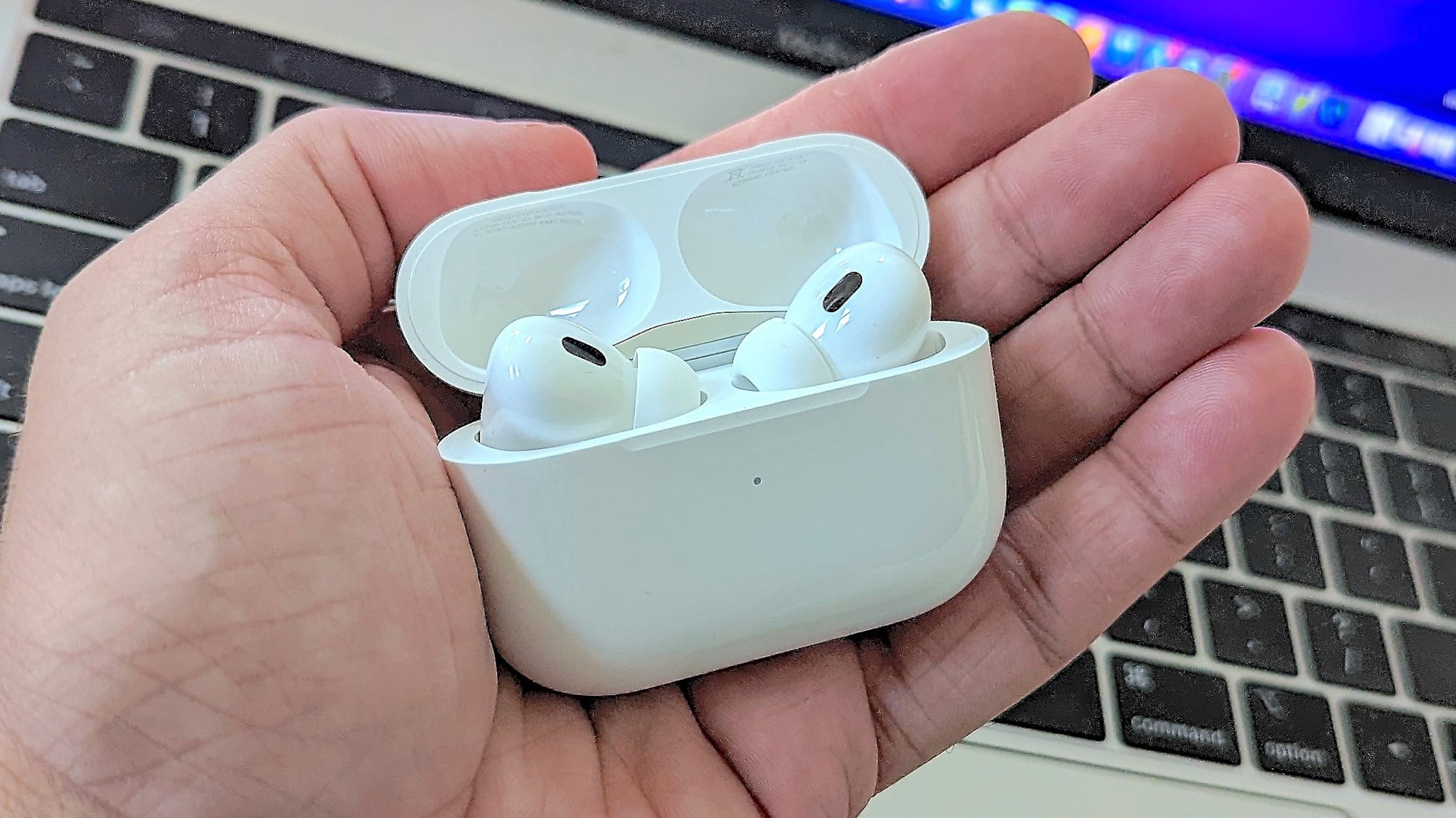
Let’s get one thing straight — you don’t generally need to learn how to update AirPods firmware. When updates are released by Apple, the firmware is automatically installed on your AirPods, whether you're using the standard 3rd Gen AirPods or the AirPods Pro 2. But, and it’s a big but, things don’t always go to plan. Sometimes, your AirPods are not kept up to date so it’s always worth checking that all is working well. You can then force an update should something have gone wrong.
But why bother? Well, firmware updates have many benefits. They’ll introduce enhancements and bug fixes while ensuring ongoing compatibility with your devices. In simple terms, they keep your AirPods running as they should, ensuring you don’t compromise your listening enjoyment.