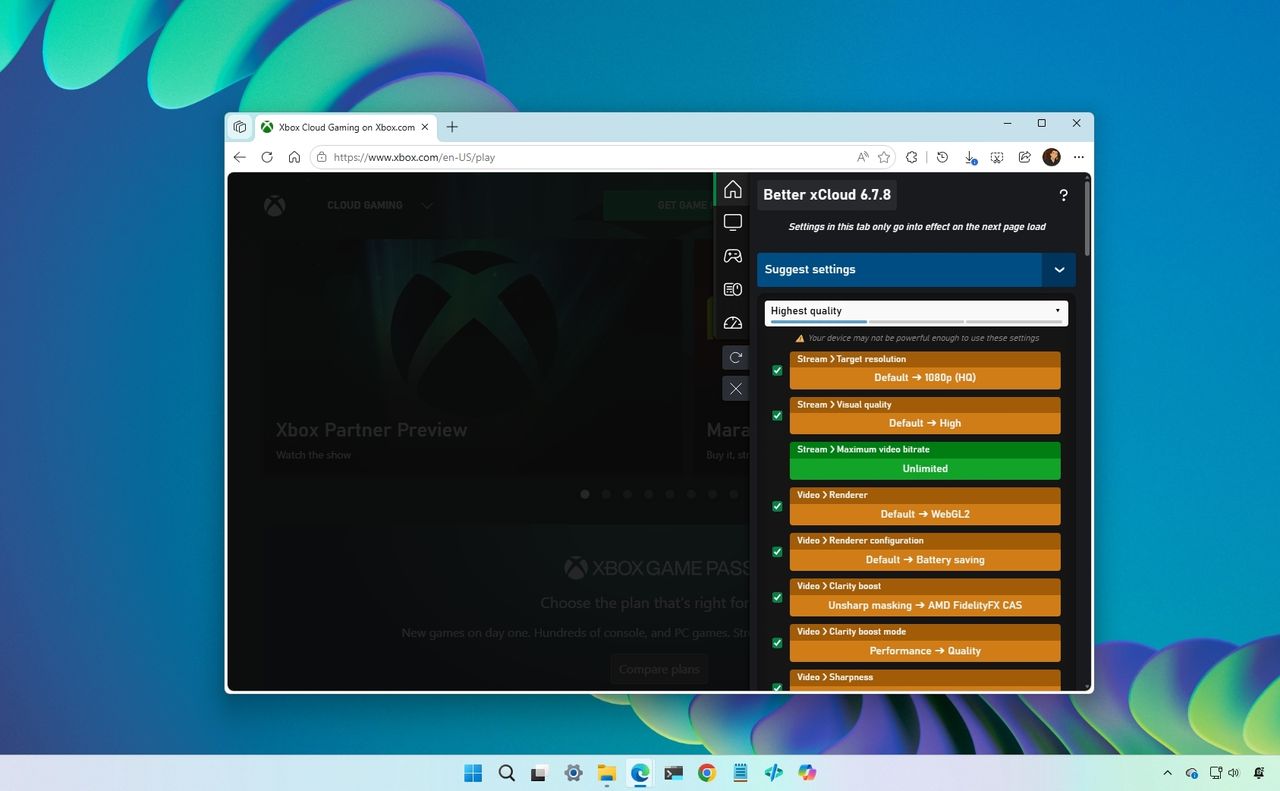
Xbox Cloud Gaming has made it possible to play high-end games on almost any device, but the experience is still limited by fixed settings, restricted controls, and inconsistent performance. While the service continues to evolve, tech-savvy users often run into the same barriers, such as the lack of bitrate control, no visibility into network performance, and limited input flexibility.
That's where Better xCloud comes in, adding advanced controls to Xbox Cloud Gaming through the browser so you can improve quality, responsiveness, and overall performance. For anyone serious about cloud gaming on PC, it can significantly boost the experience without requiring new hardware.