Get all your news in one place.
100's of premium titles.
One app.
Start reading
Android Central
Android Central
Technology
Michael L Hicks

How to transfer contacts from iPhone to Android

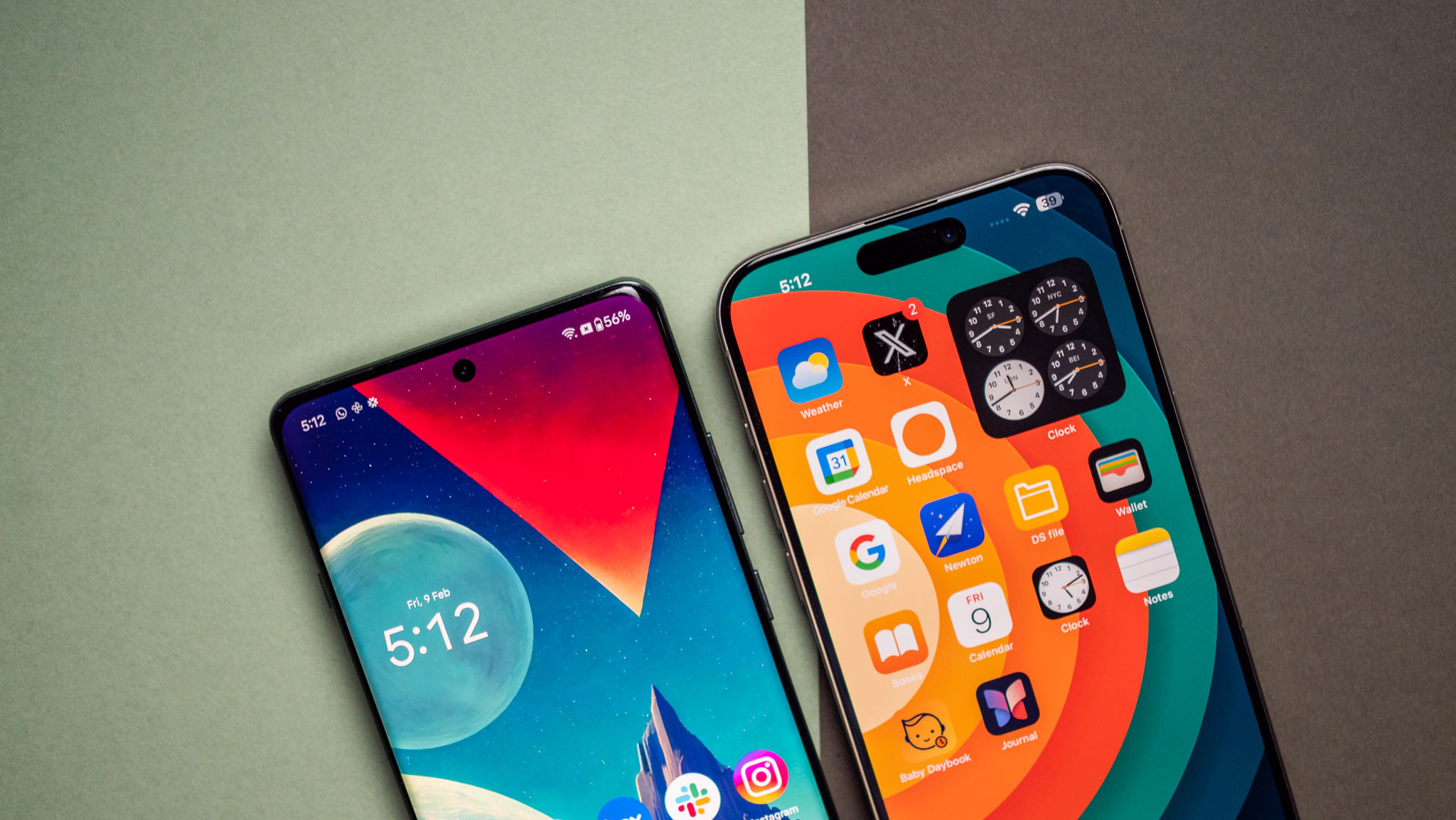
OnePlus 12 vs. iPhone 15 Pro Max.

You've made the brilliant decision to switch from iPhone to Android. Congratulations and welcome! Now you just need to transfer your contacts from your old iPhone to your new Android phone so you can stay in touch, hopefully without any green-bubble bullying thanks to RCS messaging.

We have a comprehensive guide on how to switch from iOS to Android that includes adding contacts. Essentially, when setting up your new Android phone, you can use a Lightning-to-USB-C cable to directly transfer contacts, photos, and other data all at once.

Sign up to read this article
Read news from 100's of titles, curated specifically for you.
Already a member? Sign in here
Related Stories
Top stories on inkl right now
One subscription that gives you access to news from hundreds of sites
Already a member? Sign in here
Our Picks
Fourteen days free
Download the app
One app. One membership.
100+ trusted global sources.