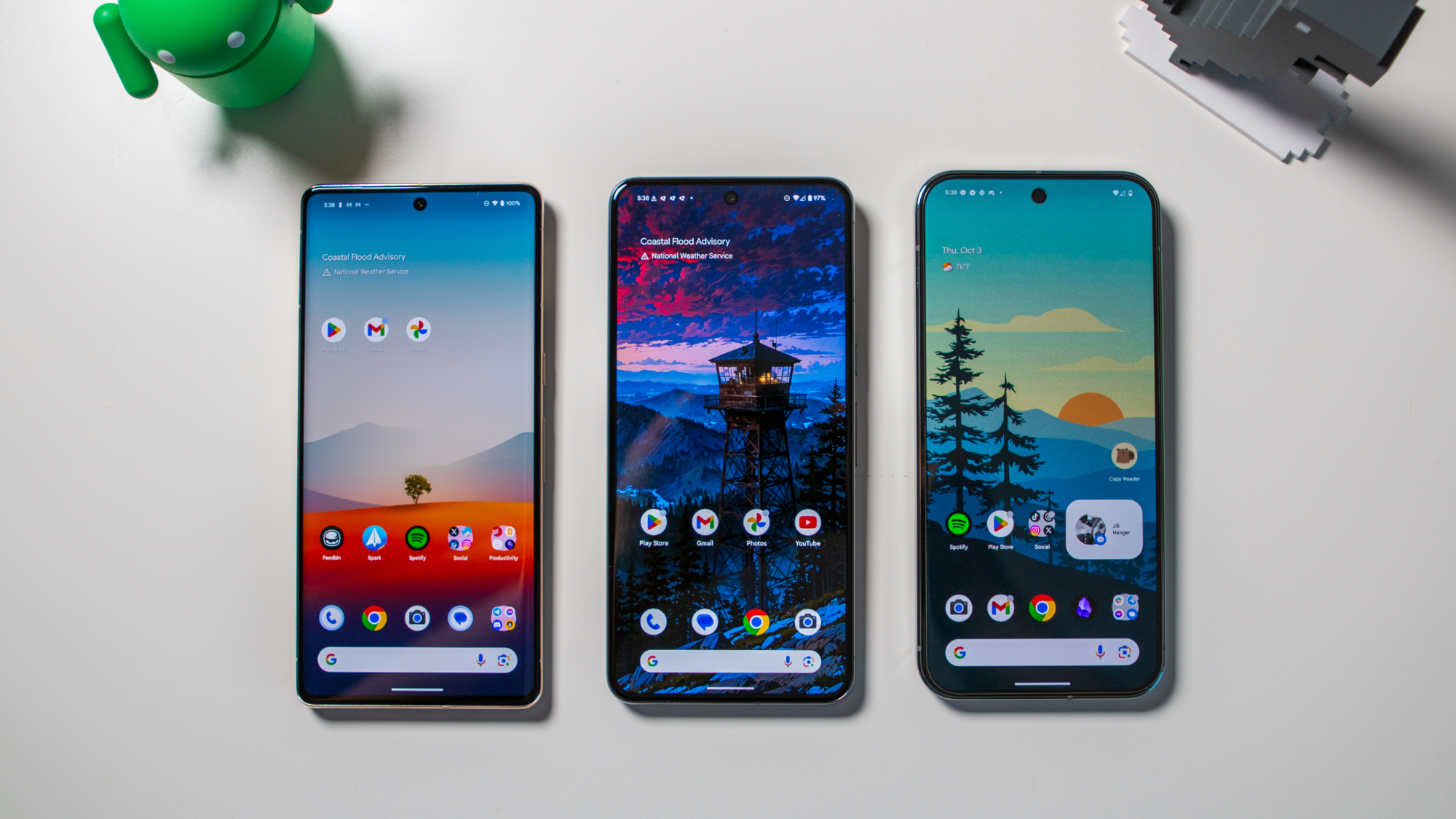
Android 15 hit a wide variety of Android phones last year, but Google Pixel devices got a few exclusive perks with a Pixel Feature Drop in October 2024. Part of the update included a clever Pixel ecosystem feature that makes it easier for people with multiple Pixel phones and tablets to manage notifications. It leverages Google's Cross Device Service, and ensures you won't have to clear out the same notifications on each of your Pixel devices.
The feature, called Dismiss notifications across Pixel devices, is only useful if you enable it on all your Pixel phones and tablets running Android 15 for the same Google account. Setup requires a handful of taps and granting a few permissions. Luckily, you only have to do it once for each phone or Pixel Tablet, and we've got a complete guide walking you through the process below.