
Get all your news in one place.
100's of premium titles.
One app.
Start reading
iMore
iMore
Technology
Luke Filipowicz

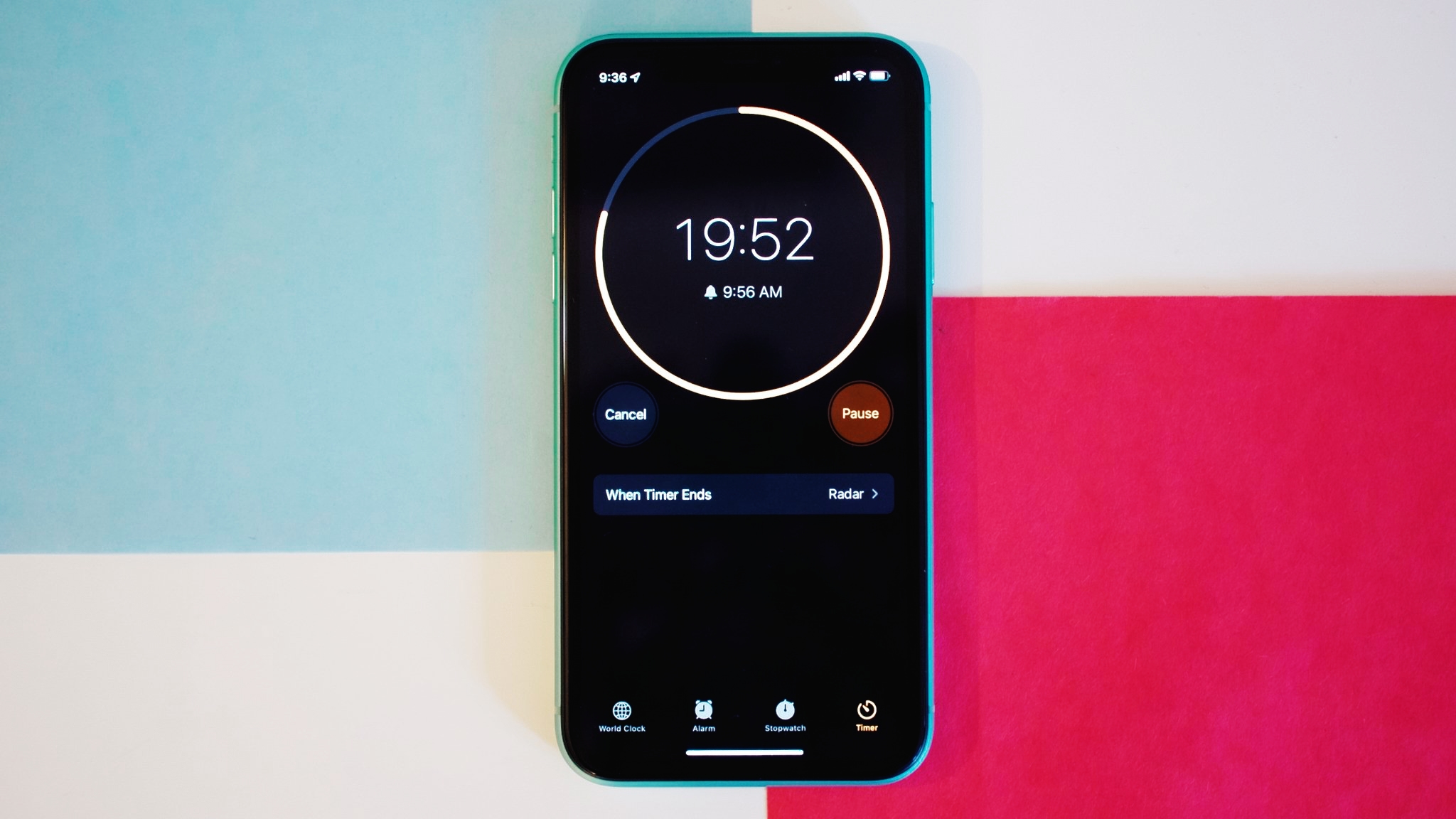
How to set a timer to stop playing music and movies on your iPhone, iPad, and Mac

Launch the Clock app, then tap Timer, then select a time.

Setting a timer on an iPhone, iPad, or Mac is a simple affair. The clock app has been available on iPhones since the handset debuted in 2007, with an iPad version appearing with iOS 6 in 2012, followed by a macOS version in 2022 when macOS Ventura was made available for compatible Macs.

Sign up to read this article
Read news from 100's of titles, curated specifically for you.
Already a member? Sign in here
Related Stories
Top stories on inkl right now
One subscription that gives you access to news from hundreds of sites
Already a member? Sign in here
Our Picks
Fourteen days free
Download the app
One app. One membership.
100+ trusted global sources.