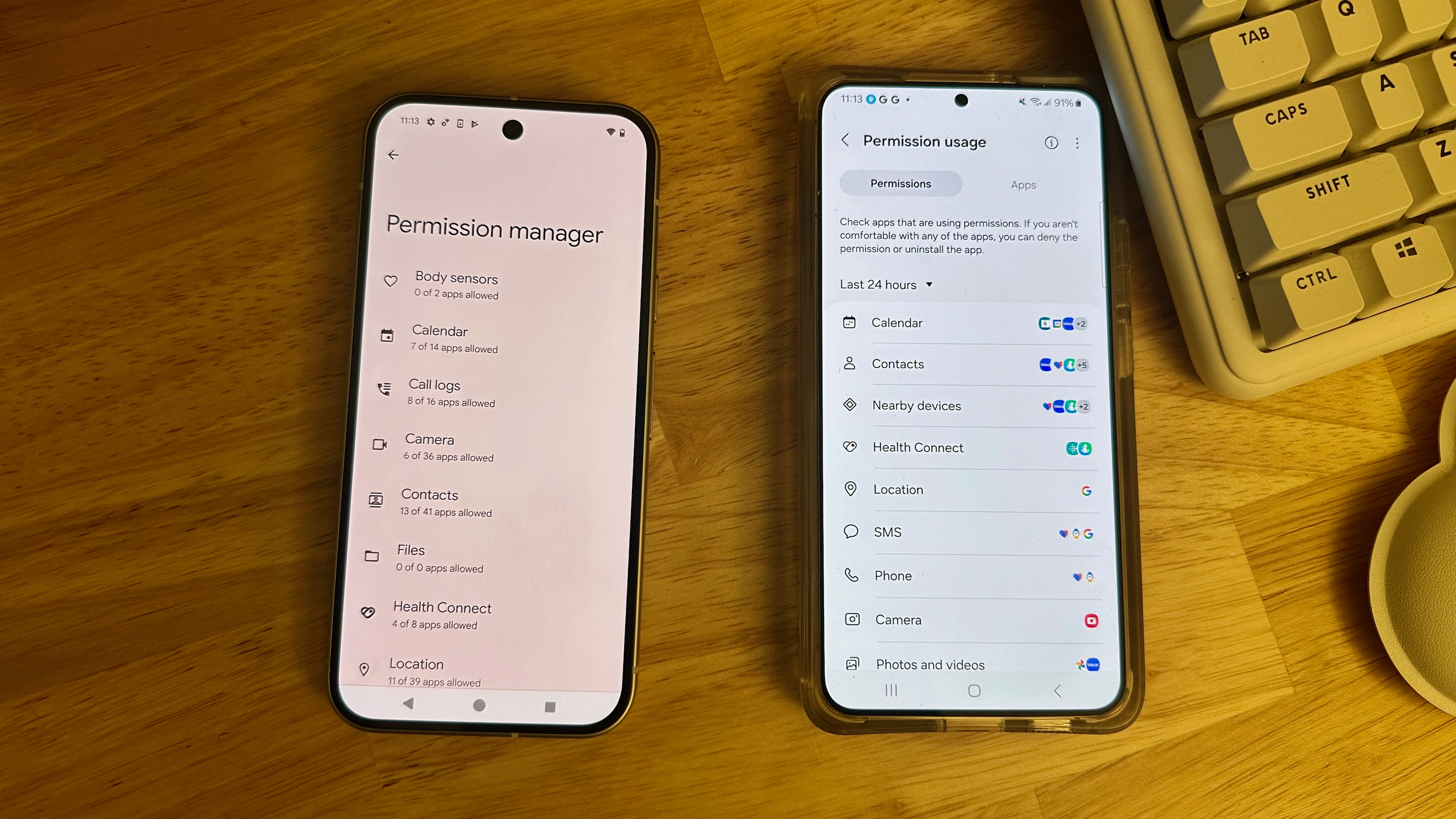
It's never a bad time to review your Android app permissions. Newly downloaded apps can bully you into offering data they don't need before you can use them, and they may keep accessing your location, photos, and private contacts well after you stop using that app.
There are several ways to check and change your app permissions on Android phones, from the Permission manager to the Privacy dashboard. We'll run through them all, both for stock Android on Pixels and for One UI on Galaxy phones. Keep in mind that for many Android phones, these steps may be very similar, with slight differences in menu layout requiring more or fewer steps to access the same feature.