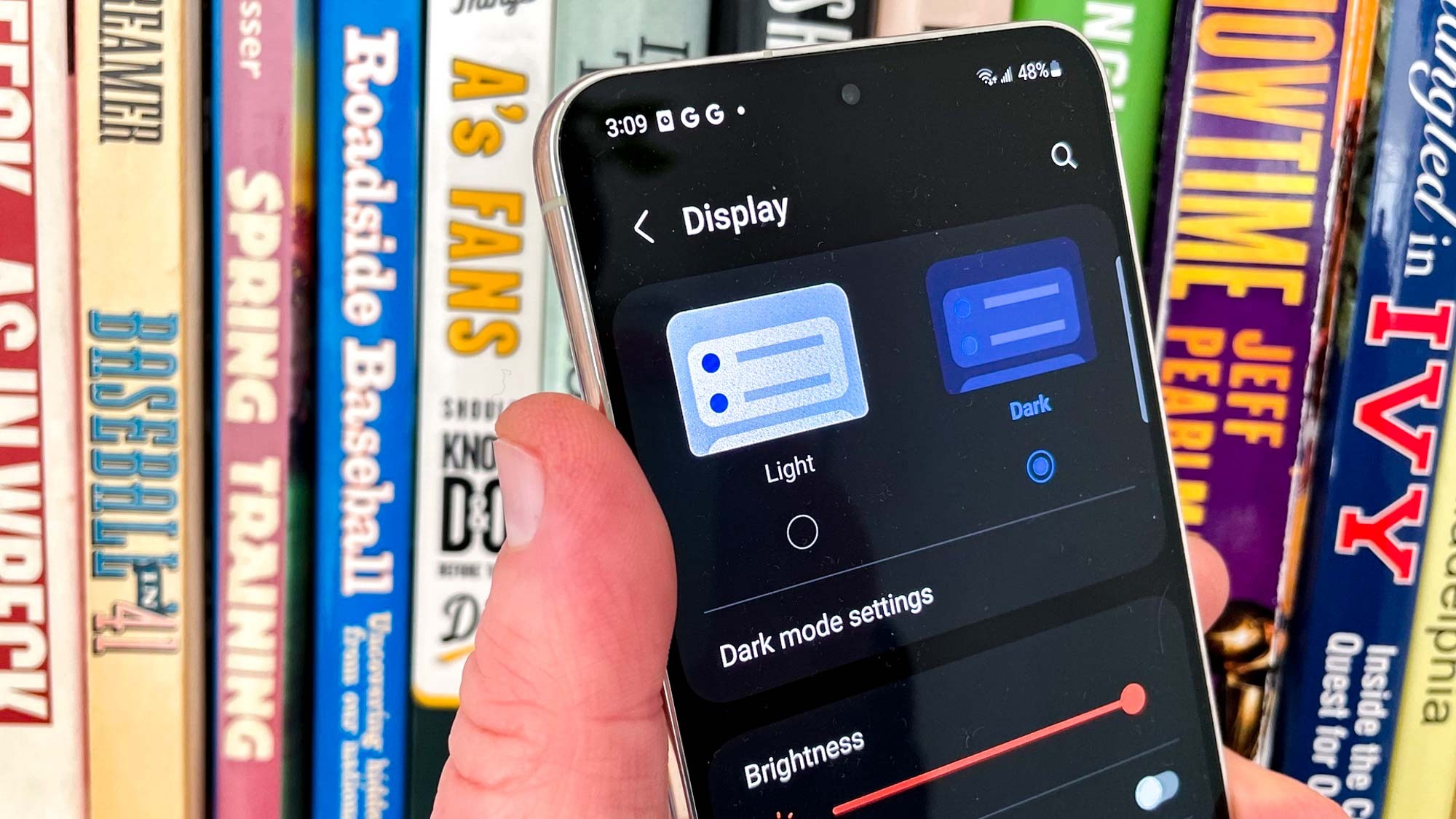
Knowing how to manage the Dark mode on your Samsung Galaxy S23 can make things a lot easier on both your eyes and your phone's battery. Dark mode reverses the normal screen setup, turning the background from light to dark and the text from black to white.
At night, Dark mode can be particularly helpful when it comes to reducing eye strain, though some people prefer to use the feature all the time. Because the Galaxy S23 uses an AMOLED panel as its screen, darker pixels consume less power as they don't need to be lit up like white pixels do. (Not that the S23 phones don't excel at battery life, but every little bit helps conserve power.)