
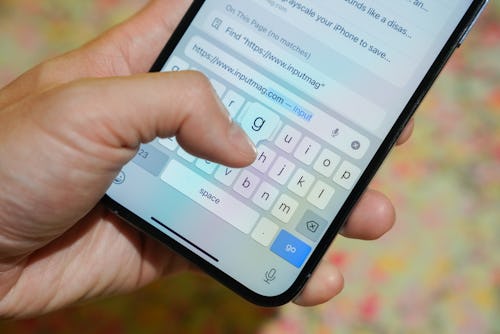
We could argue the pros and cons of Android and iOS all day, but there's one feature that Android users have had that iPhone users have been demanding for years: a vibrating keyboard.
There's just no way to put it: getting vibrations as you tap each on-screen key is simply better than just hearing a click. And after 15 years of iOS, Apple is adding haptic feedback to its keyboard in iOS 16. The only problem is that the vibrating keyboard is off by default. Not to worry, though — we'll show you how to turn on this game-changing feature.