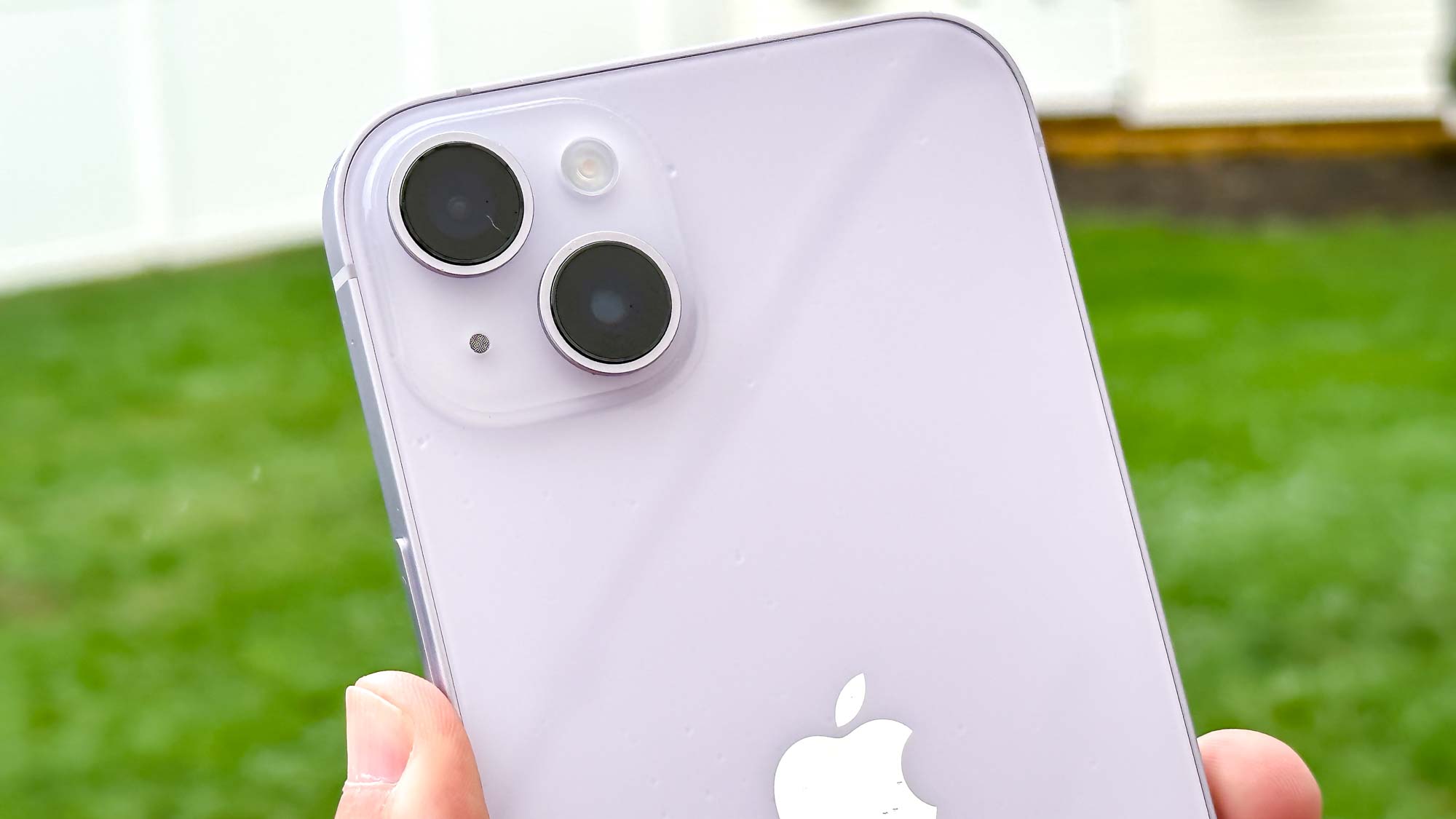
Knowing how to make a GIF on iPhone may not sound particularly useful – after all, hundreds of thousands of GIFs have already been created so why add some more? But if you would rather your GIFs felt more personal or if you've thought of something funny that you'd like to share, producing your own can be very satisfying.
There is certainly no harm in giving it a go. Making GIFs on iPhone is more straightforward than you may imagine and it only takes a few taps to progress from snapping a photo or grabbing an image to admiring your handiwork ready for sharing. Here we take a look at how it's down via the Photos app before explaining a method that takes GIFs to another level via GIPHY.