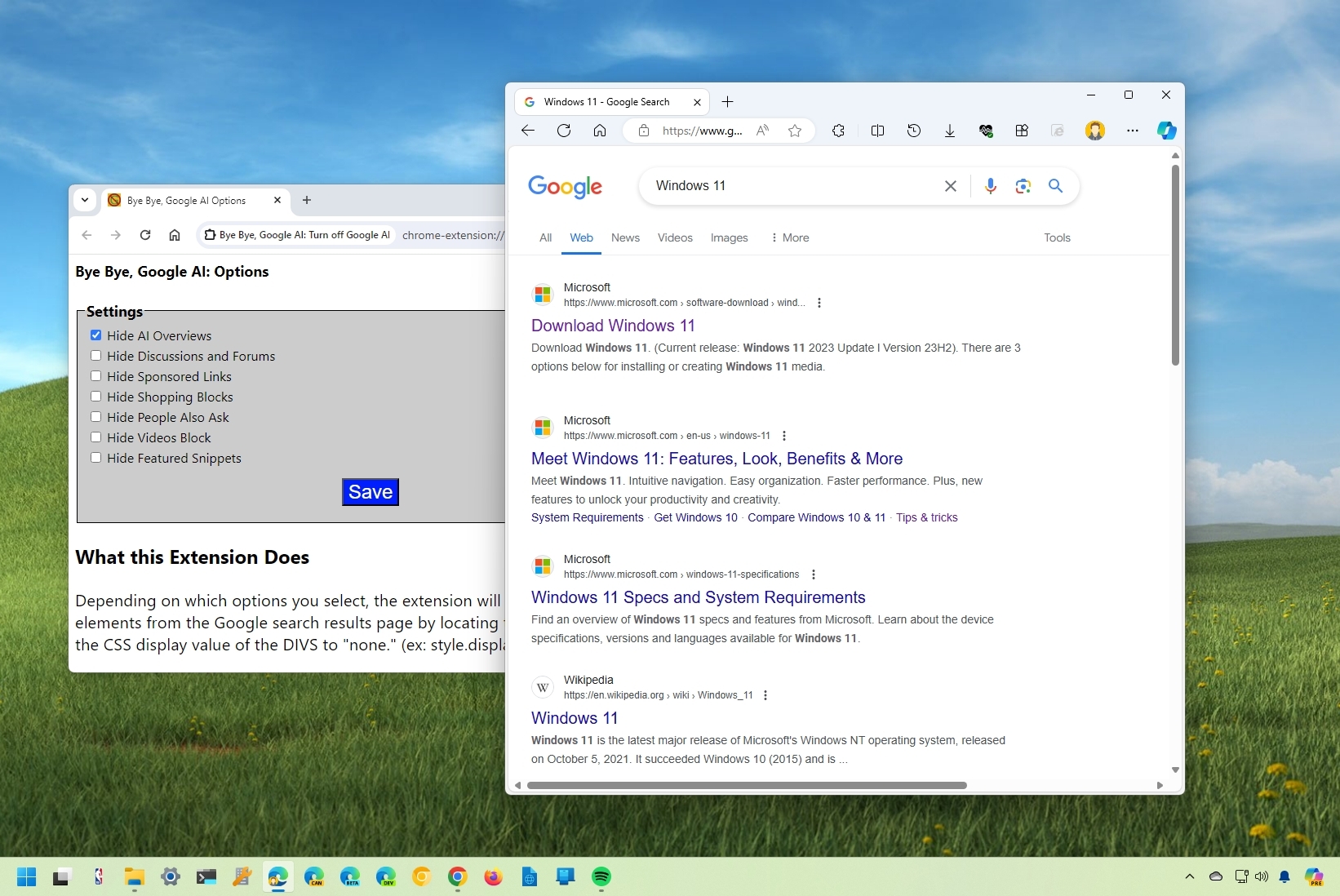
Google has been trying to reinvent its search engine by using AI to show complete answers to most questions, a feature the company calls "AI Overviews." However, if this experience isn't for you, there are a couple of workarounds you can use on Google Chrome and Microsoft Edge to revert to a more traditional results page experience.
Search on Google is no longer an algorithm that surfaces relevant results based on a few keywords you type in a search box. Instead, it's a system that relies on AI to reason the search intent to provide the most relevant answer. However, even though the company says the new system offers a better experience, inaccurate results keep growing, especially in the latest "AI Overview" feature meant to show complete answers.