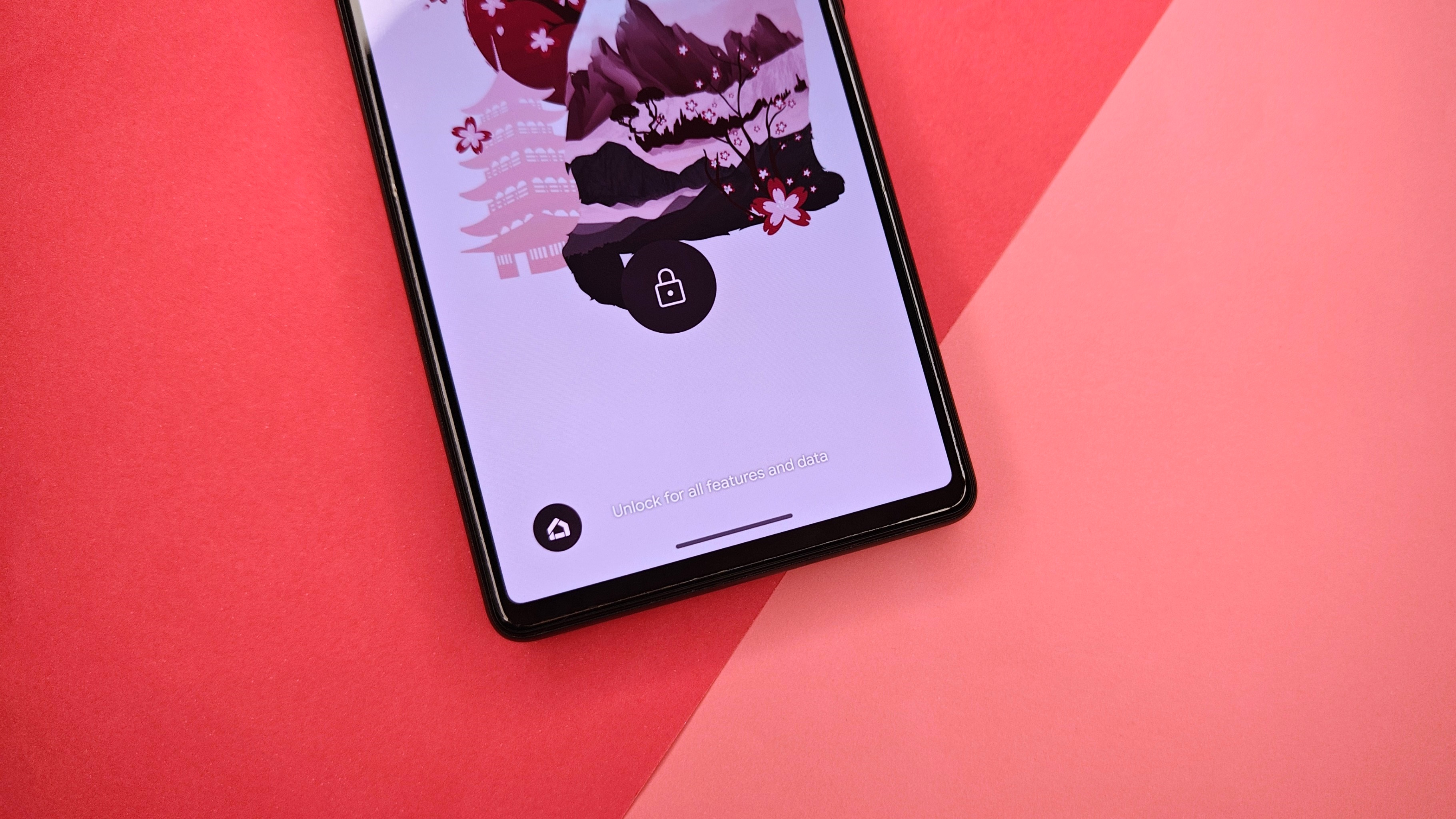
Android 12 and later devices have a neat safety feature baked into the OS. Designed for safety purposes, the Lockdown button allows you to hard lock your Android device and disable biometrics such as Face Unlock and the fingerprint sensor. Only your password, PIN, or pattern can unlock the phone once it's in Lockdown Mode.
It's not every day that you might need to use this feature, but you should know how to use it if and when the time comes. We used a Google Pixel 6 for this guide, but any other phone running Android 12 or later versions of the platform should be able to follow it. Some OEMs disable the Lockdown function, but there's not much you can do about it if it's not there.