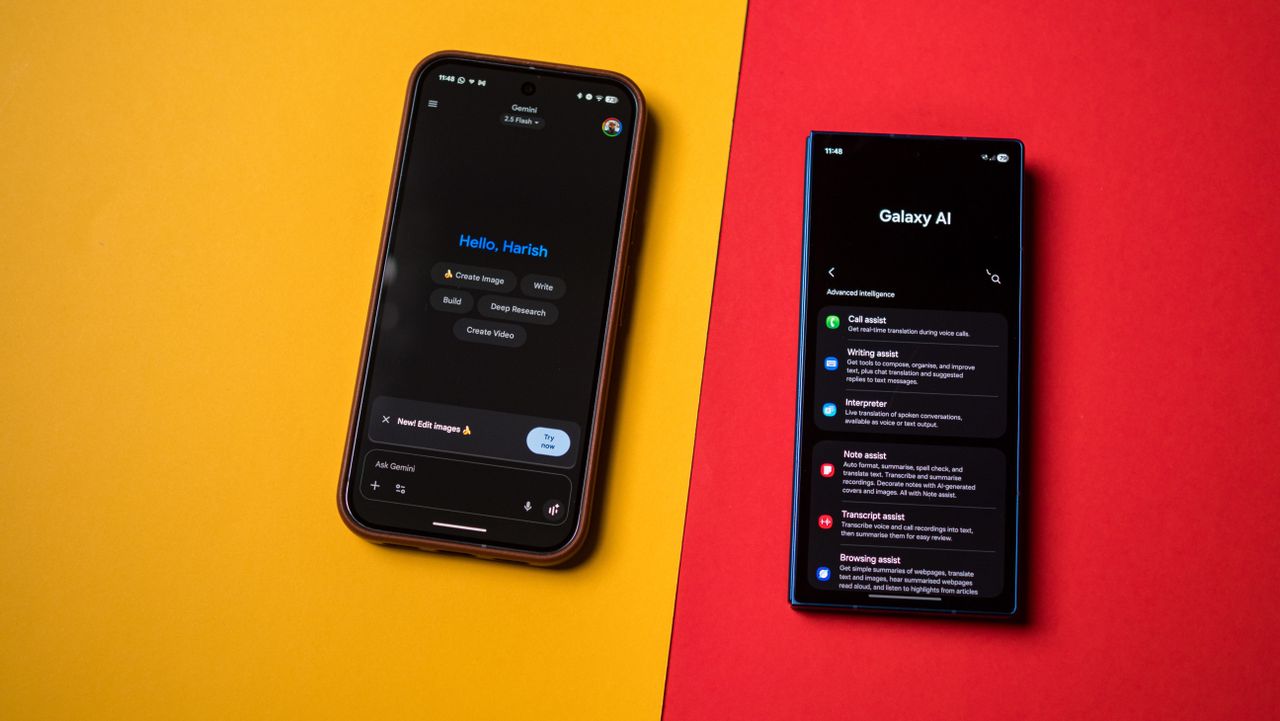
Artificial intelligence is a buzzword that shows no signs of slowing down; it is all around us, and it's hard to come across a product that doesn't mention it. It isn't just tech products either; I just bought a washing machine, and LG saw fit to shoehorn AI into that as well.
While AI is pervasive, it doesn't actually do much. That hasn't prevented phone brands from leaning heavily into AI, positioning it as a dubious differentiator on their latest phones. If you're like me and are ambivalent towards generative AI, here's how to disable it on your phone.