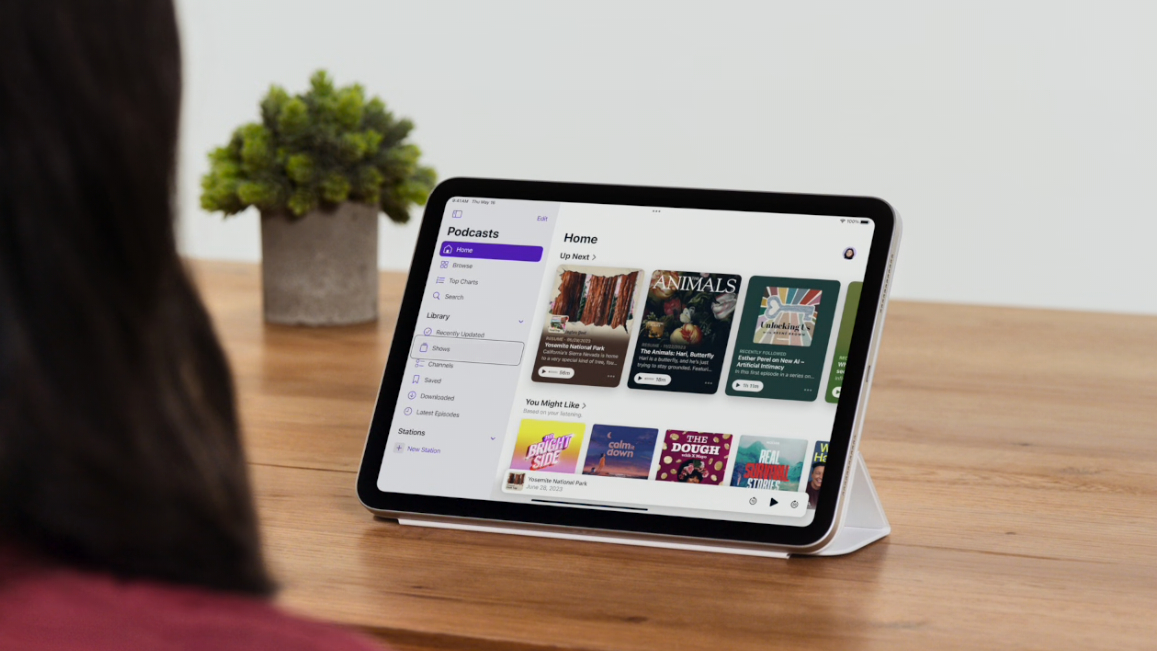
Knowing your iPad's model and generation is valuable information that serves multiple purposes. It helps you determine whether the latest iPadOS version is compatible with your device, assess if you're due for an upgrade to one of the best iPads available, and estimate your iPad's resale value should you decide to sell it.
Identifying your iPad model and generation is a straightforward process. Most of the information is easily accessible with just a quick look at your device and a few taps on the screen. We've made the process of identifying your device even easier by listing a heap of useful information towards the end of this article.