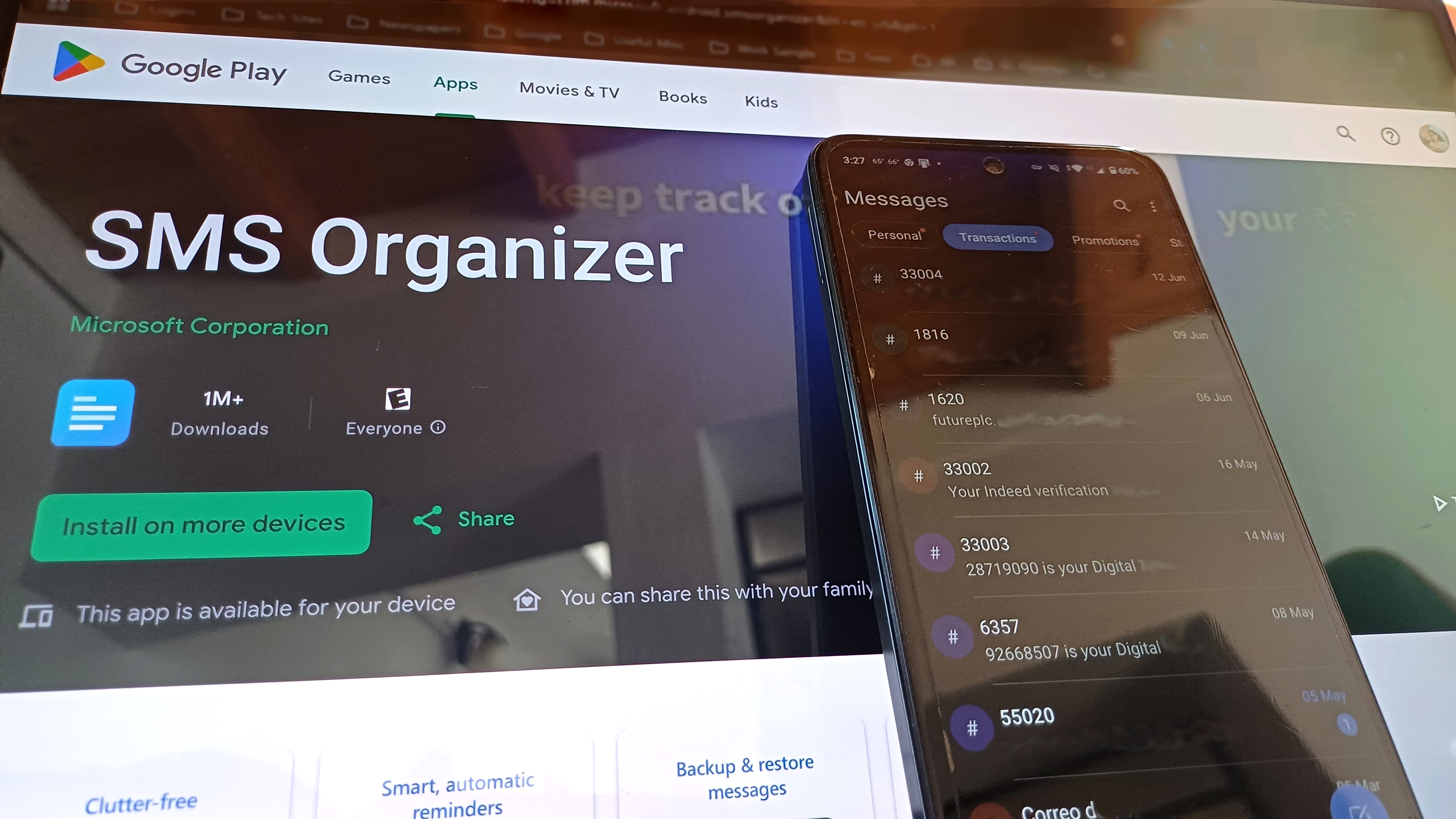
Backing up and restoring text messages on Android has never been easier. Google now automatically includes SMS and MMS in your device backup when you switch phones. Even media in Google Messages gets saved, assuming you use RCS and are on Android 9 or newer. That said, Google Messages' interface is pretty simple. And when I moved to a new device once, not all my messages appeared. Therefore, reliability can still be hit or miss when you're restoring messages.
So I switched to Microsoft's SMS Organizer several years ago, and it has been a revelation. SMS Organizer does an excellent job backing up all your SMS messages to Google Drive, and it also restores them effortlessly when you switch to a new phone. The latter part is key for my use case as I switch devices every alternate week, and SMS Organizer has been rock-solid in this area for four years now.