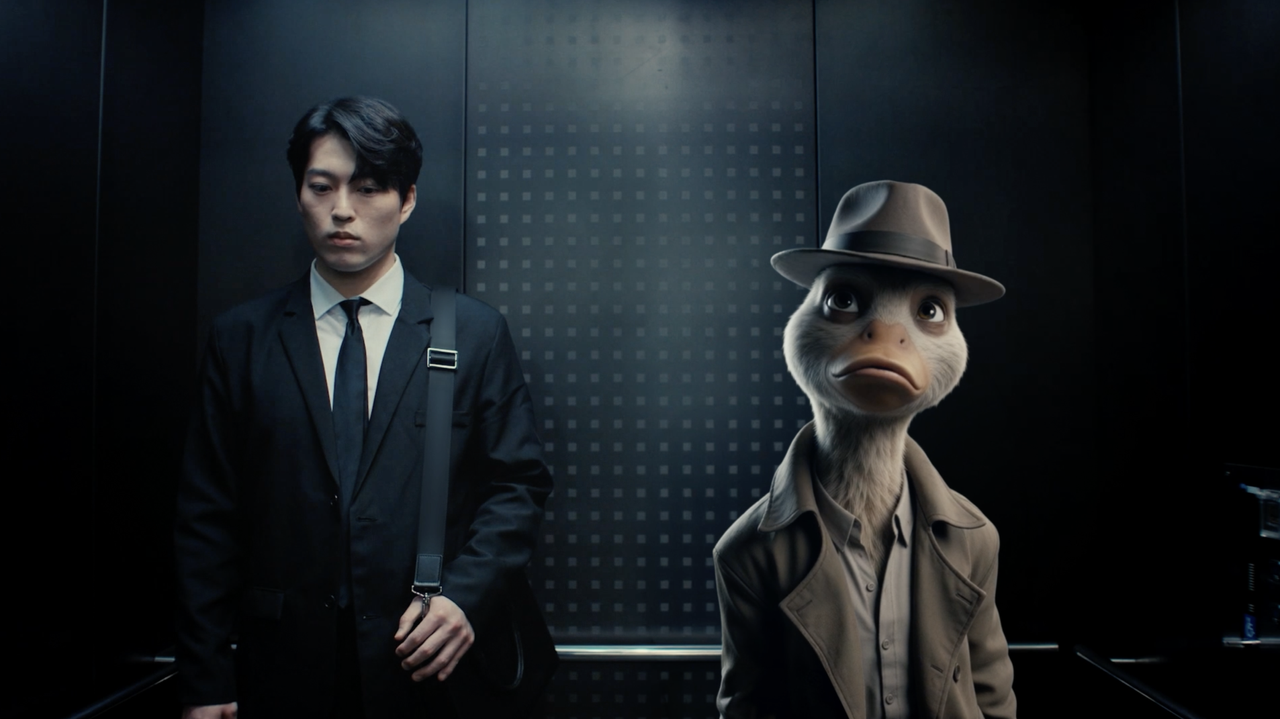
Traditionally, whether working in movies or games, rigging a character you've spent weeks and months creating can be a stressful trial. You can model something amazing in Blender, block out a design, but getting that thing to a place where you can actually make it perform? That’s a different discipline entirely, one that involves rigging, testing, fixing, exporting, and breaking it again somewhere else. It’s a time sink that can cost money and sap momentum from a project, and the 3D workflow can also be daunting for newcomers, but Autodesk thinks it has the solution.
The latest update to Flow Studio, Autodesk's AI cinematic platform, adds two new features: AI Rigging and Neural Layer. The idea is straightforward enough: to help creators, animators, and artists move from a static model to an animation-ready character far faster than traditional workflows allow, and then push towards cinematic-looking results without the usual complex setup, render time, or cost.