
Get all your news in one place.
100's of premium titles.
One app.
Start reading
Windows Central
Windows Central
Technology
Richard Devine

How to move the Windows 11 Taskbar and restore the classic look

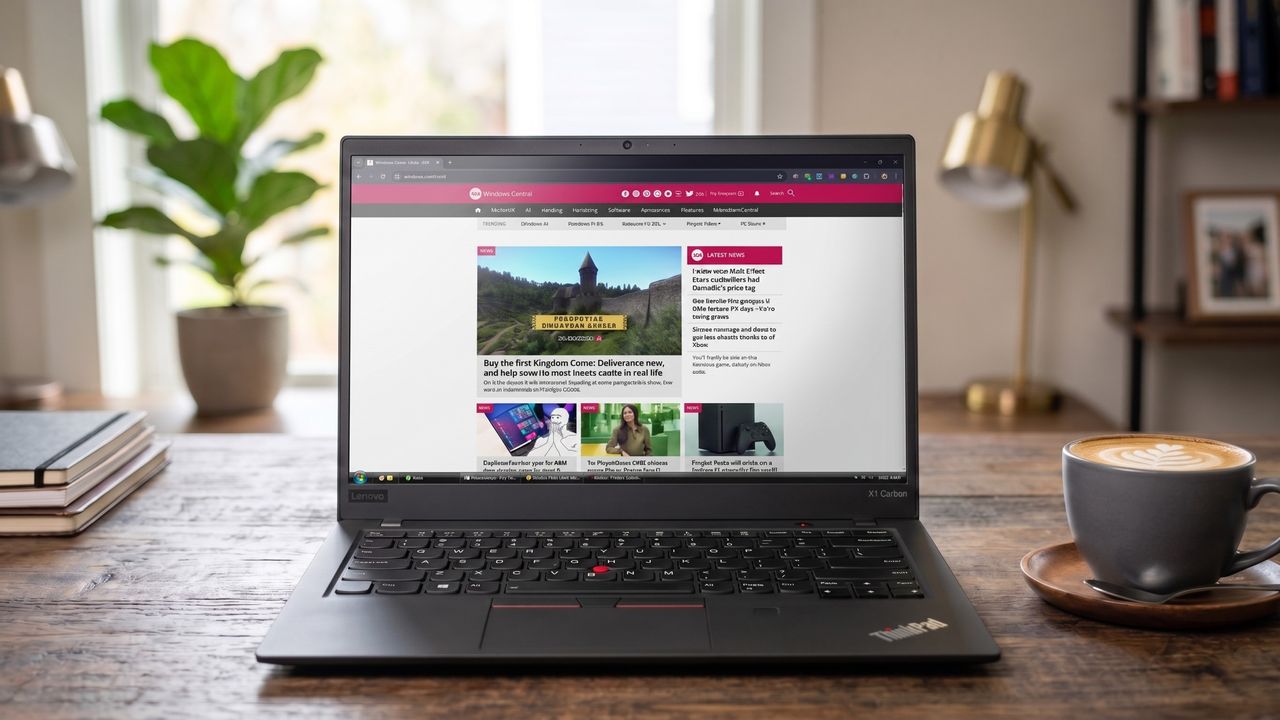
An image of a Lenovo ThinkPad showing the Windows Central homepage open in Google Chrome with a Windows Vista style Taskbar thanks to the RetroBar app. .

Let's face it; Windows 11 might look pretty sleek, but it's regressed in many ways from prior versions. One such being the Taskbar.

It's restrictive, loaded with stuff you're probably turning off anyway, and let's not forget that we're still waiting on Microsoft giving us the ability to move it to the top of the screen if we want to.

Enter RetroBar, a free app that not only restores some of this lost functionality but also covers your PC in the warm fuzzy blanket of nostalgia with the classic look of your dreams.

Vertical Taskbar is possible with RetroBar

The core concept of RetroBar is that it's not simply a skin; it's a complete Taskbar replacement that replaces the existing Windows 11 version. So you're not just slapping some paint on what sits there already.

Instead, it brings back a series of classic Taskbars, from Windows 95 right through Windows 98, Windows Me, Windows 2000, Windows XP, Longhorn, and Windows Vista. If it's before Windows 7, you can have it on your modern PC with RetroBar.

RetroBar also gives you the freedom to put the Taskbar on any edge of the display you so wish. So if you want a vertical taskbar again in Windows 11, you can, or you can put it on the top if you so please.

As well as all that, you can bring back that classic one button per window feel we used to have, and it's fully compatible with modern apps. You can have a Windows 95-themed Taskbar button for the Windows 11 Xbox app, which is a little bizarre but very cool.

There's also the ability to apply your own custom themes beyond those included if you wish, and it'll support multi-monitor setups just fine.

Why use RetroBar over Windhawk or Start11?

RetroBar is very customizable, including the ability to add custom themes if the nostalgic ones don't do it for you. (Image credit: Windows Central)

Setting up RetroBar is as simple as downloading the latest release from its GitHub repo and installing it. But why should you use it over something like Windhawk or Start11?

For starters, it's incredibly lightweight. It uses almost no system resources, and it's entirely non-destructive. If you want to stop using it, you can simply right-click and exit, and you'll have the regular Windows 11 Taskbar back on screen.

Right-clicking on the clock opens up the settings, and from here you have a number of choices, the main one being how you want it to look. You've got options that include the classic blue Windows XP theme and some more niche alternatives, including Longhorn and the Zune-themed Windows XP Taskbar.

You can also enable RetroBar at boot so you don't need to manually launch it every time you start up your PC, show the clock, or hide the clock; it's about as full-featured as you could want from a tool that's designed to give your PC an element of the past.

The perfect customization tool for Snapdragon laptops

RetroBar is an absolute win for those who yearn for a taste of the glory days, those who were too young to experience them firsthand, and just those who want a little more control over their Taskbar without using heftier Windows 11 customization tools.

It's completely free, and since it's hosted on GitHub, you can have a little poke around in the code if you wish. Oh, and not forgetting, there's a native ARM64 build, too, so you can happily use it on your Snapdragon-powered laptop. I'm loving my new old Windows Vista-style Taskbar complete with matching window previews!

Which version of Windows was your favorite? Let us know in the comments if you’re team XP, team 98, or another version!

Join us on Reddit at r/WindowsCentral to share your insights and discuss our latest news, reviews, and more.

Sign up to read this article
Read news from 100's of titles, curated specifically for you.
Already a member? Sign in here
Related Stories
Top stories on inkl right now
One subscription that gives you access to news from hundreds of sites
Already a member? Sign in here
Our Picks
Fourteen days free
Download the app
One app. One membership.
100+ trusted global sources.


