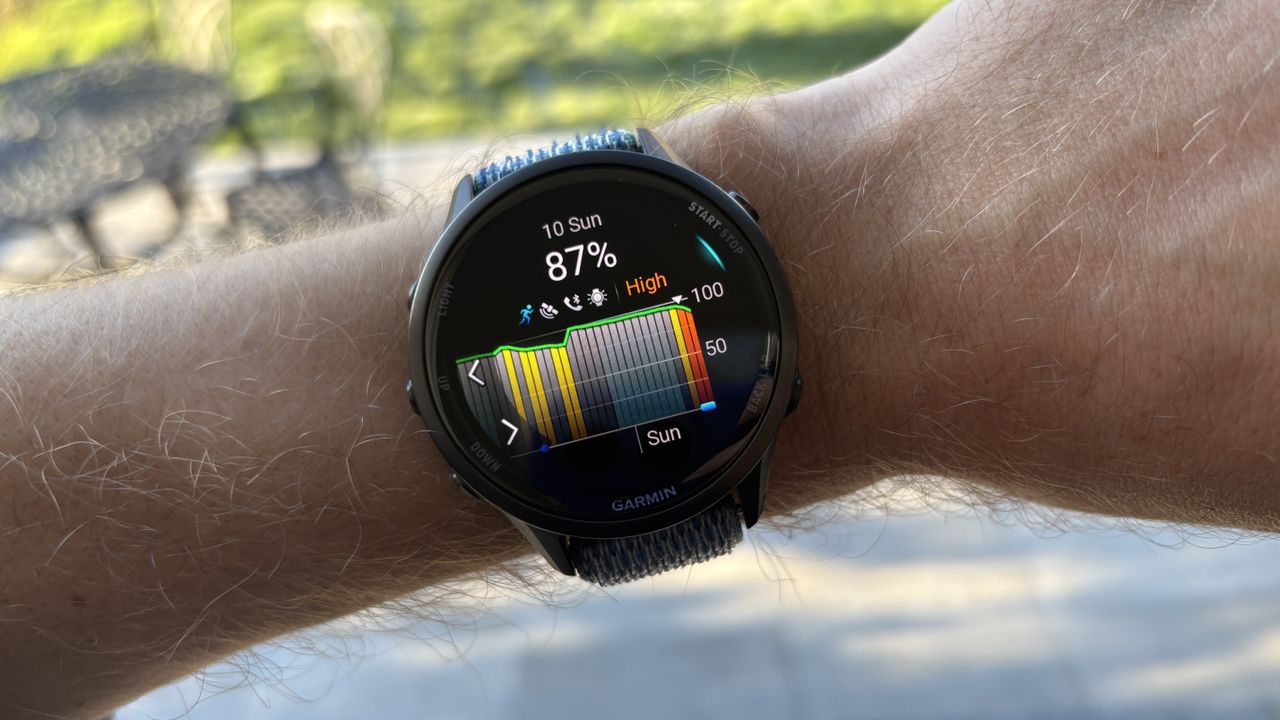
If you want to enjoy the latest features on your Garmin watch, it’s worth signing up for the brand’s public beta programme, which gives you access to software updates before they are fully launched.
I sign up for the programme on any Garmin I test, and if you have one of the best Garmin watches launched in the last year or so, the latest beta software update is well worth downloading.
Along with a host of minor updates and bug fixes, the update includes two great new features in the battery manager and sports scores widgets. I’ve been using these for the past few days, and the battery manager in particular is very useful in showing what is draining the juice on your watch.
Which Garmin watches can get the update?
The software update has rolled out to all of Garmin’s latest watches, though there are slight differences in the exact features and fixes each model gets.
All of the below get the battery manager and sports scores features, though:
- Garmin Fenix 8 Pro, Fenix E & Fenix 8
- Garmin Enduro 3
- Garmin Forerunner 570
- Garmin Forerunner 970
- Garmin Venu X1
- Garmin Venu 4
- Garmin Vivoactive 6
- Garmin Quatix 8 & Tactix 8 Series
To get this update, you have to be part of the public beta programme, which you sign up for using the Garmin Connect website.
Once part of the programme, the software update will eventually pop up on your watch automatically, but if you want to push it through, go to settings on the watch, then hit system, then software update, and check for updates.
Battery manager
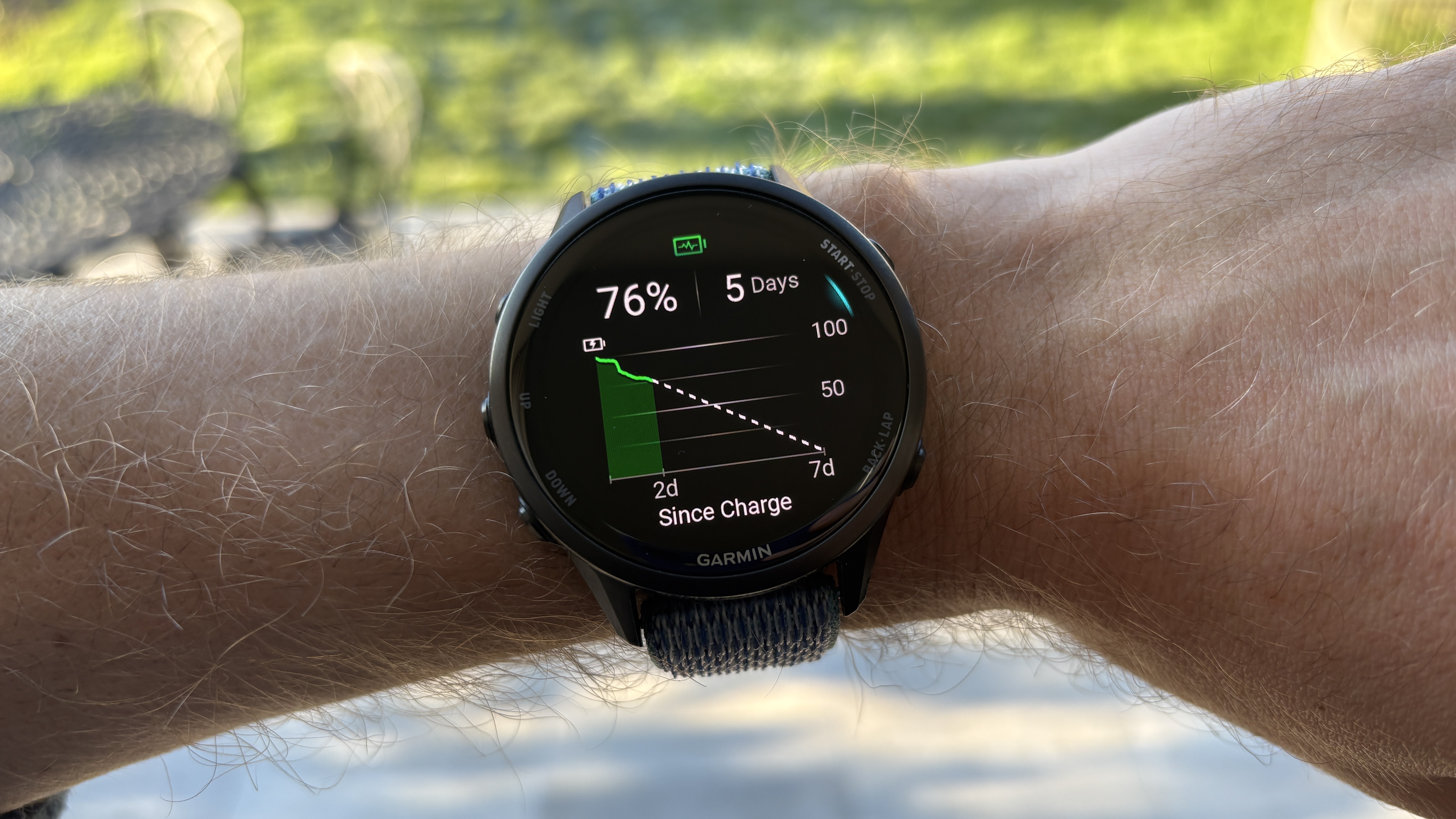
This widget shows how and why your battery has drained since your last charge, and estimates how many more days of use you’ll get out of your watch.
It’s similar to a feature you get on Coros watches, as well as third-party Garmin Connect IQ apps I’ve used in the past, and it can be an eye-opener in showing what’s actually draining your watch.
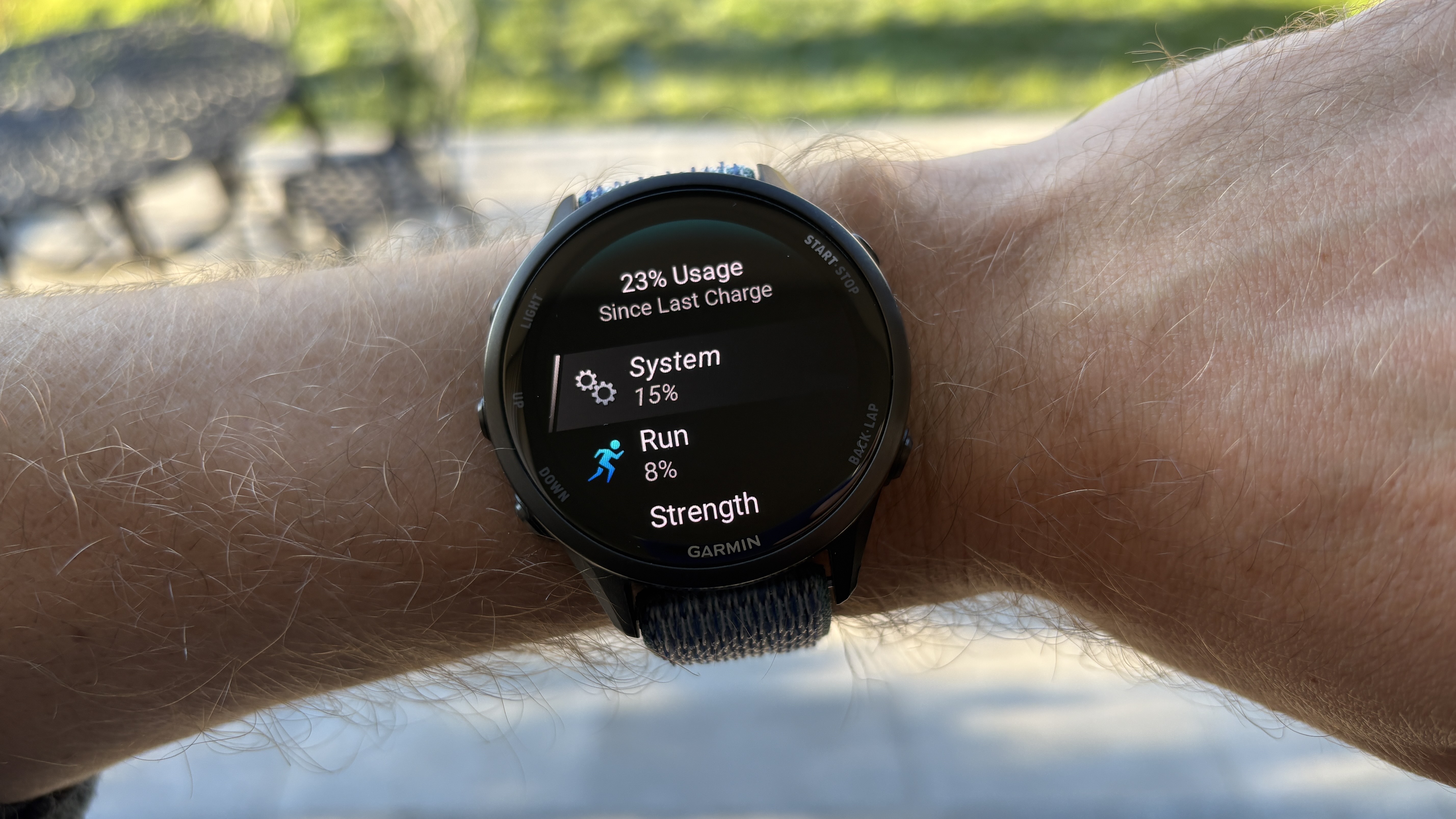
For me, the biggest surprise is how much battery is drained through the connection to my phone, which is something I now turn off at times to boost my battery life.
The widget shows your battery use over time in a bar chart you can scroll through to see periods of more intense use, which are explained by things like tracking an outdoor activity using the GPS, or using the flashlight on your watch.
Sports scores
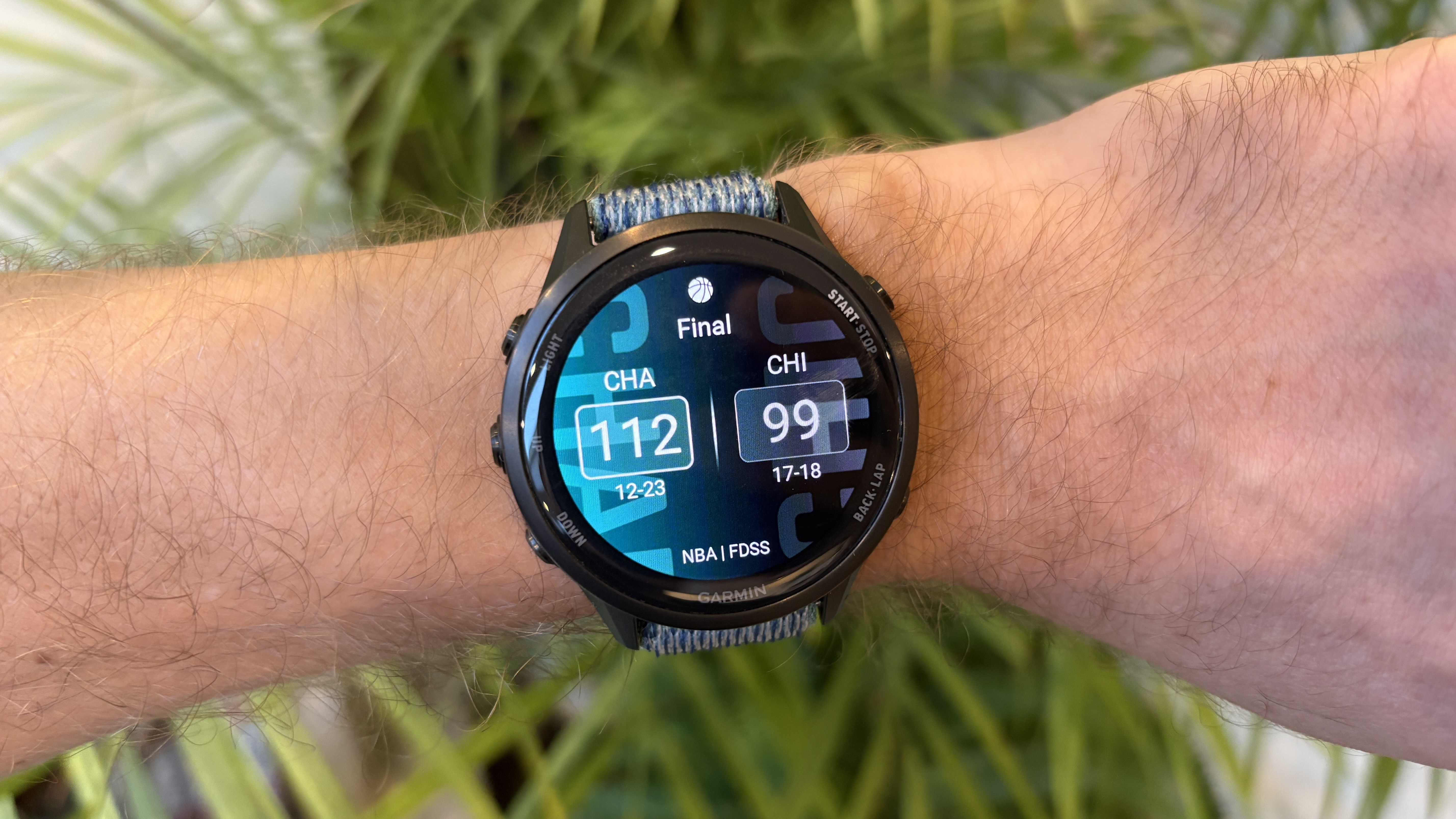
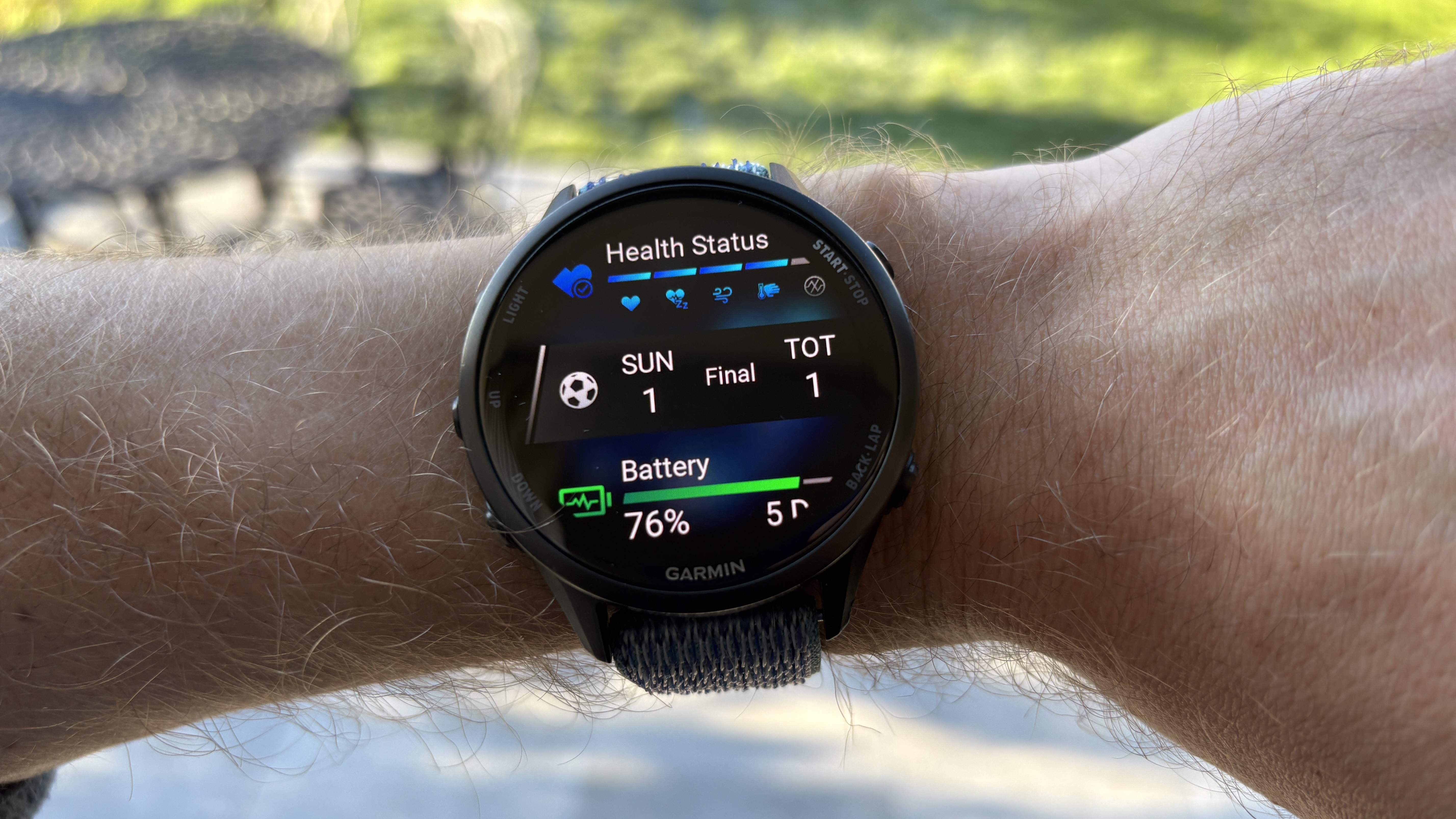
This is a great addition for any Garmin user who tracks a major sports team, because the widget will show both their latest results and upcoming fixtures.
So far 14 leagues are supported, including several European soccer leagues alongside the biggest US ones, and you can select your favorite teams in multiple different sports and leagues.
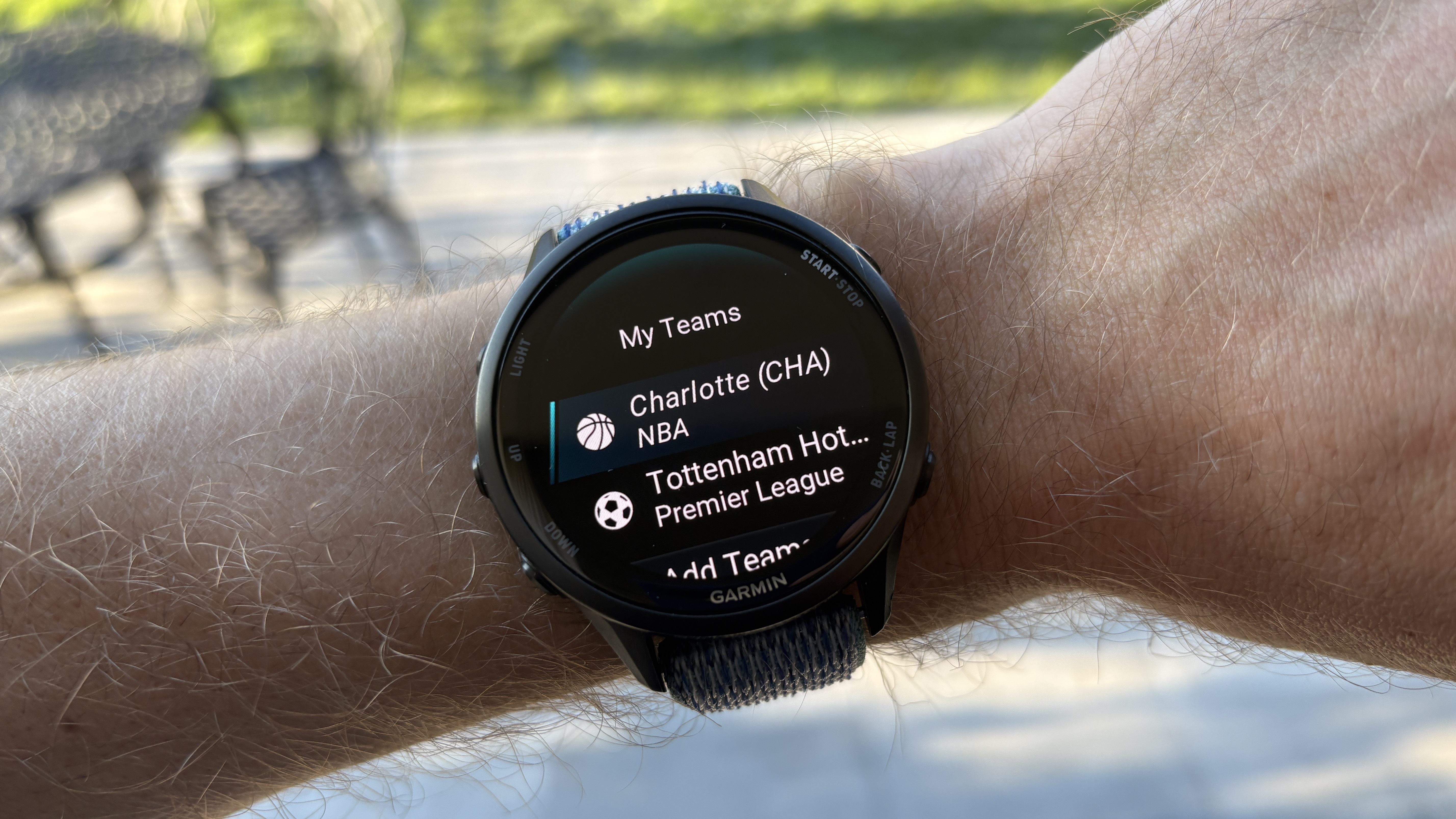
I have it set up to track the (frequently dismal) results of Tottenham Hotspur in the Premier League and the Charlotte Hornets in the NBA.
As a Brit, I’m not entirely sure how I ended up becoming a dedicated Hornets fan in 2012, but it’s proved a devastatingly poor choice in the years since.

Follow Tom's Guide on Google News and add us as a preferred source to get our up-to-date news, analysis, and reviews in your feeds.