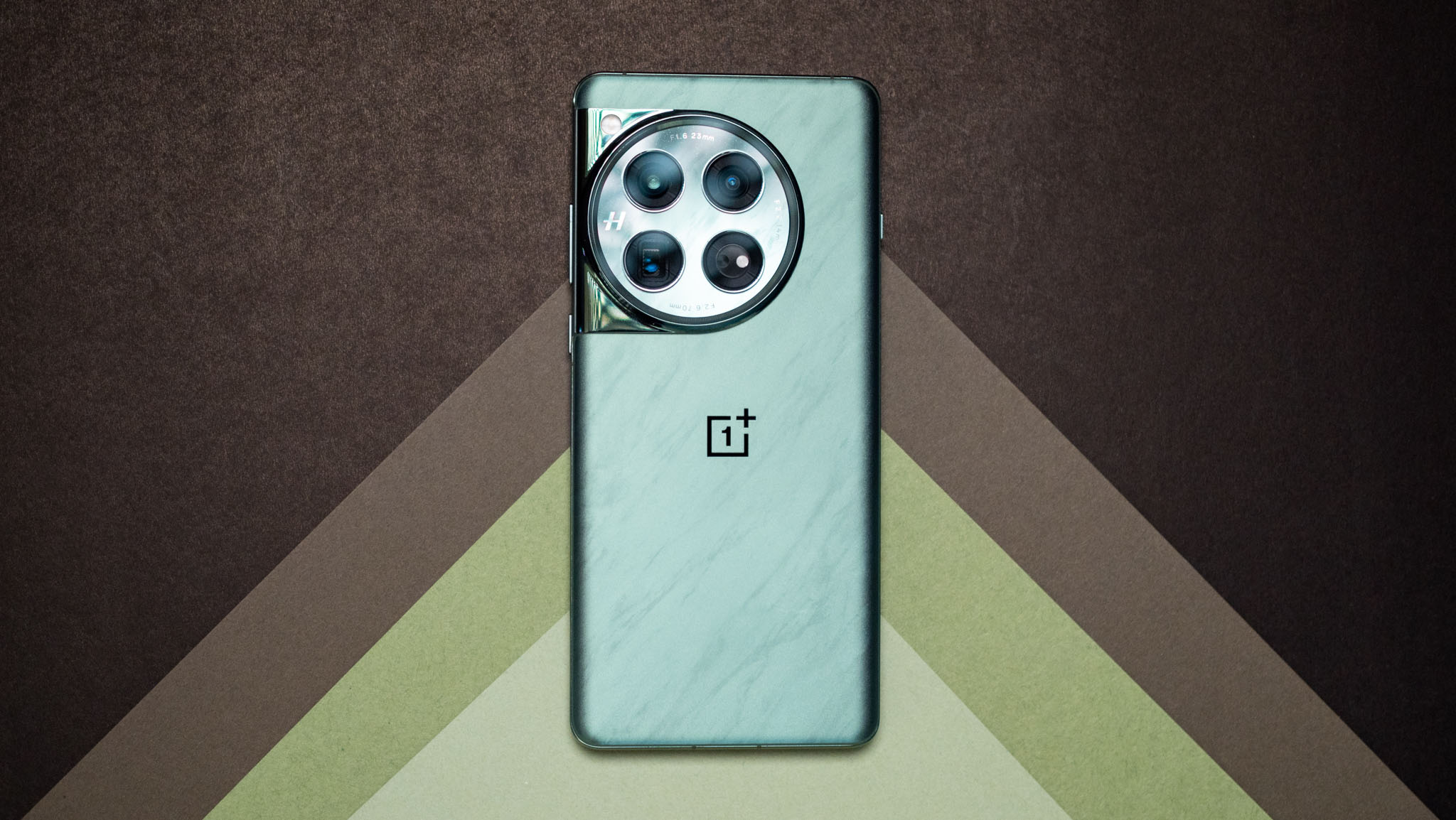
You just bought the OnePlus 12, and are looking to set up the device just right. OnePlus offers one of the most feature-rich interfaces on Android, and while the UI itself has a lot of overt styling these days, you still get an extensive amount of configurability.
Then there's the fact that the OnePlus 12 has a lot of custom features, so if you're upgrading from an older OnePlus device or switching from another brand, you'll find plenty of new additions. I used every single device OnePlus launched thus far, and most of the time, I switch back to a OnePlus phone after I'm done with other reviews. I used the OnePlus 12 for just over a month when it launched, and here's how I set up my phone immediately after transferring data over to the device.