Get all your news in one place.
100’s of premium titles.
One app.
Start reading
T3
T3
Technology
Matt Kollat

DJI's free software update gives its flagship action camera a massive resolution upgrade and focus peaking

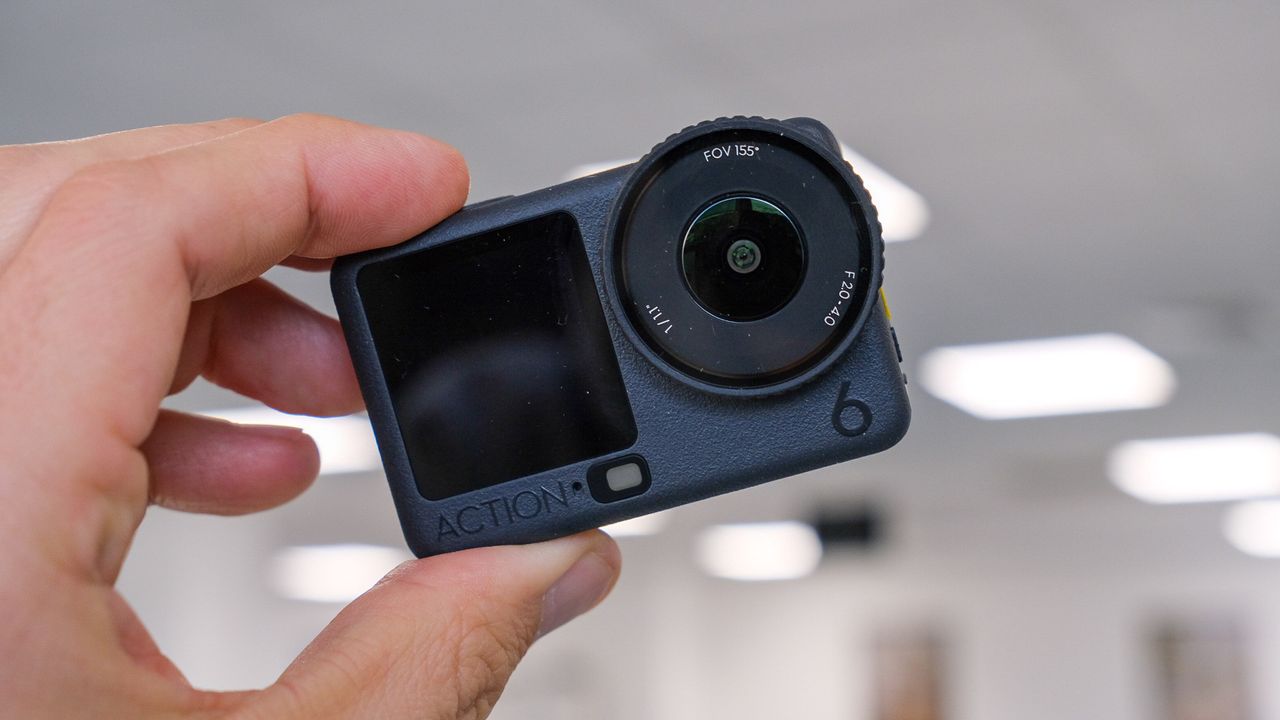
DJI Osmo Action 6 vs Action 5 Pro.

DJI has pushed out another meaningful software update to one of its best action cameras, and this time it’s the DJI Osmo Action 6 that’s getting the upgrade treatment.

Rolling out now via the DJI Mimo app, the new firmware introduces a mix of headline-grabbing specs and genuinely useful quality-of-life features that make the flagship cam feel more capable without changing the hardware at all.

Following the update, the Osmo Action 6 now supports recording at up to 8K/30fps in a 16:9 aspect ratio.

DJI says the higher resolution allows for richer detail and more flexibility when cropping or zooming in during edits, which will appeal to creators who want extra room to reframe footage without sacrificing sharpness.

Now in 8K (Image credit: Matt Kollat)

Beyond raw resolution, the update also adds cloud upload functionality.

Files can now be uploaded directly from the camera to third-party cloud services through the DJI Mimo app, including OneDrive, Google Drive and NAS setups.

This could significantly speed up workflows for creators who want to back up footage or share clips without juggling memory cards and cables.

Photo mode now supports Film Tone, offering more stylised, ready-to-share colours straight out of the camera.

DJI positions this as a way to make the Osmo Action 6 more appealing for casual street photography and quick social posts, rather than something that always requires post-processing.

From this perspective, the update is similar to the most recent DJI Osmo 360 software refresh, which added "creative effects" to speed up the transport of footage from the camera to social media.

There’s also a more technical addition aimed at close-up shooting.

Focus peaking, the absence of which I mentioned in my review, is now available directly on the camera screen, helping you identify the sharpest areas of the frame when shooting macro or detail-heavy scenes.

The update is available via the DJI Mimo app.

Sign up to read this article
Read news from 100’s of titles, curated specifically for you.
Already a member? Sign in here
Related Stories
Top stories on inkl right now
One subscription that gives you access to news from hundreds of sites
Already a member? Sign in here
Our Picks
Fourteen days free
Download the app
One app. One membership.
100+ trusted global sources.