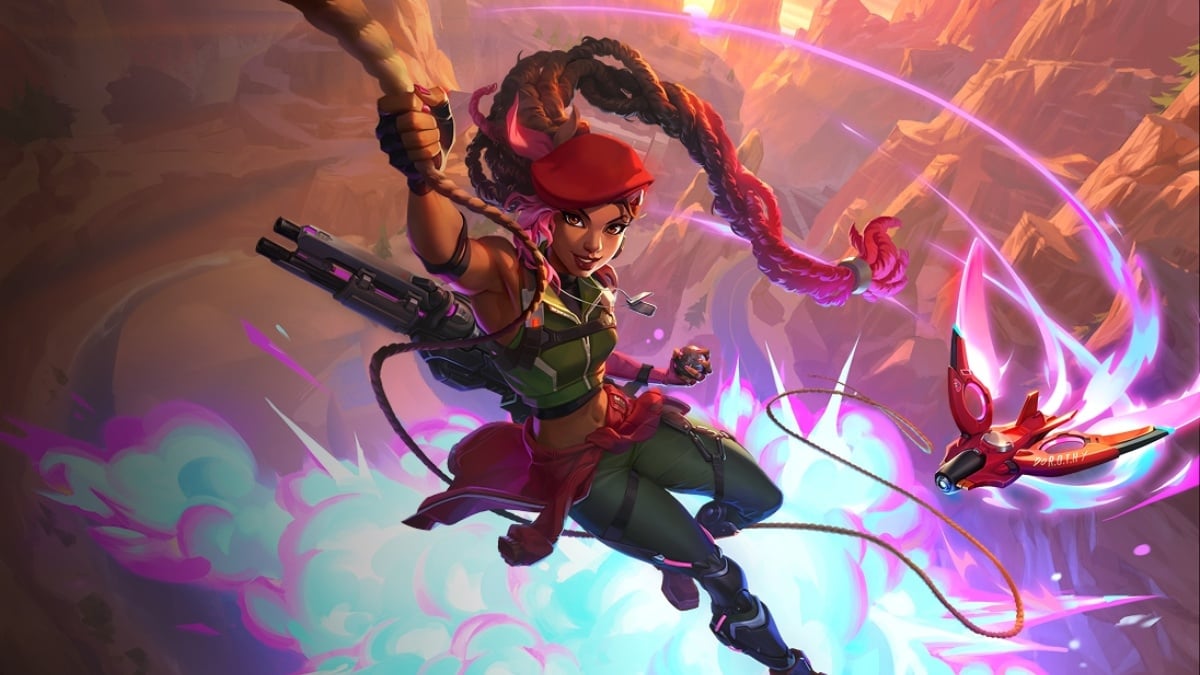
Sierra is the newest DPS Hero in Overwatch Season 2, and she works best with a small, clean crosshair that stays easy to track in fights and does not block your target.
When it comes to Sierra, she flourishes if you keep the reticle readable, as it helps in staying accurate at medium range, and avoids anything too flashy that gets in the way of aim. A bright color like green, cyan, or magenta is usually the safest pick because it stands out well against most maps.
Having that said, here’s the best crosshair you can use for Sierra in Overwatch.
Table of contents
Best Sierra crosshair settings in Overwatch
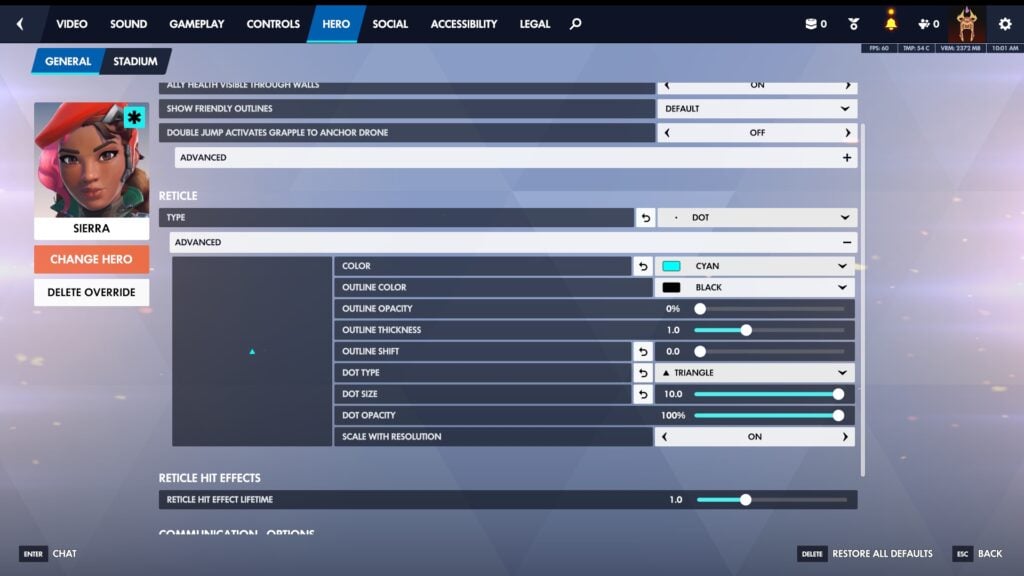
- Type: Dot
- Color: Cyan
- Outline Color: Black
- Outline Opacity: 0%
- Dot Type: Triangle
- Dot Size: 10.0
- Dot Opacity: 100%
- Scale with Resolution: On
This is a simple crosshair setup, but that’s exactly why it works so well with Sierra. The Cyan color is bright enough to stay visible in most fights. Since the crosshair is just a triangle, your screen stays clean, and you can focus on movement and target tracking instead of fighting your reticle.
The triangle dot shape also makes the reticle feel a little more precise than a plain dot, especially if you like visual feedback in the center of your screen.
Best dot crosshair for Sierra
If the crosshair above feels too bold, you may reduce the size or opt for a classic dot crosshair like other Heroes.
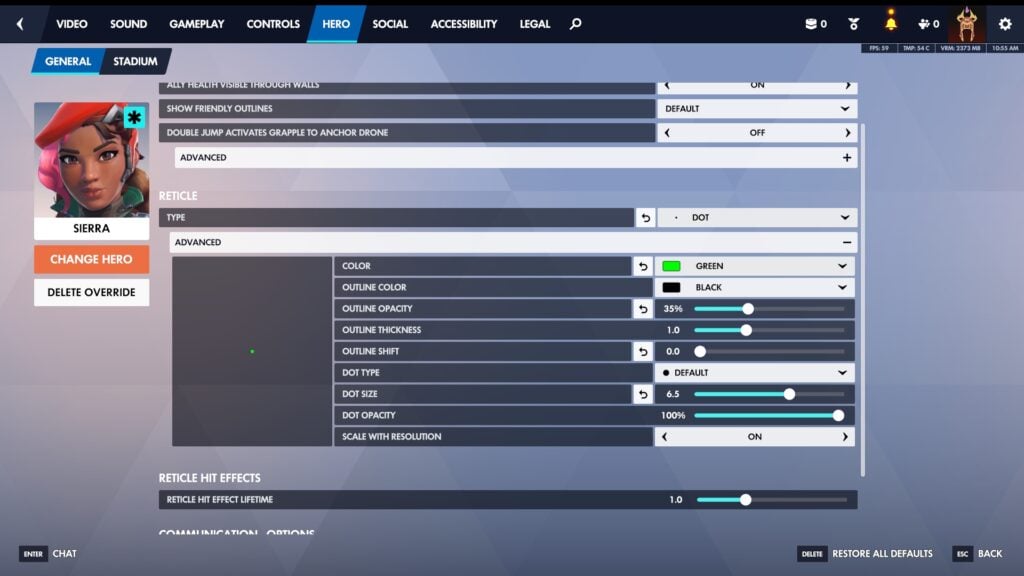
- Type: Dot
- Color: Green
- Outline Color: Black
- Outline Opacity: 35%
- Outline Thickness: 1.0
- Outline Shift: 0.0
- Dot Type: Default
- Dot Size: 6.5
- Dot Opacity: 100%
- Scale with Resolution: On
I’ve found that traditional crosshairs, which generally sit well with Heroes such as Bastion, Cassidy, or Soldier 76, don’t go well with Sierra. The most obvious reason is due to the Helix Rifle, which is an automatic assault weapon that gains accuracy as she fires, as it shoots projectiles in a spiral pattern.
How to change your crosshair in Overwatch
To change your Overwatch crosshair settings, all you need to do is:
- Press Escape on the main menu to open Options
- Go to Heroes, and select Sierra
- Under General, scroll down to the Reticle section
- Change Type to Crosshairs or Dot, then hit Advanced to apply the values above
Do this in the Practice Range, and you can instantly see how each slider affects your reticle while shooting bots.