xxxx
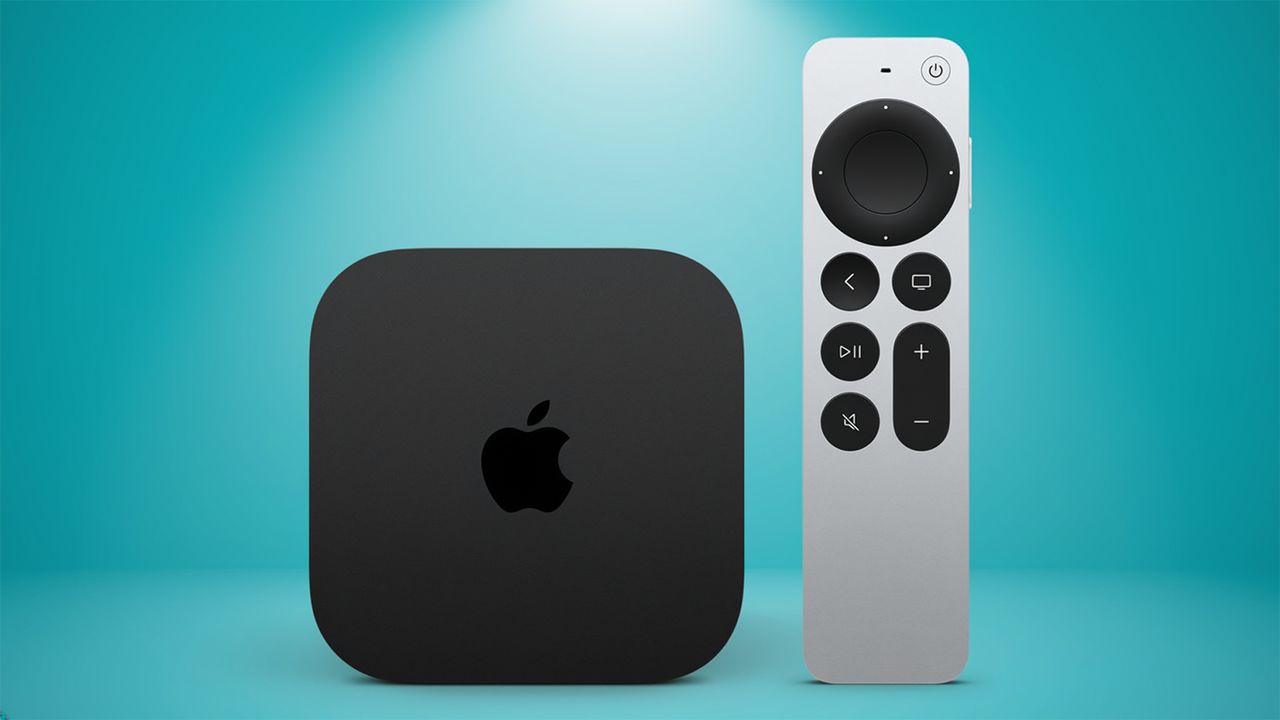
Apple might be planning a new version of its Apple TV 4K streaming box, which we're expecting soon, but it continues to breathe new life into the current model, too – even though it's been with us for four years.
That's great for existing owners of what is, arguably, still the best streaming device you can buy. The latest update has arrived and as well as some background tweaks and fixes, it finally adds a trio of new features we've been highlighting for a while.
Arriving as part of the tvOS 26.4 consumer release, your Apple TV 4K box now has access to Genius Browse.
This is a new feature for the Apple TV app which helps you discover new shows and movies to watch across multiple streaming services. It adds a new rail that you'll find on the app's homescreen with a selection of different categories, such as "binge-worthy shows" and "a rush of adrenaline".
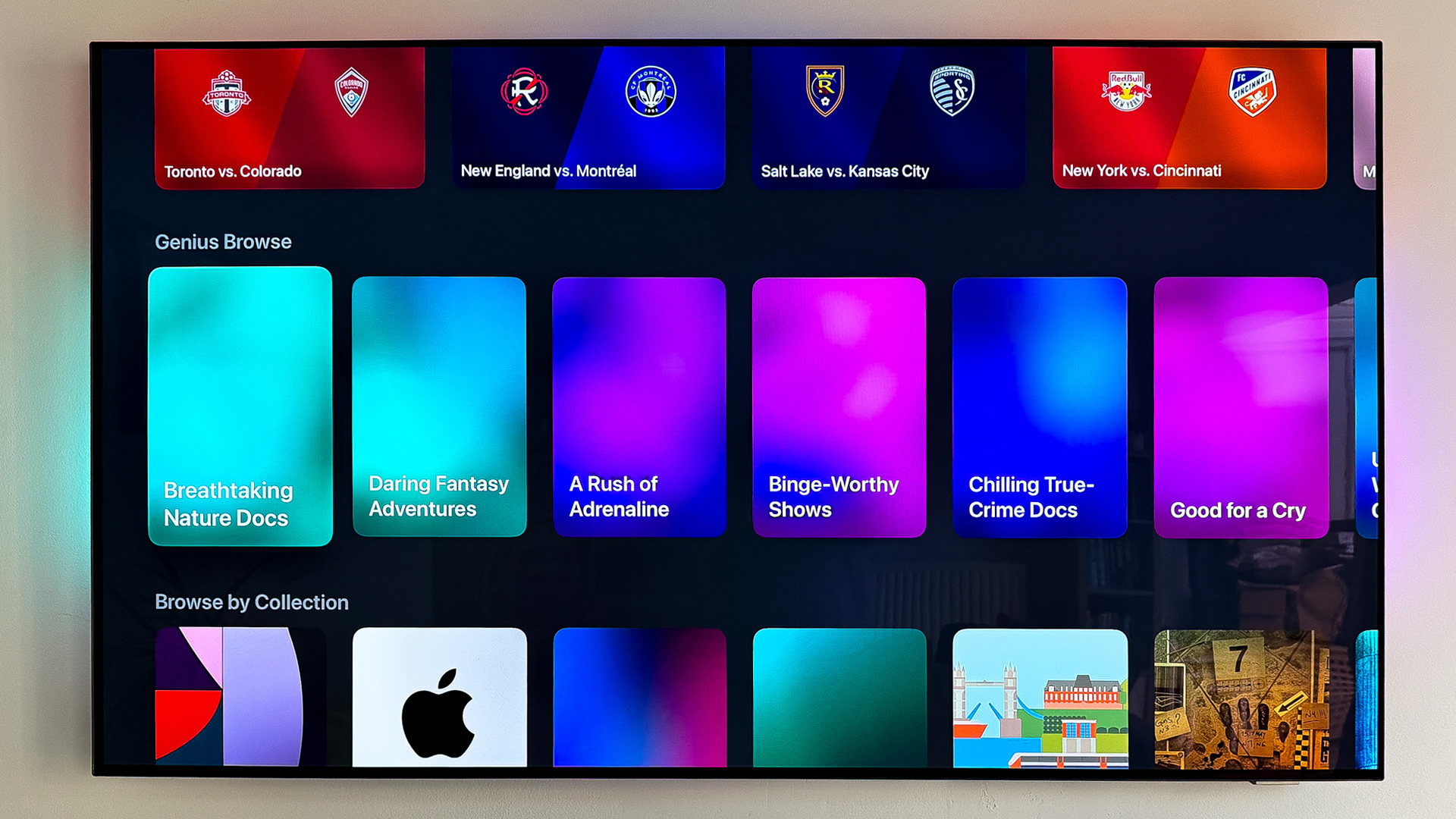
Inside the category placeholders, you are greated by recommendations taken from across your linked services, such as Apple TV itself, Disney+ and Prime Video. Sadly, Netflix is still not fully integrated with Apple's system as yet.
The new "continuous audio connection" option is now enabled in the TV 4K's settings. This has mainly been added to offer a fix for users operating Sonos speakers with AV receivers and amplifiers, but it's switched on by default.
I've found that, in the Sonos app, it lists all audio outputs as "Dolby Atmos" for me, but according to Apple that's normal. The audio is still delivered as intended – including Dolby Digital 5.1.
And finally, we have new customisation options for subtitles. You can change the subtitles to different styles – classic, large, text, outline text and transparent background.
Even though these have been introduced to improve accessibility, my family often watch content with the subtitles switched on anyway, to help with quieter scenes or even when learning a new language, so it's a more universal feature these days.
Apple's tvOS 26.4 is available to download and install now. Head to the system settings on your box to check to see if it's ready for you, unless it's been automatically installed already.