
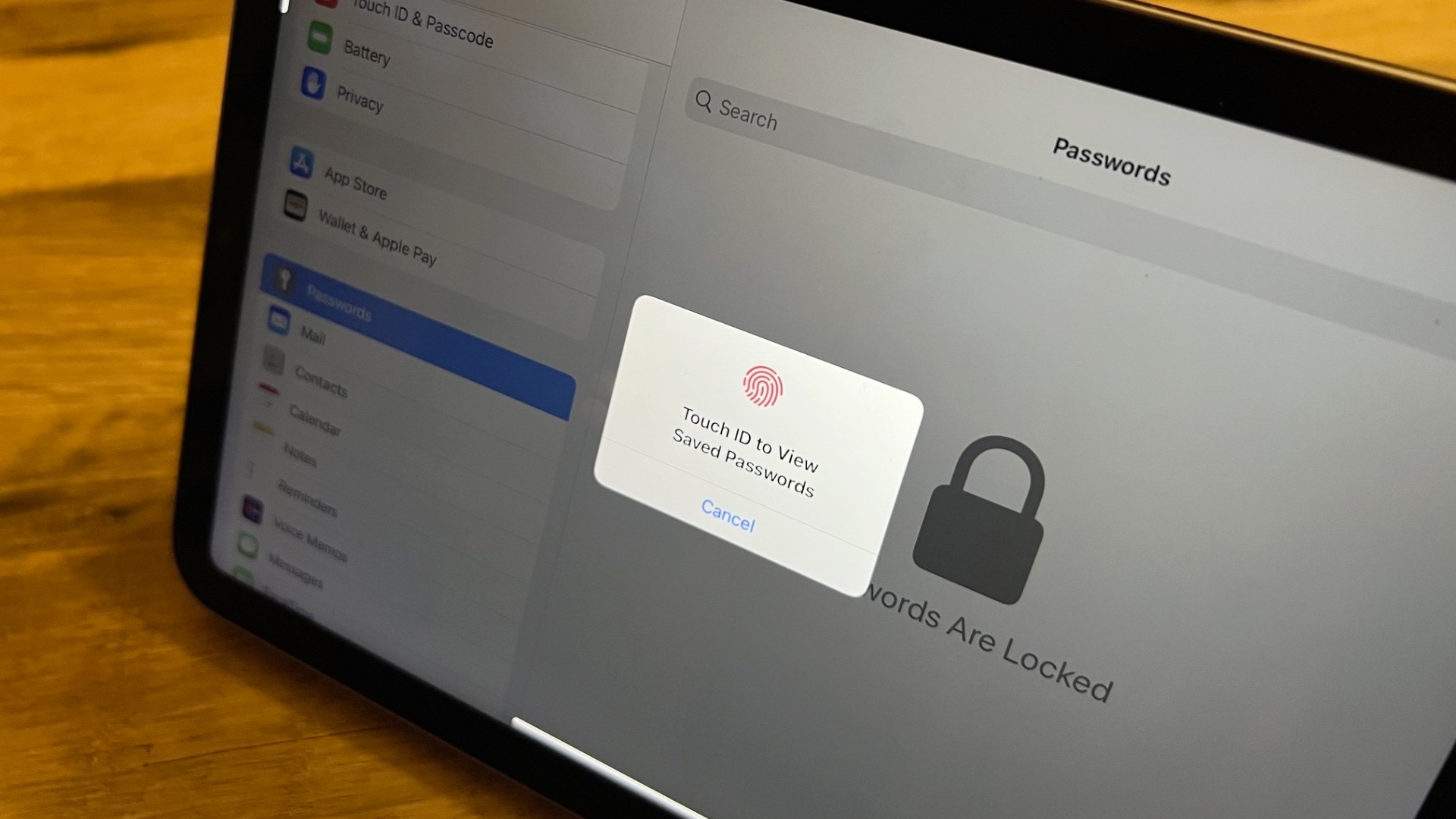
When Apple announced macOS Sequoia at WWDC on June 10 there was a lot to take in, and that was even before the company took the wraps off Apple Intelligence. Some of the new features are bigger than others, but one new change that I think might have an outsized impact on the way people use their Apple devices from this fall is the arrival of a popular password manager.
Sure, iCloud Keychain is nothing new and it's been a solid option for people who want to sync passwords, passkeys, and notes between devices for years. But it's always felt like something of an afterthought for Apple with the company hiding it deep inside the Settings app on iPhone and iPad and the System Settings app on the Mac. Some people, including yours truly, resorted to using a shortcut to more quickly access the potion of settings that houses passwords. But no more.