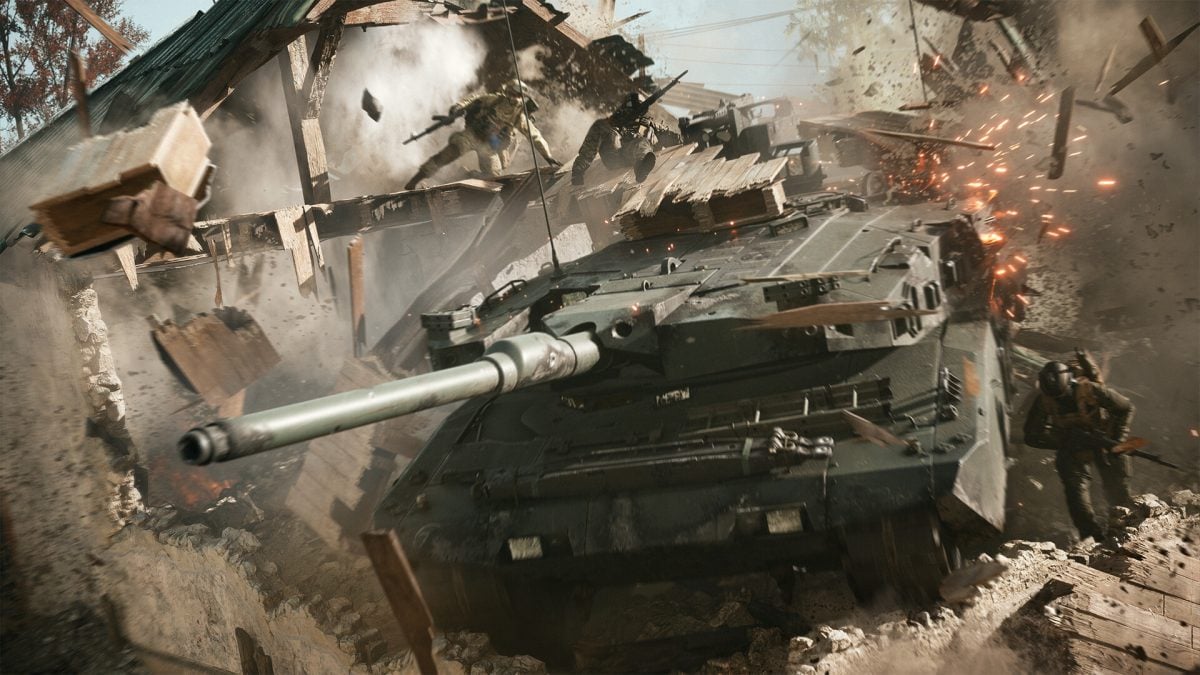
Battlefield 6 has plenty of controls for you to master if you want to be successful at winning more games.
The controls for your controller are much more streamlined compared to the keyboard and mouse. This guide will provide you with a list of all the default key bindings in Battlefield 6.
All Battlefield 6 keyboard key bindings
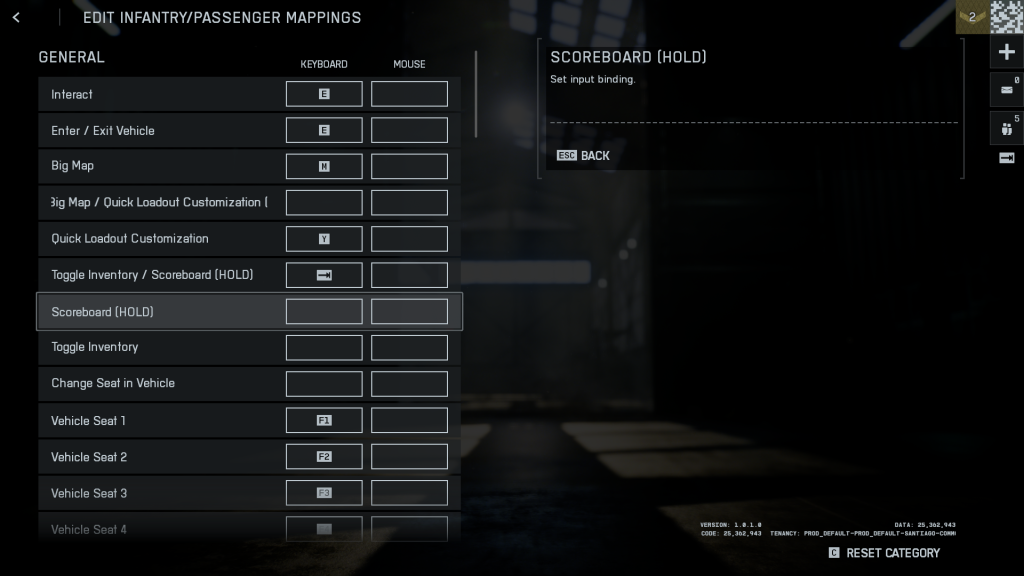
Here are all the default key bindings for those playing with a keyboard and mouse.
- Walk Forward: W
- Walk Backward: S
- Strafe Right: D
- Strafe Left: A
- Look Up: Mouse up
- Look Down: Mouse down
- Look Right: Mouse right
- Look Left: Mouse left
- Jump (Press)/Quick Upgrade (Hold): Space Bar
- Vault: Space
- Sprint: Left Shift
- Crouch (Hold): Left Ctrl
- Crouch (Toggle): C
- Prone: Z
- Parachute Deploy: Space
- Fire: Left mouse button
- Zoom: Right mouse button
- Reload: R
- Melee/Melee Takedown: F
- Primary weapon: 1
- Secondary weapon: 2
- Armor: 5
- Weapon Inspect: I
- Gadget One: 3
- Gadget Two: 4
- Squad Progression/Class Gadget: X
- Night Vision Goggles: 7
- Grenade: G
- Toggle Laser and/or Flashlight: T
- Fire Mode/Zeroing: B
- Steady Scope: Left Shift
- Toggle Scope: V
- Mount/Deploy Bipod: F
- Interact: E
- Enter/Exit Vehicle: E
- Big Map: M
- Quick Loadout Customization: Y
- Toggle Inventory/Scoreboard: Tab
- Vehicle Seat 1: F1
- Vehicle Seat 2: F2
- Vehicle Seat 3: F3
- Vehicle Seat 4: F4
- Vehicle Seat 5: F5
- Vehicle Seat 6: F6
- Skip to Deploy: Space
- Ping: Q
I haven't included the additional controls related to vehicles as they're specific to certain game modes. The controls you see mentioned are universally required in every Battlefield 6 game mode.
All Battlefield 6 controller key bindings
Here are the default key bindings if you're using a controller.
- Movement/Strafe: LS
- Melee/Move Camera: RS
- Melee/Melee Takedown/Deploy Bipod or Mount: Press R3
- Reload/Interact: Square
- Quick Upgrade (Hold)/Jump/Vault: X
- Crouch (Toggle)/Prone (Hold): Circle
- Cycle Primary/Armor (Hold): Triangle
- Grenade/Call-in Gadget Half Combo: R1
- Fire: R2
- Weapon Inspect (Hold)/Gadget 2: Right D-pad
- Toggle Laser or Flashlight/Scope Zeroing/Fire Mode: Right D-pad
- Gadget One: Left D-pad
- Night Vision Googles: Up D-pad
- Commorose (Hold)/Ping: L1
- Zoom/Deploy Bipod: L2
- Menu/Scoreboard: Pause Button
- Inventory/Map: Nav Button
Vehicle
- Switch Weaon/Primary Weapon: Triangle
- Handbrake: Circle
- Change Seat: X
- Exit Vehicle/Reload: Square
- Change Aim: RS
- Movement: LS
- Boost: L3
- Chase Camera: R3
- Commorose (Hold)/Ping (Double): Up D-pad
- Activate Equipment Slot 1: Left D-pad
- Lock Turrent: Down D-pad
- Activate Equipment Slot 2: Right D-pad
- Driver Zoom: L2
- Fire: R2
- Quick Loadout Customization: Nav button
Like our content? Set Destructoid as a Preferred Source on Google in just one step to ensure you see us more frequently in your Google searches!
The post All Battlefield 6 Keyboard and controller bindings appeared first on Destructoid.