Get all your news in one place.
100’s of premium titles.
One app.
Start reading
Android Central
Android Central
Technology
Brady Snyder

Adaptive Clock not working on One UI 8? Samsung says it has a fix

Updating to One UI 8 on a Samsung Galaxy S25 Ultra.

What you need to know

  • One UI 8 users have experienced issues with Adaptive Clock over the past few months, according to Reddit posts.
  • Adaptive Clock dynamically adjusts your lock screen clock settings based on your wallpaper.
  • Samsung says the fix for Adaptive Clock issues is to update the LockStar Good Lock app.

Enjoy our content? Make sure to set Android Central as a preferred source in Google Search, and find out why you should so that you can stay up-to-date on the latest news, reviews, features, and more.

One UI 8 added a neat feature for Samsung phones that dynamically adjust the lock screen clock settings to fit your wallpaper. It's called Adaptive Clock, and manages font size, orientation, and location based on your lock screen wallpaper. However, users have reported for months that Adaptive Clock hasn't been working as expected, as documented by Reddit posts and comments. Now, Samsung is finally here with a simple fix that only requires updating an app (via SamMobile).

"We have confirmed that the Adaptive Clock (Stretch Clock) feature does not function properly on Galaxy devices running One UI 8 if the Good Lock LockStar app has not been updated to version 7.0.1.10," Samsung said in a community post (translated from Korean). "Update the Good Lock LockStar app to version 7.0.1.10 through the Galaxy Store."

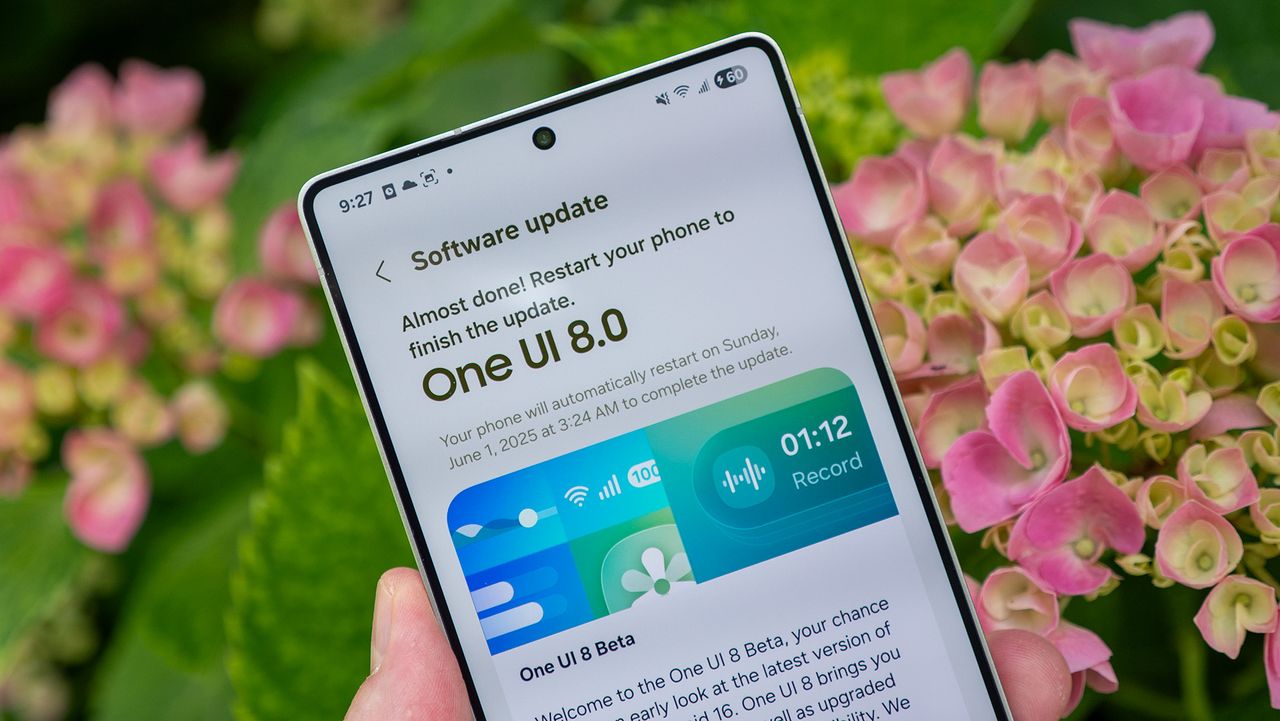
(Image credit: Andrew Myrick / Android Central)

Good Lock is the home for various apps and modules that provide granular control over the One UI 8 software experience. One module is LockStar, and it manages the lock screen, and the Adaptive Clock feature by extension.

Samsung identified the Adaptive Clock issues as being caused by outdated LockStar Good Lock apps. Adaptive Clock works by identifying the subject of your wallpaper and adjusting your clock preferences accordingly. As long as users update to version 7.0.1.10 or higher, which released a few months ago, they'll be able to use Adaptive Clock as expected.

How to update the LockStar Good Lock module

To update LockStar, open the Galaxy Store and navigate to the hamburger menu. From there, tap the Updates tab and select LockStar, following the on-screen prompts to complete the update. If they're not already installed on your device, you may need to download Good Lock, and the Lock Star module, from the Galaxy Store.

Once you have LockStar version 7.0.1.10 or newer up and running, Adaptive Clock will work normally with supported wallpapers. Ideally, you should use wallpapers with easily-identifiable subjects for the highest rate of success.

Samsung's Adaptive Clock fix for One UI 8 comes as the company is reportedly prepping a One UI 8.5 beta program for December.

Sign up to read this article
Read news from 100’s of titles, curated specifically for you.
Already a member? Sign in here
Related Stories
Top stories on inkl right now
One subscription that gives you access to news from hundreds of sites
Already a member? Sign in here
Our Picks
Fourteen days free
Download the app
One app. One membership.
100+ trusted global sources.