Get all your news in one place.
100’s of premium titles.
One app.
Start reading
Tom’s Guide
Tom’s Guide
Technology
Amber Bouman

5 common mistakes when buying a security camera

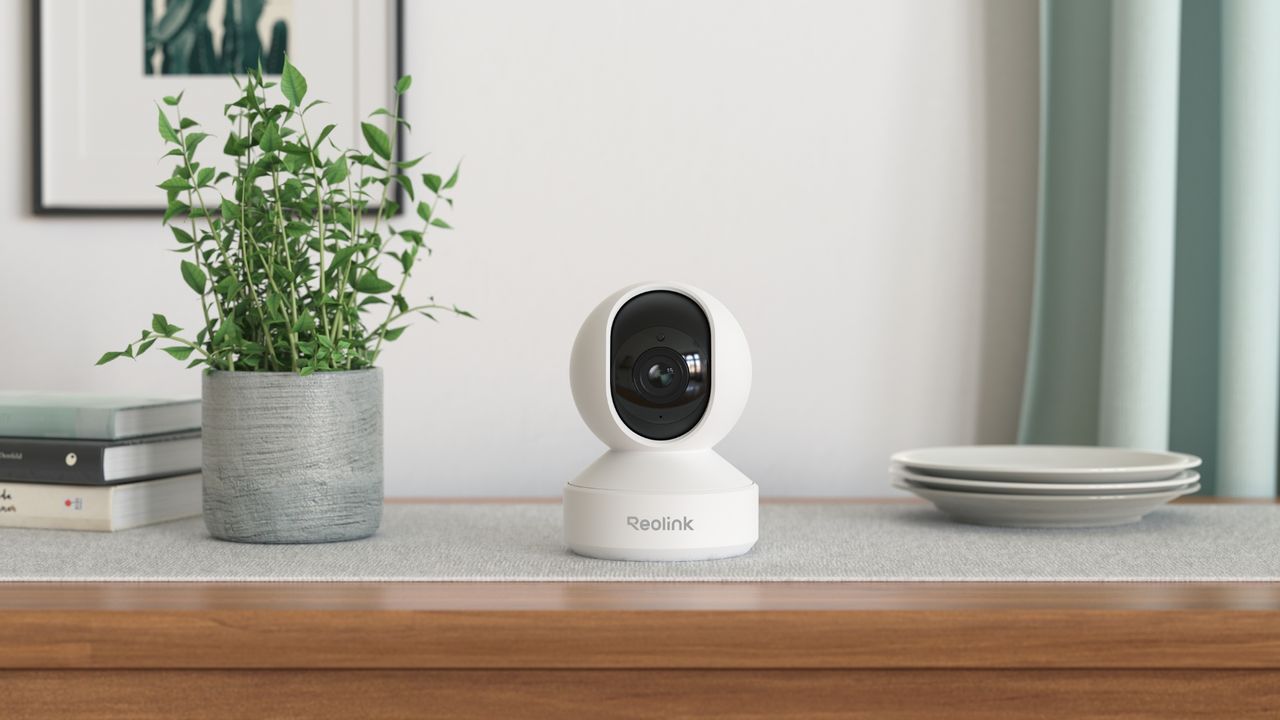
Reolink home security systems.

If there's one smart home device everyone seems eager to add to their house hold it's a home security camera – and that makes sense. There are a lot of benefits to having one (or more) of the best home security cameras watching over the inside or outside of your property. It can give families a great peace of mind to know they're protected, it can lower your insurance rates and it can be fun seeing what kind of wildlife are visiting your backyard when you're not around.

However, it can also seem intimidating if you've never had a home security system, had a lot of experience with smart cameras, or are nervous about adding new technology to your home. There are a lot of options and choices, and no one wants to wind up with something that doesn't work well for their home. Below are five pitfalls to avoid when purchasing a security camera for your home – simple steps to keep in mind when shopping, setting up and installing a quality home security camera.

1. Forgetting about data security and passwords

(Image credit: Blink)

Never forget, your home security camera is still an internet connected device which means it still requires the proper attention to set up and security. Otherwise, it's jut another easy gateway for cybercriminals and hackers to gain access to your network or your camera feed.

Avoid this by changing the default passwords on your home security cameras immediately upon set up to strong, unique passphrases and use two-factor or multi-factor authentication on the companion app on your smartphone. Also, check to see how often the firmware updates are released by the manufacturer, these are important as they'll often patch critical security flaws.

2. Miscalculating power needs and/or Wi-Fi strength

(Image credit: Ring)

How reliable, and useful, your home security camera is will all depend on its power source and connectivity strength so where you install it is going to matter in a pretty serious way. If you're opting for a wireless model that uses battery power, it might be easier to install but those batteries will be affected by colder temperatures and frequent activity (like a busy driveway or side street). That means they'll need to be recharged more often.

On the other hand, if you're going with a wired model, you'll need to check your power options and your Wi-Fi signal strength before you start drilling and mounting to make sure that it's worth selecting that spot for your installation. Otherwise, you'll get a choppy feed that may stutter or drop out entirely which does you little good.

3. Buying a camera without considering the environment

(Image credit: Tom's Guide)

Last year, we had snow at my house for four months straight so any technology that goes outside has to be able to withstand sub-zero temperatures for days on end. If you live in climates that get very cold, or alternatively, very hot, you need to make sure that the home security camera you're purchasing can handle those swings – and indoor cameras will not be rated for that. Check IP ratings for the device and look for a minimum of IP65 for outdoor security cameras.

Similarly, consider the night vision quality for both interior and exterior cameras: If you expect detail in the dark, you're going to want to see either IR or color night vision as one of the features. For field of view, at least 130 degrees is considered acceptable for general coverage, and most indoor cameras are considered too narrow of an angle to cover outdoor spaces.

4. Not checking for subscription fees

(Image credit: Wyze)

While some cameras have an excellent brand reputation, specs, features and reviews – and a low price – they may also come with add-on costs that may not be apparently until you read about the features. Many companies will offer hardware at a range of prices, with some indoor home security cameras going for less than $50, however a lot of the features are only available if you purchase a monthly or annual subscription plan as well.

That means a lot of the benefits of the device that you may want, like cloud storage or person and package detection, may only be unlocked if you sign up for a monthly fee. Before you buy a security camera, make sure you understand which features are included and which are only unlocked with a subscription as well as how the camera stores the feed: Is it onboard the device with a microSD card? Or only through the cloud?

5. Ignoring ecosystems and compatibility

(Image credit: Future)

If this is your first home security camera, and you don't own any other smart home devices or you don't care if your home security camera pairs with your other devices, then it's probably not important to you what you buy. However, many people would like to simplify what they buy into one ecosystem or brand so their devices can all "talk" and they can use them together.

If that's the case for you, then you should make sure that the home security cameras you buy are compatible with – or the same brand as – your other smart home products so they will integrate into whatever your existing hardware is. That way, your new cameras can work alongside your smart doorbell or smart assistants. Many home security cameras will clearly state if they work with Amazon Alexa, Google Home or Apple Homekit so buyers will know how to best scale together their systems.

More from Tom's Guide

Sign up to read this article
Read news from 100’s of titles, curated specifically for you.
Already a member? Sign in here
Related Stories
Top stories on inkl right now
One subscription that gives you access to news from hundreds of sites
Already a member? Sign in here
Our Picks
Fourteen days free
Download the app
One app. One membership.
100+ trusted global sources.