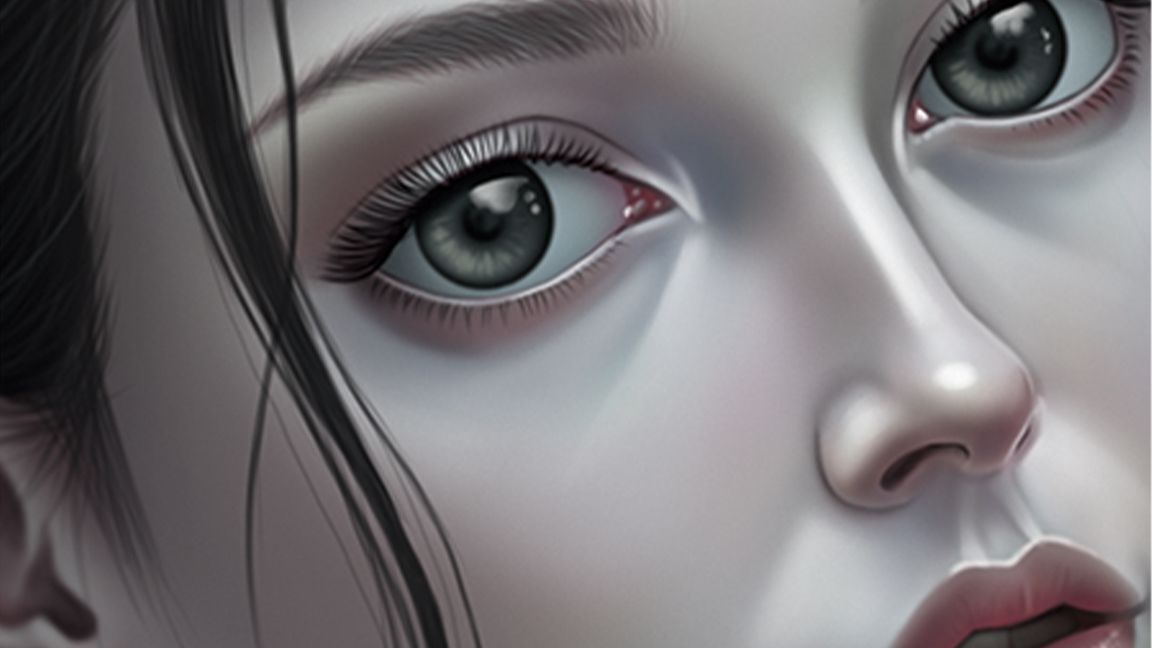
Procreate on iPad isn’t just easy to use, it’s been crafted for artists, by artists. With silky-smooth Apple Pencil support, intuitive gesture controls, and the kind of real-time responsiveness that desktop apps can only dream of, this pocket-sized powerhouse is more than just one of the best drawing apps on iPad.
To help you get the most out of Procreate’s tools and workflows, we’ve teamed up with game artist Antony Ward (via our friends at ImagineFX) to unlock 10 secret Procreate tips and tricks that everyone can make use of. From using reference images to easily harmonising and setting colour palettes, these Procreate hacks are designed to elevate your art.