Get all your news in one place.
100's of premium titles.
One app.
Start reading
Tom’s Guide
Tom’s Guide
Technology
Sanuj Bhatia

Your iPhone can browse Safari at a smooth 120Hz, and this is the setting you need to change

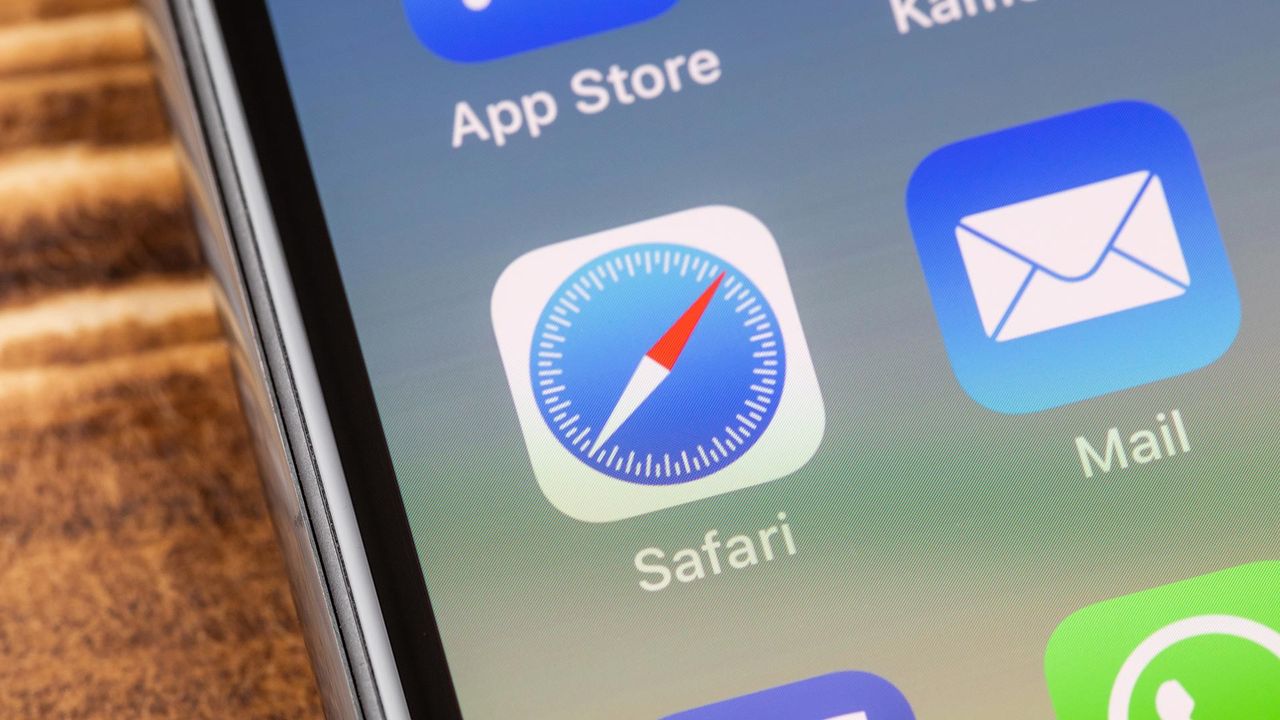
An image of an iPhone screen showing the Safari app icon in the center.

Not too long ago, iPhones didn't offer high refresh rate displays. Apple only switched to 120Hz screens with the iPhone 13 Pro in 2021, and only in 2025 brought its "ProMotion" tech to the base iPhone 17.

That said, if you've owned an iPhone for a while, you've probably noticed that not all animations feel consistently smooth. There are still quite a few places where the experience can feel a little choppy.

Sign up to read this article
Read news from 100's of titles, curated specifically for you.
Already a member? Sign in here
Related Stories
Top stories on inkl right now
One subscription that gives you access to news from hundreds of sites
Already a member? Sign in here
Our Picks
Fourteen days free
Download the app
One app. One membership.
100+ trusted global sources.