A strong, reliable internet connection is something most of us completely take for granted – right up until it isn’t. Yes, it’s very much a first-world problem, but a slow Wi-Fi connection can feel especially painful during the festive season, when homes are full and devices are multiplying. However, what many people don’t realise is that one sneaky culprit could be hiding in plain sight.
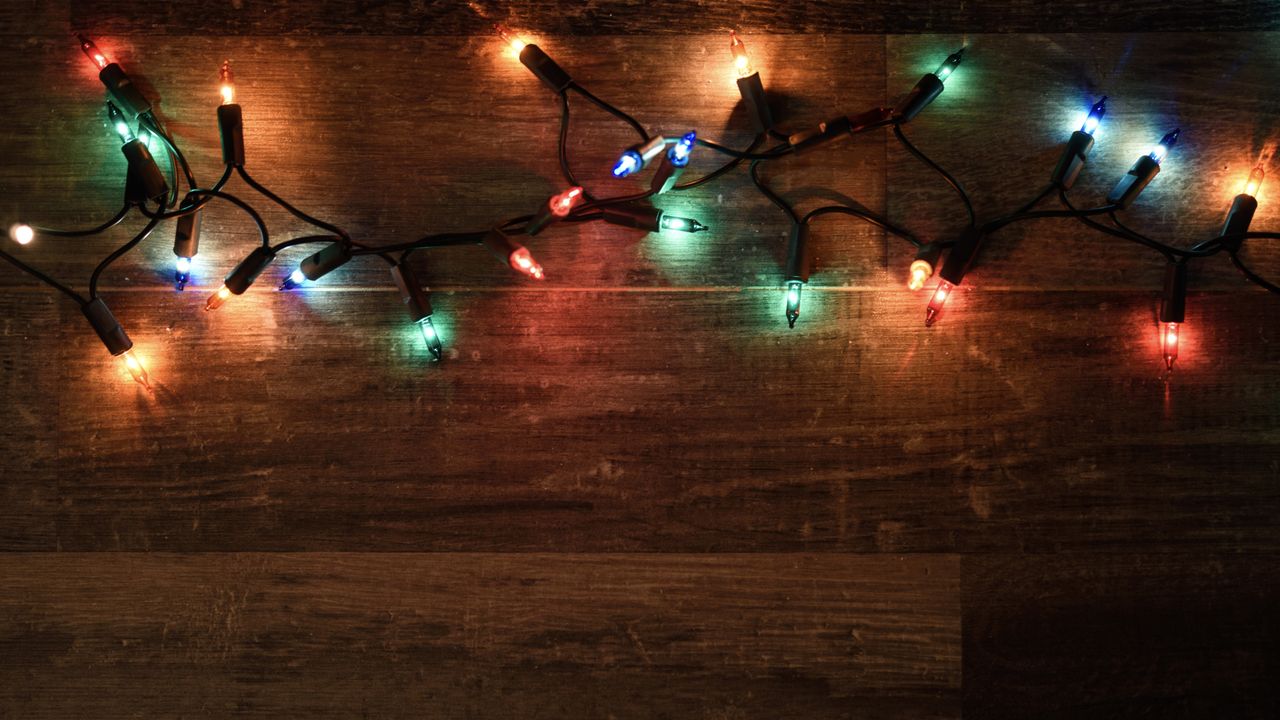
Juliet Moran from TelephoneSystems.Cloud has warned that outdated or poor-quality festive lights can interfere with Wi-Fi signals. Older electrical components can emit electromagnetic interference, which may disrupt your connection, particularly if your lights are positioned too close to your router.
As Juliet explains: “The last thing you want at Christmas is a laggy Wi-Fi connection, especially if you’ve got a houseful of visitors and are streaming Christmas movies. Your Wi-Fi will take a battering over Christmas with everyone at home, and while lights and decorations may only play a small role, it’s still worth keeping an eye on them.”
To help keep things running smoothly, she’s shared five practical tips to avoid Wi-Fi issues this Christmas:
1. Move your router and make sure it's uncovered
Distance matters more than you might think. If your lights or other festive decorations are draped near your router, even a few feet can reduce interference.
You should also resist the temptation to decorate the router itself, as tinsel, fairy lights or metallic ornaments can block or scatter signals, slowing down all the devices relying on Wi-Fi.
2. Change the channel
Routers operate across multiple channels, and sometimes neighbouring networks or even your own devices can cause congestion. Logging into your router settings and moving the Wi-Fi channel up or down a few numbers can make a noticeable difference.
This is particularly useful in apartment buildings or busy neighbourhoods where multiple networks overlap.
3. Upgrade your Christmas lights
If your lights have been handed down for years, it might be time to treat yourself to a newer set. Modern lights are better insulated and less likely to emit interference, and many are more energy efficient too.
Swapping out old lights is also great excuse to refresh your decorations and get some new colours or styles for the season.
4. Prioritise important devices
With multiple phones, tablets, smart speakers, laptops and streaming devices all fighting for bandwidth, not every gadget needs top priority. Most routers allow you to assign priority to specific devices, ensuring your essential devices get a stable connection.
5. Use a wired connection
Some devices use a huge amount of data and can slow down the rest of your Wi-Fi, so if possible, plug them directly into your router with an Ethernet cable. This takes the strain off the wireless network, leaving more bandwidth for other devices.
Before you go, make sure you check out our best Christmas tree light picks if you're due an upgrade.