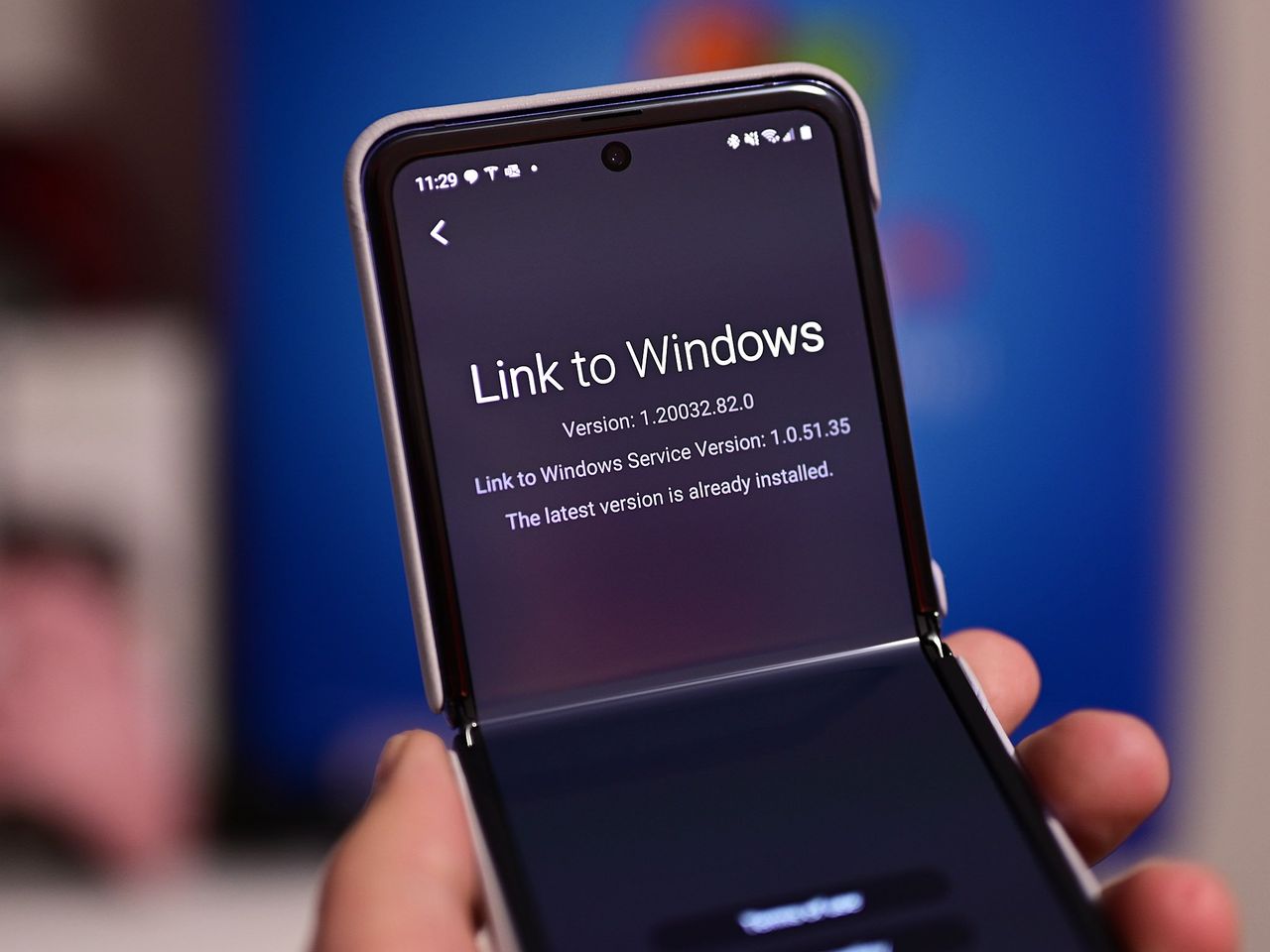
Microsoft is rolling out an update for the Link To Windows app on Android that has added the ability to remotely lock your Windows 11 PC using your phone. This is handy for when you step away for brief moment, only to realize you might be away from your PC longer than you thought.
Instead of having to trek all the way back to lock your PC, you can now just pull out your phone, open the Link To Windows app, and hit the new "Lock PC" button. Once pressed, your PC will automatically lock itself without you needing to touch it. Notably, the lock PC button will also disconnect your phone from Windows Phone Link until you log back in. This feature requires Link To Windows version 1.25071.165 or newer, though it doesn't appear to be showing for everyone yet.