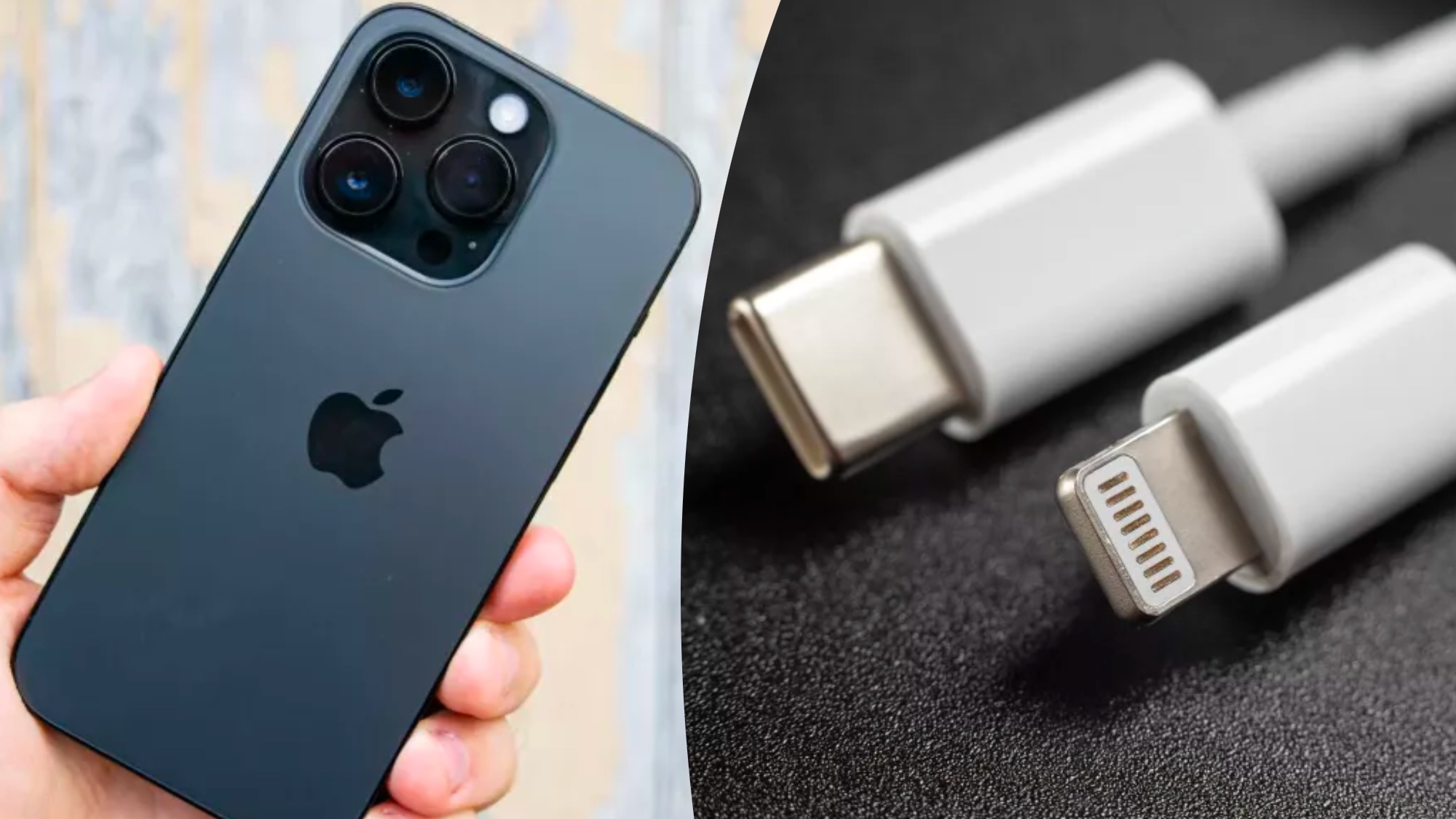
Learning how to use an external storage device with your iPhone will end your storage woes. Although the 128GB minimum storage is sufficient for most iPhone users, others may require a little extra, especially if they’re not using iCloud backup. With phones like the iPhone 15 Pro shooting 48MP ProRAW photos, as well as 4K/60p video, storage space can get eaten up incredibly quickly — you might even find yourself filling your iCloud storage.
In this guide, we’ll explain how you can connect your iPhone to one of the best external hard drives, giving you more space to store photos and videos. This isn't as usable a solution as cloud storage — particularly give iCloud's seamless integration with iPhones and the Apple ecosystem in general. However, it is an extremely useful way to store older media that you want to keep but don't necessarily need access to at all times. It's also a great way to utilize any external storage devices you have which are sitting around gathering dust!