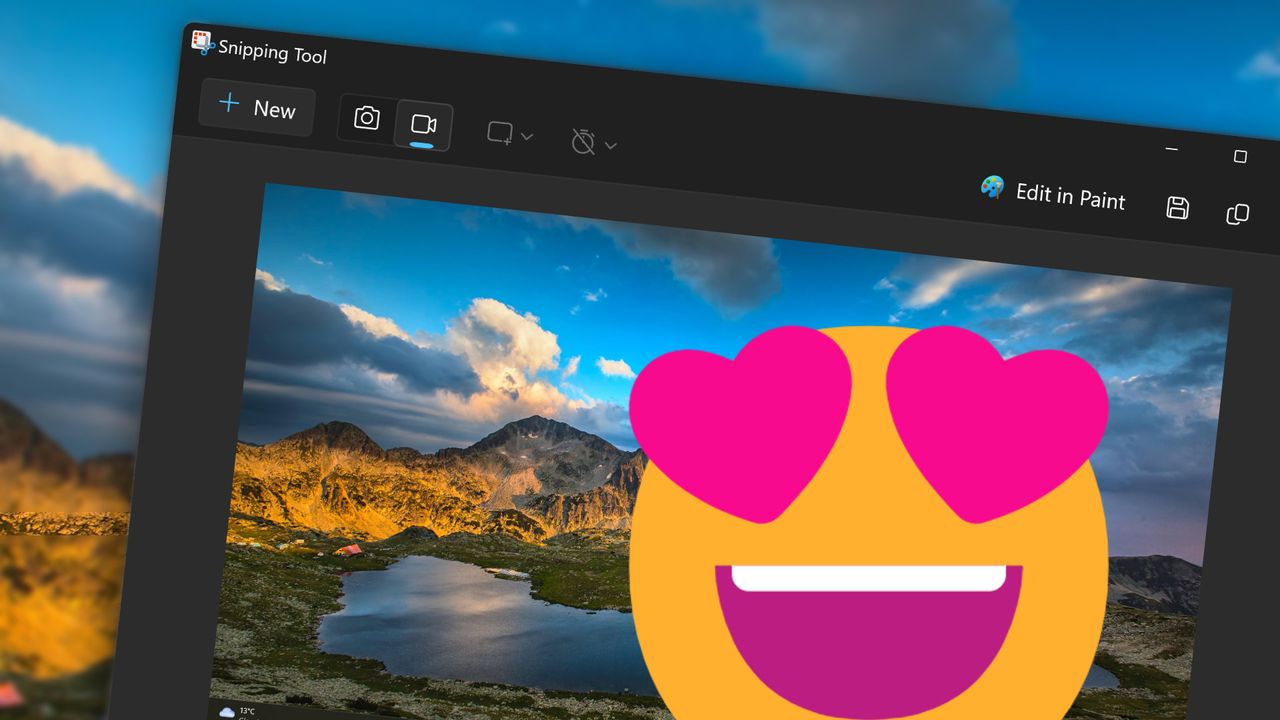
"Show Windows some love!" is something I hear quite often. While my role at Windows Central is not to "promote" Windows, I am passionate about the operating system and what it allows people to do.
Billions of people rely on Windows, including myself, the Windows Central team, and our readers. While Windows 11 has its faults — which I won't focus on here — it is a key piece of software for productivity, creativity, and communication.
I'd love to hear from you about how you use Windows in your everyday life. What are your favorite features? What's a change to the OS from the last few years that improves your experience?
Love from the Windows Central team
Our team is full of passionate Windows users who rely on the OS and Microsoft apps and services professionally and personally. We call out Microsoft when needed, but we also highlight when the company makes something special.
Windows 11 is a massive operating system that requires months — or even years — of testing. That means we're there hands-on from leaks and early previews to public release.
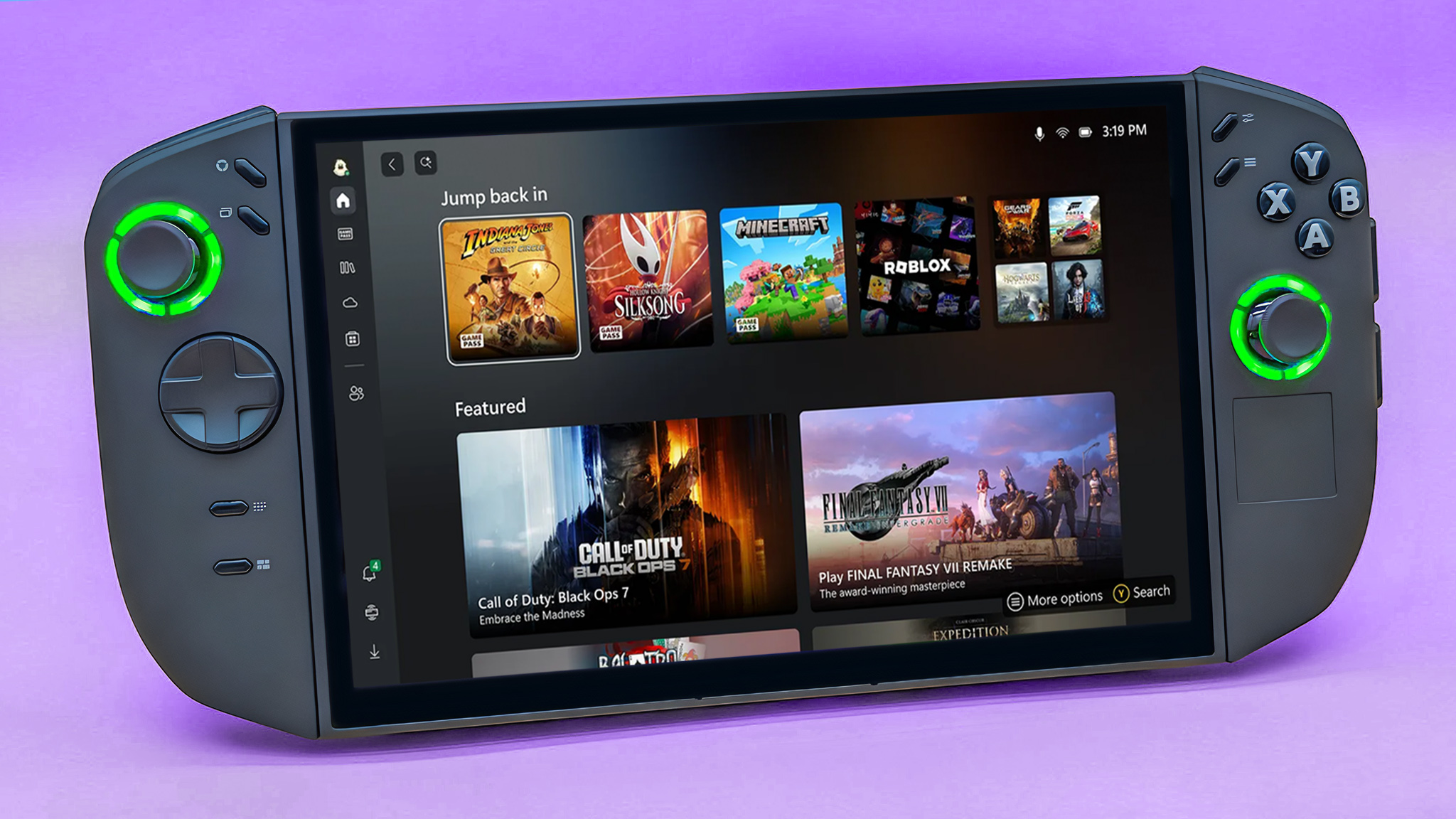
Some features, like the full screen Xbox experience, are in their early days and show promise. Others, such as Snipping Tool, have been staples of Windows 11 for years. Those add up to a lot of areas to talk about, and a lot of things to like.
I’ve gathered praise from our team regarding a range of Microsoft products, and I’ll continue to add more quotes as the rest of the team chimes in.
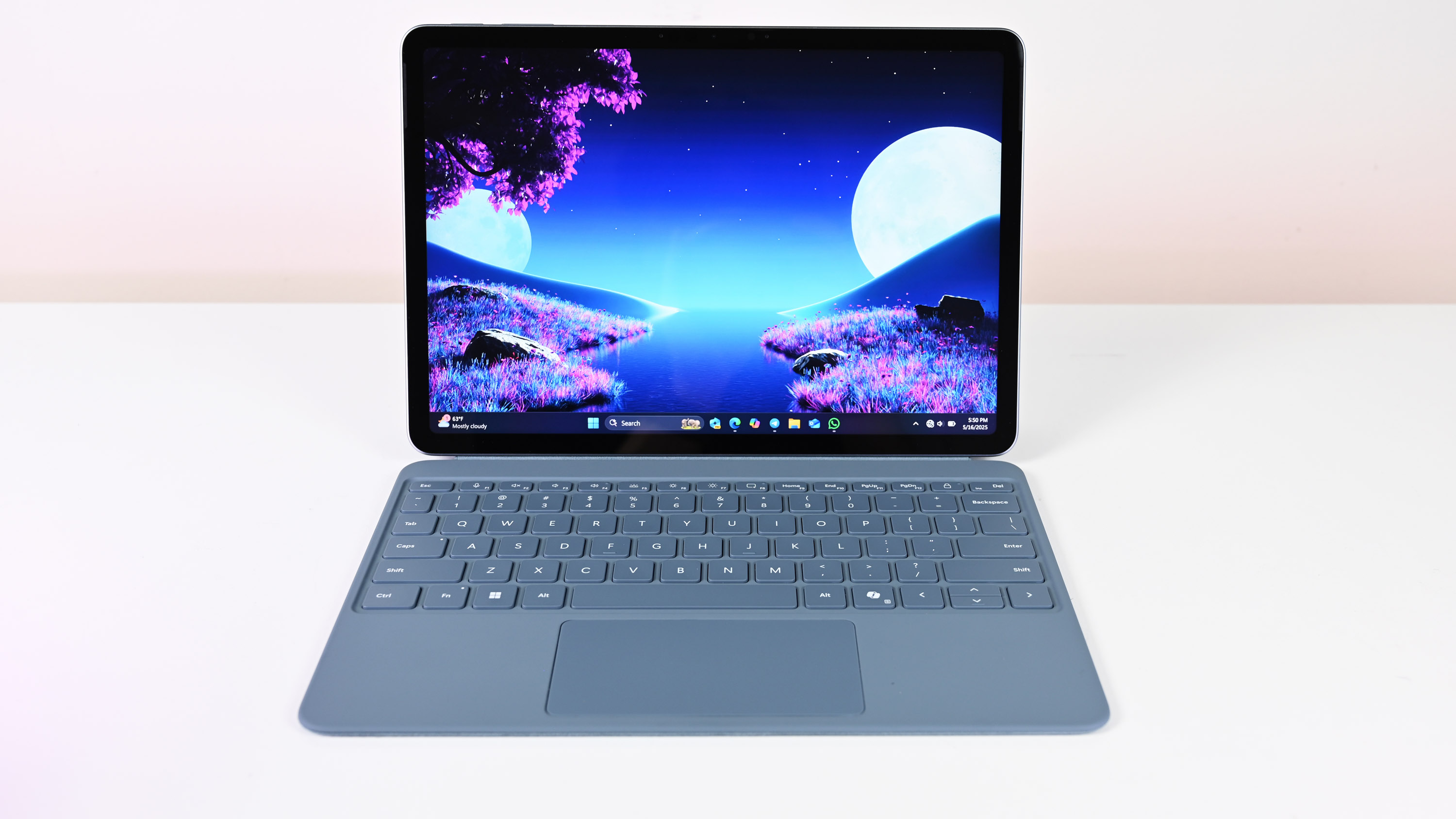
"The [Snapdragon] X2 Plus is the platform that will show whether Qualcomm’s momentum in 2024 and 2025 was a flash in the pan or the beginning of a long‑term shift toward Arm‑based Windows machines.
From what I’ve seen so far, it’s the latter."
"The Microsoft Store is now an incredible, reliable, and safe place to discover and download apps on Windows. Everyone should be using it, and it's time to give it another chance if you're not."
"Overall, these improvements are great to see on Windows 11. It makes using a handheld gaming PC with Windows far more enjoyable and easier to use, especially when compared to the experience of SteamOS."
"Windows' greatest strength lies in its legacy compatibility. Literal decades of apps and services run well on modern Windows devices, and compatibility options boost that even further. It's especially great for gamers, who can enjoy thousands upon thousands of games spanning all the way back to the 70s in some cases, largely without issue."
"I love the Windows Package Manager (also referred to as winget) so, so much. I also love PowerToys, they're my number one and two recommended Windows 11 tools you should be using."
"Command Palette is a progression from PowerToys Run, and a total antidote to the Windows 11 Start Menu which I detest. At its simplest it's a launcher for apps using just the keyboard, but it goes far beyond. It can run commands, install software through the Windows Package Manager, and with support for third-party extensions, a whole lot of functionality can be added."
"WSL is proper Linux, but on Windows 11. As a not so secret Linux fan, it gives me a way to run Linux without needing to opt for a full virtual machine, or ever step foot outside the Windows 11 environment. Developers will get more mileage than I ever will, but it's one of Windows 11's killer features."
"Snipping tool has improved dramatically, especially when Microsoft added video recording. I previously relied on a third-party app called ShareX for images, falling back on OBS Studio for desktop video, so this feels like the biggest first-party change to how I use my PC."
"I don't like looking at my phone to check every little notification that pops up, especially when I'm busy with other work on my PC. Phone Link solves that problem (as well as several others, including easy photo transfers), and I'd say it's the most convenient Windows tool that I use daily."
How do you feel about Windows 11?
It's felt quite nice to focus on some of the parts of Windows that we love. The thread in our Windows Central channel is full of chatter about great Windows 11 features. Now, it's time to hear from you!
We'd also love you to shape the future of Windows Central by filling out a survey. As a bonus, those who complete the survey will be entered for a chance to win a prize.

What do you love about Windows? Is there a Microsoft product you rely on? What's a unique or novel way you use Windows 11 or Microsoft apps or services? Let us know in the comments!

Follow Windows Central on Google News to keep our latest news, insights, and features at the top of your feeds!