Get all your news in one place.
100's of premium titles.
One app.
Start reading
PC Gamer
PC Gamer
Jess Kinghorn

Windows 11 Search will soon see through your typos and actually find what you're looking for

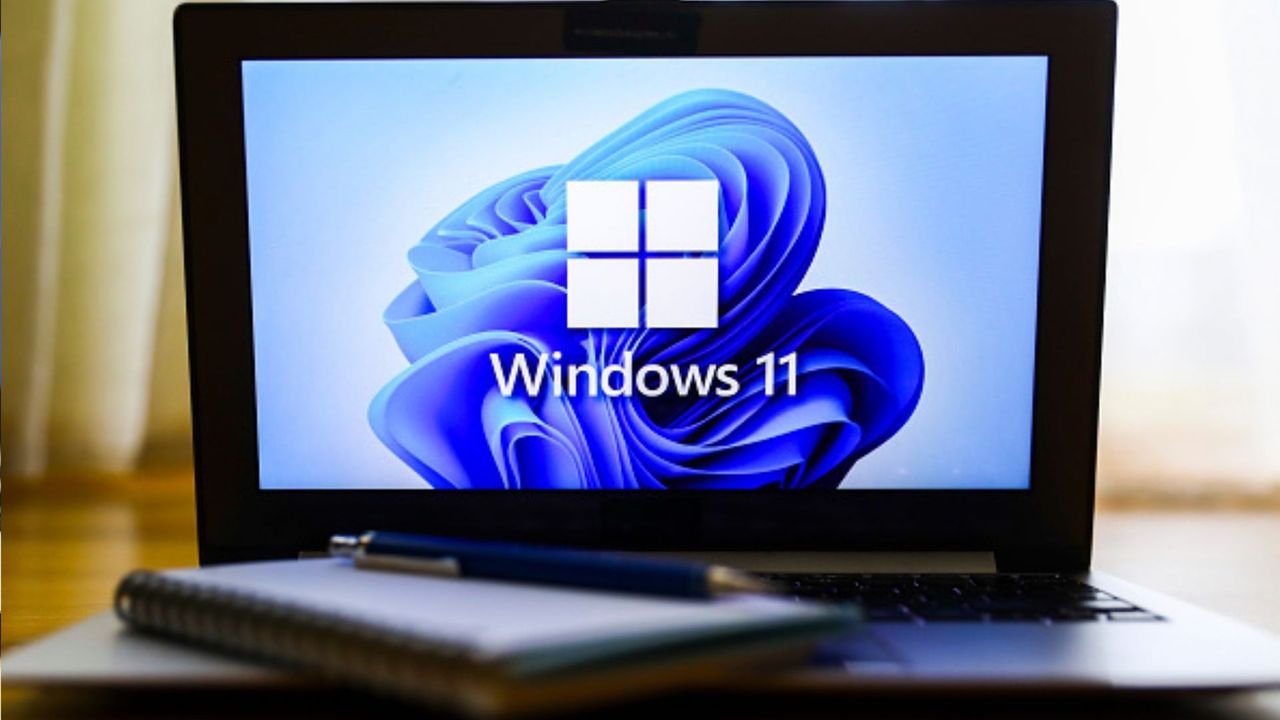
Windows 11 operating system logo is displayed on a laptop screen for illustration photo. Gliwice, Poland on January 23, 2022. .

Whether you're coding or simply looking for an important file on your desktop, a single typo can create an outsized amount of frustration. Thankfully, Microsoft is working on a number of improvements for Search within Windows 11, including the ability to see through your typos.

The Insider Experimental Preview Build 26300.8687 for Windows 11 that dropped last week introduced the 'more forgiving' version of Search. Microsoft explained then, "Search is better at handling typos, dropped letters, extra letters, and partial words for apps. Queries like 'utlook' can still find Outlook" (via Windows Latest).

On top of that, Search will also prioritise local files over web results in the future. Previously, in response to a hastily typed query, Search had the mocking habit of returning a Bing result with the spelling corrected. Thankfully, Microsoft's partner director of design, March Rogers, said on X, "If you want you can turn off web suggestions entirely."

Most normie Windows 11 users would have to wait a bit before enjoying improvements first rolled out in an Insider preview build. However, I'm rocking OS build 26200.8655 (an older, non-Insider build that dropped earlier in June) and when I type something arcane like 'pwerp,' Search already knows I mean 'PowerPoint'.

That said, when I tried another of Windows Latest's typo tests, I found Search really wasn't sure what to make of 'tskm' in my version of Windows 11.

Search's improved typo parsing and more locally focused results are definitely small improvements in the grand scheme of things. But both contribute to making Windows 11 that much more usable, as well as Microsoft's stated recommitment to making the OS better.

User experience counts for a lot, after all. It's just as well Microsoft has decided to pump the brakes on answering every design question with features like Copilot, as I don't feel all that confident in the spelling abilities of AI.

Sign up to read this article
Read news from 100's of titles, curated specifically for you.
Already a member? Sign in here
Related Stories
Top stories on inkl right now
One subscription that gives you access to news from hundreds of sites
Already a member? Sign in here
Our Picks
Fourteen days free
Download the app
One app. One membership.
100+ trusted global sources.