Get all your news in one place.
100's of premium titles.
One app.
Start reading
Windows Central
Windows Central
Technology
Zac Bowden

Windows 11's File Explorer will no longer show AI actions when there's no actionable AI — finally decluttering the right-click menu

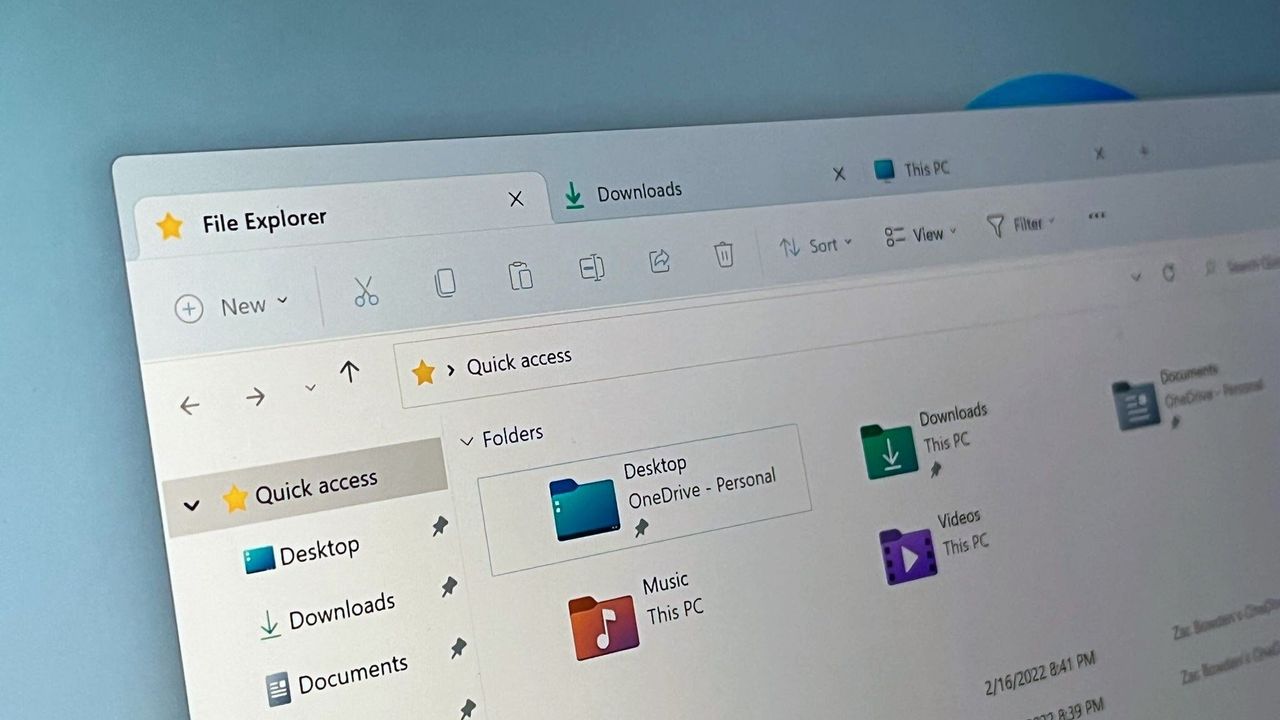
Windows 11 file Explorer.

Enjoy our content? Make sure to set Windows Central as a preferred source in Google Search, and find out why you should so that you can stay up-to-date on the latest news, reviews, features, and more.

Microsoft has announced an upcoming change to the right-click menu in File Explorer that will hide AI actions from it whenever there are no AI actions that apply, or when the user has disabled AI actions in the system.

Sign up to read this article
Read news from 100's of titles, curated specifically for you.
Already a member? Sign in here
Related Stories
Top stories on inkl right now
One subscription that gives you access to news from hundreds of sites
Already a member? Sign in here
Our Picks
Fourteen days free
Download the app
One app. One membership.
100+ trusted global sources.