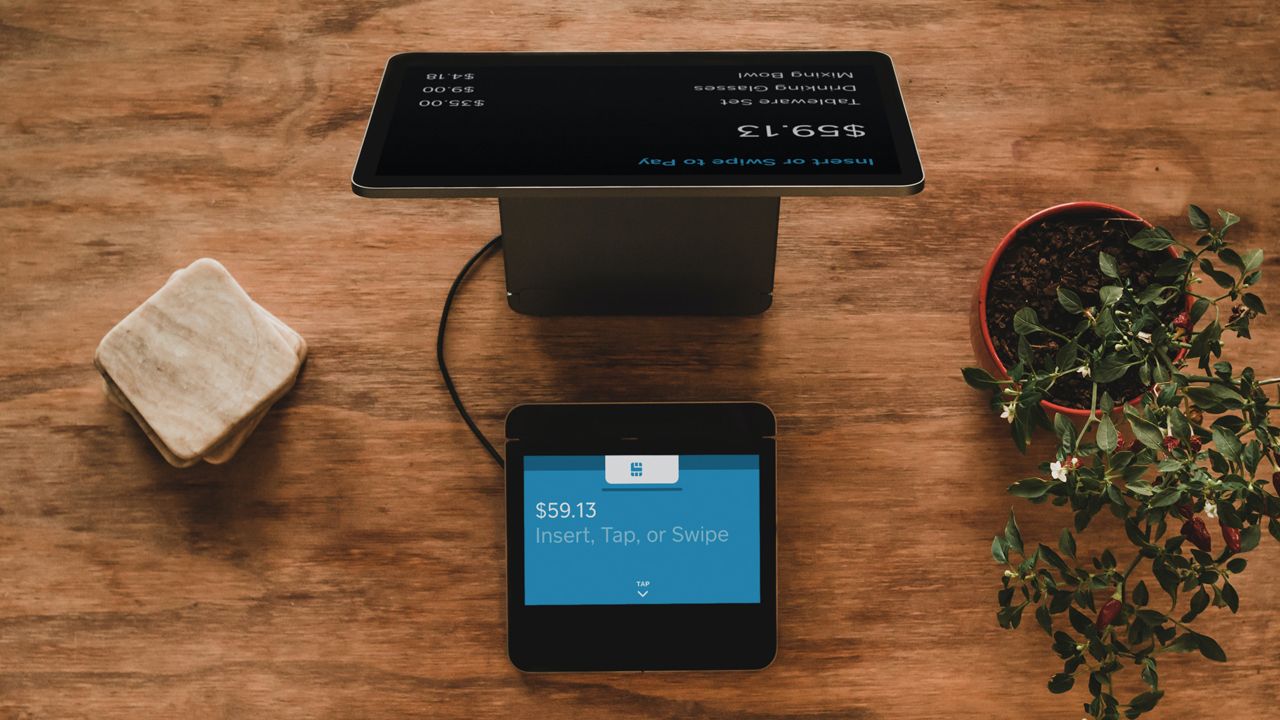
Modern point-of-sale (POS) systems go far beyond traditional cash registers fixed at a single point of service that can calculate costs, store money, and print receipts.
Today's solutions are centered around two core elements: simplifying the running of your business and smoother checkout experiences for customers.
But what makes a point-of-sale system a worthy investment? Effectively, they need to provide the full range of payment processing and management functions, seamlessly integrating into your workflow. It's what users expect and customers demand.
It doesn't matter whether you're operating a mobile service, an online storefront, or a retail giant, there are five essential features that absolutely every POS needs.
Having tested the best POS systems, we've looked at the importance of each of these components and where they fit into your business operations.
1. Easy to navigate POS software

POS software with an interface that's easy to navigate is critical - for you, your staff, and your customers.
A poorly designed set-up with multiple menus and a confusing number of clicks leads to slow, frustrating experiences for employees and customer service that falls below expectations. In a world dominated by online reviews, that's just not going to play well.
Look for POS software that's incredibly user-friendly - even fool-proof in design - with as few steps as possible between initiating the transaction and finalizing the payment. Friction-free is the goal here.
On top of that, check that your chosen software receives regular updates. It's absolutely vital that your provider is implementing bug fixes that may otherwise impact the purchasing process.
If you're using a cloud-based POS system, this process is usually automated. However, for mobile payment devices that work in conjunction with smartphones, you'll also want to check that the accompanying apps also deliver a streamlined experience for your staff.
Additionally, if you already have systems in place, explore how well the POS software integrates with your existing set-up - in particular your payroll, email marketing, and accounting software.
Efficiency is the aim here, with apps and software automatically sharing information, rather than requiring manual processes.
We always recommend exploring the software side of any point-of-sale system before committing to its purchase. For more information, see all our POS reviews here, which will help you decide which one works for you.
2. Accommodate multiple payment methods

Cash. Contactless cards. Chip-and-pin. Google Pay and Apple Pay. Gift cards. Today, customers make transactions in all different ways.
Modern POS systems need to accommodate for all of them, including calculating taxes and totals.
Make sure your point-of-sale solution caters for the widest possible range of payment options, especially credit card processing, as well as the ability to produce sales reports for your own records.
Interestingly, certain providers can even let you set previous sales as 'repeat orders'. Removing the friction of customers having to re-add items to their basket makes the checkout experience not just faster, but more personal.
It's also worth exploring which mobile POS vendors that offer card readers for free, making their money back via a fee for each transaction made - whether it's payment via tap, chip, or swipe. Not all providers do this, but we have seen it with some of the best mobile credit card processors.
If you're scaling your business, you may also want to look at those offering subscriptions. This keeps fees at a set amount regardless of increased transactions or higher-purchase items.
On top of transactions, a modern POS system needs to offer seamless options for issuing returns and refunds, and providing gift receipts, too. It's all part of the same sphere.
Ideally, your return policy should be reflected in the system you use. It's an essential feature, so check whether the POS solution can manage and modify inventory and sales - can you refund payments and issue receipts and gift certificates through the POS? If not, it's not delivering on the promise of modern point-of-sale systems.
3. POS inventory management
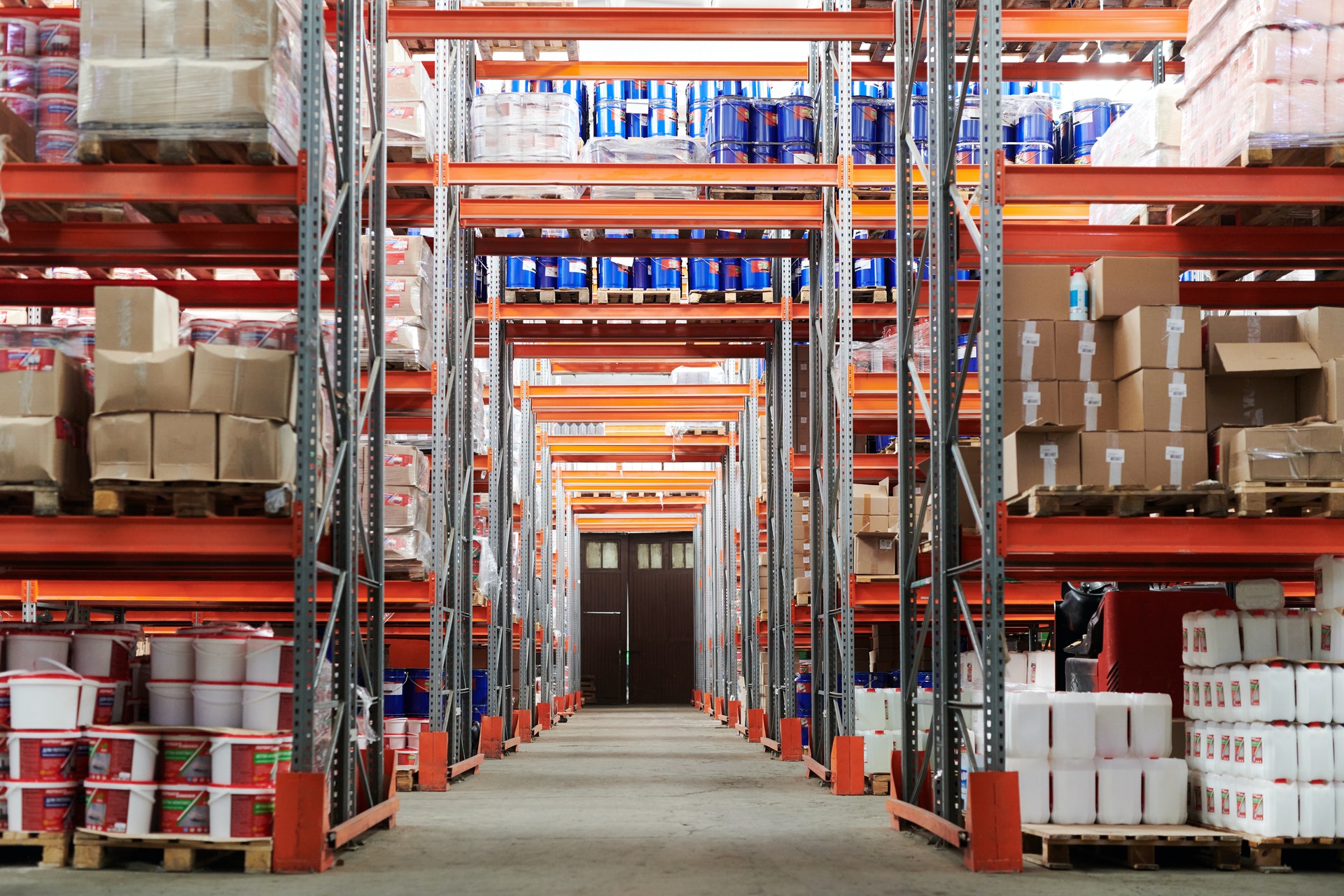
Managing inventory (using ERP software if you're a large organization) is a critical but time-consuming task. Of course, businesses need accurate, reliable sales data - and to access that information quickly.
But it can often risk drawing attention away from other aspects of running your business. And that's where modern POS systems can help.
Input your inventory levels during the initial set-up of the system, and future transactions will be reflected in the data.
Now, you can see at a glance what stock you hold, which products need to be restocked, and poorly performing items that can be switched out for more profitable ones. Cloud-based point-of-sale systems can effectively perform this in real-time for added efficiency.
This feature should be paired with customer orders. When a customer asks you if have certain products, or requests you lay an item away to be collected later, the inventory management module checks stock levels across multiple stores. The products can then be set aside or transported to customer's local store for collection.
That's the sort of customer service experience that elevates a business, increasing revenue in both the short- and long-term.
4. Employee and other POS reporting tools

One feature that can be overlooked when selecting a POS system is the reporting tools. Ok, so you know which products are selling well, but do you know which employee is selling them?
Naturally, that's especially important for those businesses who pay staff on commission, but a good point-of-sale solution will offer a full range of detailed reports, from conversion rates to total sales and hourly transactions.
These insights are business-critical for monitoring performance at the micro- and macro-level.
And because not every owner and manager is tied to a desk, check that your POS system has a mobile app that makes these reports easily digestible on phones and tablets.
5. Customer support and POS training

Because a POS system can be used by multiple employees, and at all hours of the day, it's essential that the solution offers both customer support and training included as standard.
It eases the workflow for staff and minimizes downtime that could otherwise cost a business money. On top of that, it offers peace of mind for owners.
Of course, different levels of support come with varying costs. Some of the more affordable solutions let you leave messages that get a delayed response from a provider. Premium tiers will deliver immediate round-the-clock support.
That's not to say that only large organizations or those operating 24/7 services should opt for higher levels of customer support and training.
We recommend considering what you'll need not just now, but as your business grows, and the experience you want to give customers now and in the future. In many cases, paying extra can be a long-term investment in your business, ensuring you're always up and running, and meeting customers on their terms.